Stretching a Startup IT Budget: What to DIY, What to Outsource, and When to Switch

Early‑stage founders live in trade‑off land: every dollar and every hour has to move the needle. IT is one of those areas that feels non‑core… right up until something breaks, you get locked out, or a customer asks awkward questions about security — a good reason to shift from break‑fix to proactive IT.
If you’re 5–50 people, you’re probably:
- Too small for a full‑time IT hire.
- Too busy to be your own help desk.
- A bit nervous that your current “setup” is just Google Workspace plus vibes.
This guide walks through a practical path: what’s safe to DIY, when to bring in freelancers, and when it’s worth paying for managed services (MSPs) or internal IT. The goal is not to turn you into an IT expert, but to help you avoid expensive mistakes and overspending.
Think of it as three stages:
- Pre‑seed / 1–10 employees – mostly DIY, scrappy but sensible.
- Seed / 10–30 employees – DIY plus targeted freelancers.
- Post‑seed to Series A / 30–100 employees – consider MSPs or your first IT hire.
Along the way, we’ll keep coming back to the same axes:
- Cost (cash and founder time)
- Risk (security, downtime, compliance)
- Scalability (can this setup survive another 2–3x headcount?)

Stage 1: Pre‑seed / 1–10 Employees — “DIY and Scrappy Setup”
You don’t have budget for full‑time IT. That’s fine. At this size, you can safely DIY a lot—with guardrails.
What’s Reasonable to DIY
These are things a reasonably savvy founder or ops person can set up with some online guidance:
1. Device setup and basic security
- Laptops (MacBooks or business‑grade Windows machines)
- Create a separate admin account and a standard user account for day‑to‑day work.
- Turn on full‑disk encryption (FileVault on macOS, BitLocker on Windows).
- Enable automatic updates for OS and browsers.
- Password manager
- Roll out a team password manager (e.g., 1Password, Bitwarden, etc.; here’s how to choose and roll one out without pushback).
- Create shared vaults for teams (e.g., “Engineering,” “Sales”) instead of passing passwords in Slack.
- Mandate strong, unique passwords and turn off browser‑stored passwords.
- Multi‑Factor Authentication (MFA)
- Turn on MFA for:
- Email (Google Workspace / Microsoft 365)
- Source control (GitHub / GitLab)
- Cloud provider (AWS / GCP / Azure)
- Any finance tools (banking, payroll, accounting)
- Use an authenticator app (not SMS, if possible).
- Turn on MFA for:
Time & cost (rough ballpark):
- Time: 1–2 hours per device to set up properly the first time; after you document a simple checklist, you can get this down to ~45 minutes.
- Cost: Good business laptops can range from US$800–US$1,500 per device depending on specs; password manager typically US$4–10/user/month.
2. Core SaaS tools
You don’t need fancy IT to get a solid SaaS stack:
- Email & identity: Google Workspace or Microsoft 365.
- File sharing: Use the same provider (Google Drive / OneDrive / SharePoint). Avoid random personal Dropbox accounts.
- Project management: Trello, Asana, Jira, ClickUp, etc.—pick one and stick to it.
- Help desk / support: Intercom, Zendesk, Help Scout, or similar for customer tickets.
Key principles:
- Use built‑in security and admin controls (e.g., enforce MFA, restrict sharing to your domain).
- Centralize user management through the primary workspace (no more “sign up individually with whatever email you like”).
Time & cost:
- Time: Expect 1–2 days of initial setup and policy decisions (naming conventions, folder structures), then 15–30 minutes per new user.
- Cost: Workspace-style suites are often ~US$6–25/user/month depending on plan; support tools vary but many offer startups discounts.
3. Simple network setup
If you have a small office or co‑working space:
- Wi‑Fi
- Use a reputable router/access point (not the cheapest no‑name hardware).
- Change the default admin password.
- Create:
- A main network for company devices.
- A guest network for visitors and personal devices.
- Turn on automatic firmware updates if available.
- Router security basics
- Turn off unnecessary remote management features.
- Use WPA2 or WPA3 encryption, not open Wi‑Fi.
- Avoid using your ISP’s default Wi‑Fi name and password.
Time & cost:
- Time: 1–3 hours to set up and test for a small office.
- Cost: A decent small‑business router/Wi‑Fi system might run US$200–600 one‑time.

What You Shouldn’t DIY (If You Can Avoid It)
Even at 1–10 people, there are certain things where DIY can become very expensive if done wrong.
Avoid DIYing these unless you have real experience:
- Production cloud infrastructure “by feel”
- Randomly clicking around in AWS/GCP/Azure to set up production systems can lead to:
- Unsecured databases exposed to the internet.
- No backups or disaster recovery.
- Sky‑high bills from misconfigured resources.
- If your product is on a major cloud, have a competent engineer design and review the architecture, or get a short engagement from a cloud freelancer (more on this in Stage 2).
- If you haven’t formalised backups yet, this beginner’s guide to data backup (on‑prem vs cloud) is a quick primer.
- Randomly clicking around in AWS/GCP/Azure to set up production systems can lead to:
- Handling customer data without basic security
- Storing customer PII (personally identifiable information) in random spreadsheets, personal Dropbox, or unprotected databases is a big risk.
- You don’t need full enterprise security, but you do need:
- Encrypted storage.
- Access controls (not everyone needs access to everything).
- Basic logging.
- Anything with regulatory/compliance exposure
- If you’re in health, finance, or handling EU citizen data at scale, get professional advice early.
- You don’t need a full SOC 2/HIPAA program at 5 people, but you should avoid decisions that will be painful to unwind later.
How Much Founder Time Is Reasonable at This Stage?
At 1–10 employees, expect:
- 5–10 hours to design and set up your “IT baseline.”
- 1–2 hours/month to maintain (onboarding/offboarding, small issues).
- Occasional spikes when something new is introduced (e.g., a new SaaS tool or office move).
If you’re spending more than 3–4 hours/week on IT as a founder or early ops person, you’re probably doing too much manually or trying to DIY things that belong to Stage 2.
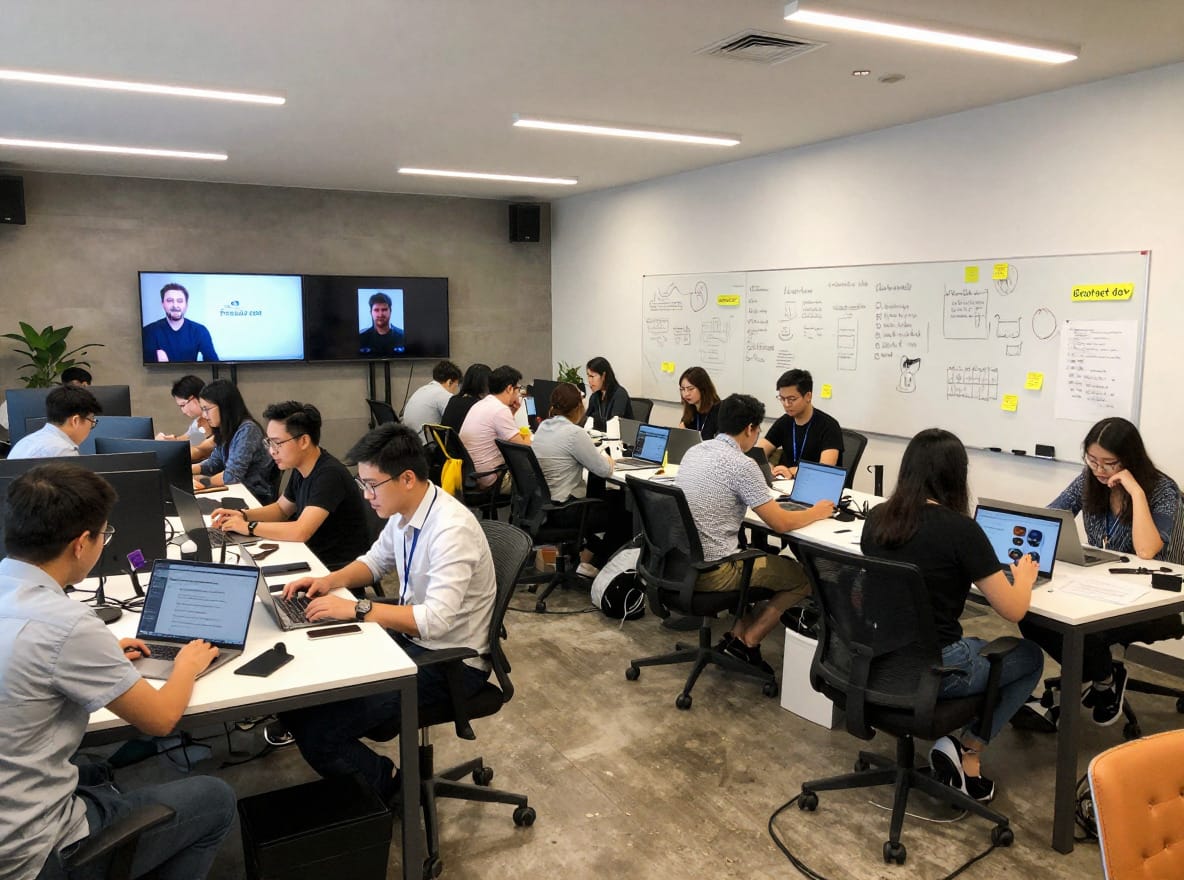
Stage 2: Seed / 10–30 Employees — “Mix of DIY + Freelancers / contractors”
Once you hit 10+ people, IT pain becomes more visible:
- Onboarding new hires takes half a day each.
- Shared accounts and ad‑hoc permissions start to bite.
- A minor incident (lost laptop, suspicious login) suddenly feels serious.
You still don’t need a full‑time IT hire, but this is the right time to layer in freelancers or contractors for specific projects.
When to Bring in Freelancers / Contractors
Use freelancers or contractors for defined scopes where you need expertise once, not every day.
Typical good fits:
- Cloud architecture reviews
- If you’re running your app on AWS/GCP/Azure:
- Have a cloud architect review your current setup.
- Validate security groups, network architecture, backup strategy, and cost optimization.
- Deliverables you want:
- A short risk report.
- Specific recommendations, prioritized (must‑fix vs nice‑to‑have).
- Updated diagrams and basic documentation.
- If you’re running your app on AWS/GCP/Azure:
- Single Sign‑On (SSO) setup
- SSO lets employees log into multiple apps using one identity (e.g., Google Workspace or Azure AD).
- Benefits:
- Easier onboarding/offboarding.
- Centralized access control.
- Better logging.
- Have a contractor set this up for your main tools (GitHub, HR system, CRM, etc.), then your internal admin can manage users day‑to‑day.
- Basic MDM (Mobile Device Management)
- MDM lets you:
- Enforce device policies (encryption, screen lock, OS version).
- Wipe lost/stolen devices remotely.
- Push standard apps to new machines.
- A contractor can:
- Select an appropriate MDM tool.
- Create baseline policies.
- Document how to enroll new devices.
- To keep devices managed end‑to‑end, see our primer on IT asset lifecycle management.
- MDM lets you:
- Backups and disaster recovery planning
- For your core systems (code, databases, key SaaS data), a contractor can:
- Design a backup plan (what’s backed up, how often, where).
- Test restores (can you actually recover?).
- Document “what we do if X fails.”
- For your core systems (code, databases, key SaaS data), a contractor can:
- Security hardening
- Have someone do a lightweight security review:
- Check MFA coverage.
- Review admin accounts.
- Look for obvious misconfigurations.
- This is not a full penetration test, but a sanity check and cleanup.
- For ongoing tips, browse our cybersecurity insights for SMEs.
- Have someone do a lightweight security review:

Pros and Cons: Contractors vs Staying Fully DIY
Pros of contractors:
- On‑demand expertise: Pay for deep knowledge only when needed.
- Lower cost than full‑time: You might spend the equivalent of a few days a quarter instead of a salary.
- Faster + safer: They’ve done these setups before, so less risk of “learning in production.”
Cons of contractors:
- Knowledge silos: If everything lives in their head and they vanish, you’re stuck.
- Inconsistent availability: They may be juggling multiple clients.
- Dependency on individuals: If you don’t own the documentation and admin accounts, you can’t move on easily. At Techease, we can provide services typically offered by individual contractors at similar rates but with the guarantee of a functioning team.
Staying fully DIY at this stage risks:
- More downtime and “mystery issues” as complexity grows.
- Slower onboarding/offboarding.
- Founders and engineers wasting time “fighting laptops” or misconfiguring cloud resources.
Cost Ranges and How to Avoid Pitfalls
Approximate ranges (these vary widely by region and expertise):
- Hourly rates:
- General IT freelancer: ~US$50–150/hour.
- Specialized cloud/security architect: ~US$100–250/hour.
- Typical small projects:
- Cloud architecture review: US$1,000–5,000 depending on scope.
- SSO setup across core tools: US$500–3,000.
- Basic MDM rollout: US$1,000–3,000.
- Backup/DR plan: US$1,000–4,000.
- Security hardening pass: US$1,000–5,000.
To avoid common pitfalls:
- Insist on documentation
- Make “documentation” a deliverable in the contract:
- Setup steps.
- Diagrams.
- Admin credentials and where they’re stored.
- How to maintain and make small changes.
- Review it before paying the final invoice.
- Make “documentation” a deliverable in the contract:
- Define a clear scope
- Write down:
- What systems are in scope.
- What “done” looks like (e.g., “SSO enabled for X, Y, Z apps; test users can sign in”).
- What’s explicitly out of scope.
- Write down:
- Require some knowledge transfer
- Have them walk an internal owner (you, ops, tech lead) through:
- Main dashboards.
- How to add/remove users.
- Common troubleshooting steps.
- Have them walk an internal owner (you, ops, tech lead) through:
- Use your own accounts
- All tools and cloud resources should be under your company’s accounts, not the freelancer’s.
- Freelancers and contractors should be added as temporary admins, then removed when the project ends.
If you manage contractors well, you can keep your ongoing IT workload at this stage to:
- ~2–4 hours/week internal (onboarding/offboarding, minor issues).
- A few days of contract work per quarter for improvements and reviews.
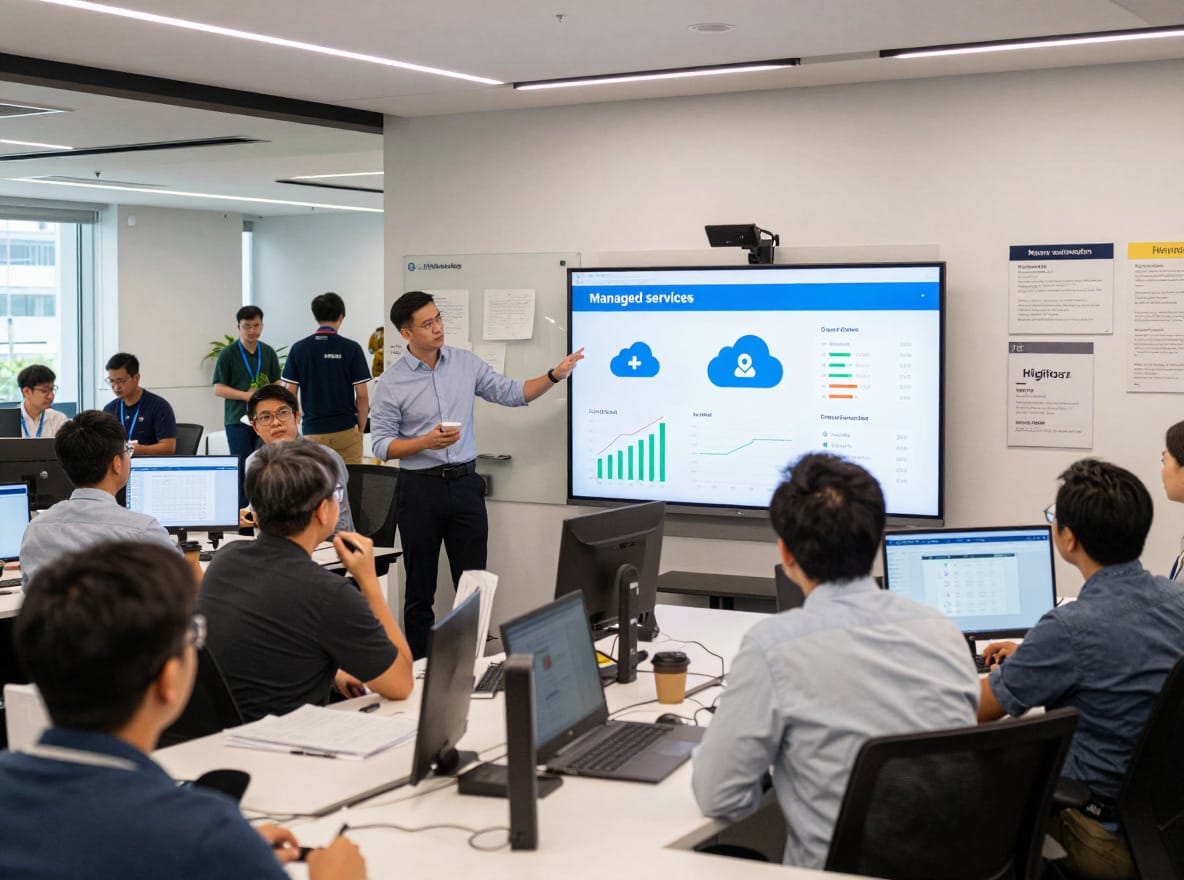
Stage 3: Post‑seed to Series A / 30–100 Employees — “Considering Managed Services”
Once you’re past ~30 people, “someone’s laptop” problems turn into real operational load:
- New hires every week or two.
- Multiple offices or time zones.
- Increased security expectations from customers and investors.
This is when you should seriously evaluate Managed Service Providers (MSPs) or your first in‑house IT hire.
When to Consider an MSP or Outsourced IT
Strong signals it’s time:
- Onboarding/offboarding is taking too long
- It takes a day or more to set up a new hire (accounts, laptop, access). Our step‑by‑step IT onboarding guide can help you streamline this.
- Offboarding is ad‑hoc and you’re not confident all access is revoked.
- Security/compliance pressure
- Customers start asking about:
- SOC 2
- ISO 27001
- HIPAA (health)
- Other regulatory frameworks.
- You’re handling sensitive data and need better logging, controls, and processes.
- Customers start asking about:
- 24/7 monitoring and incident response
- You have production systems that can’t just “wait until morning” if something breaks.
- You want:
- Monitoring for infrastructure and endpoints (laptops, servers).
- A clear path when there’s a suspected breach or malware incident.
- Help desk volume is distracting your core team
- Engineers are spending several hours a week fixing laptops, access issues, and SaaS problems instead of building the product.
- Slack is full of “Can someone help me with…” IT questions.
MSPs vs Building an Internal IT Team
MSP (Managed Service Provider)
- You pay a recurring fee for a bundle of services:
- Help desk (remote support).
- Device management (patching, antivirus, MDM).
- User management (onboarding/offboarding).
- Network management.
- Often some security services (monitoring, basic incident response).
Pros:
- Breadth of capability: A team with varied skills (networking, security, cloud, support).
- Predictable cost: Often priced per user or per device each month.
- Scalability: Easier to go from 30 to 80 people without rethinking everything.
Cons:
- Less control: You rely on their processes and tools.
- Variable responsiveness: Depends on their staffing and SLAs.
- Potential vendor lock‑in: They may prefer certain tools and setups that are hard to unwind.
Typical pricing (very rough, varies by region and scope):
- Common MSP rates are often in the range of US$80–200 per user per month, depending on:
- What’s included (just help desk vs. full security stack).
- Service hours (business hours vs 24/7).
- Onsite visits vs remote‑only.
- Not sure which bundle fits? Here’s how to choose the right managed IT service plan.
Internal IT Hire
- You bring in an IT generalist as a first hire (often “IT Manager” or “IT Administrator”).
Pros:
- High control and context: They understand your product, people, and culture.
- Immediate feedback loop: They sit with your team and see issues firsthand.
- Can own strategic tooling decisions: Standardize your stack, manage vendors.
Cons:
- Cost concentration: A good IT generalist might be in the US$70,000–120,000/year salary range (plus taxes/benefits), depending on location and experience.
- Single point of failure: If they leave, you’re back to zero.
- Limited coverage: One person can’t do 24/7 support, advanced security, and complex cloud architecture alone.
Hybrid approach: internal + MSP
Many startups do:
- One internal IT owner + a lean MSP.
- Internal person handles:
- Day‑to‑day support.
- Small projects.
- Vendor management.
- MSP handles:
- After‑hours coverage.
- Security monitoring.
- Specialized tasks (network, complex incidents).

What to Look For in an MSP
If you decide to explore MSPs, evaluate them like any strategic partner.
Key areas:
- SLAs (Service Level Agreements)
- Response times for critical issues (e.g., “within 1 hour during business hours”).
- Resolution targets where reasonable.
- Clear escalation paths.
- Security practices
- How they secure admin access to your systems.
- Whether they use MFA on all privileged accounts.
- How they handle your data (logs, backups).
- Their process for security incidents (who does what, when).
- Documentation and transparency
- Do they provide:
- Up‑to‑date network diagrams.
- Asset inventory (devices, users, software).
- Configuration documentation.
- Can you see what tools they’ve deployed and what they’re monitoring?
- Do they provide:
- Integration with your stack
- Can they work with your existing tools (Google/Microsoft, your chosen MDM, ticketing systems)?
- Do they force you onto their preferred tools, and if so, are you okay with that?
- Fee structure and clarity
- Fixed per‑user/per‑device pricing where possible.
- Clear list of what’s included vs billable extras (e.g., after‑hours support, projects, penetration tests).
- Avoid opaque “bundles” you don’t understand.
Look for partners that emphasize transparent, itemized costs and unbiased recommendations rather than pushing specific vendors or markups on hardware and software. Clear, predictable pricing makes it much easier to plan your IT spend and avoid surprise invoices (why transparent, tiered pricing matters).

“When to Switch” Decision Framework
Here’s a simple way to think about moving between stages.
DIY → Add Contractors (around 10–20 people)
Consider adding contractors if:
- You’re spending 3+ hours/week on IT tasks as a founder/ops lead.
- You have production workloads on a major cloud and no one has reviewed the architecture.
- You’ve had:
- One or more “near miss” incidents (e.g., almost deleting a database, accidentally making something public).
- Growing unease about security or backups.
Checklist: You’re ready to bring in a contractor if…
- You can describe the problem in a paragraph (e.g., “We want SSO across 5 core SaaS tools”).
- You can allocate a small project budget (e.g., US$1,000–5,000).
- You have someone internally who will own the relationship and review the deliverables.
Contractors → MSP or First IT Hire (around 25–50+ people)
Consider an MSP or internal IT if:
- You’re onboarding/offboarding 2+ people per month and it’s painful.
- At least one engineer or leader is spending >20% of their time on IT support or tooling.
- You handle sensitive data, and customers are asking detailed security questionnaires.
- You’ve had 1–2 serious incidents in a year (e.g., suspected breach, major outage) and felt under‑resourced.
Decision tree (simplified):
- Is your team mostly in one location/time zone, and do you prefer strong internal ownership?
- Yes → Lean towards first IT hire, maybe with occasional external help.
- Is your team distributed, and do you want 24/7 or broad coverage without growing a team yet?
- Yes → Lean towards an MSP, possibly plus a part‑time internal IT owner.
Risks of Switching Too Late vs Too Early
Switching too late:
- Higher chance of:
- Security breaches (lost devices with no encryption, weak access control).
- Compliance failures (inability to answer customer security questionnaires).
- Downtime from misconfigurations.
- Morale impact:
- Employees get frustrated with flaky setups and slow support.
Switching too early:
- You might:
- Overpay for complex tools and services you don’t really use yet.
- Add process and friction that slows down a small, agile team.
- Become dependent on a provider before you understand your minimum needs.
Target the minimum viable professionalism for your stage: enough IT to be safe, credible, and efficient—no more.

Budgeting and Practical Tips
Example Lightweight IT Budgets by Stage
These are broad, non‑binding ranges, excluding engineering tools like CI/CD, which are usually product budget, not IT.
- Stage 1 (1–10 people)
- IT might be ~2–4% of operating expenses.
- Mostly SaaS subscriptions (email, file sharing, password manager) and hardware.
- Stage 2 (10–30 people)
- IT might be ~3–6% of operating expenses.
- SaaS + occasional freelance projects (cloud review, SSO, MDM).
- Stage 3 (30–100 people)
- IT might be ~4–8% of operating expenses.
- SaaS + MSP or internal IT team + security tools.
These are intentionally rough; your actual numbers will depend on industry, margin profile, and how heavy your infrastructure is.
Cost‑Saving Tips That Don’t Sacrifice Security
- Use reputable SaaS with built‑in security instead of self‑hosting
- Email, file sharing, project management, help desk: all better as SaaS at your stage.
- Self‑hosting saves some subscription fees but adds:
- Maintenance burden.
- Security responsibility.
- Downtime risk.
- In almost all early‑stage cases, SaaS is cheaper overall when you factor in time and risk.
- Leverage startup discounts and credits
- Cloud providers (AWS, GCP, Azure) offer startup credits through accelerators and partner programs.
- Many SaaS vendors have startup plans or credits (CRM, analytics, error tracking, etc.).
- Assign someone (ops/finance) to:
- Track what you’re using.
- Apply for relevant programs once per quarter.
- Standardize on a small set of tools
- Reduce tool sprawl:
- One primary chat tool.
- One primary project tool.
- One primary cloud storage.
- Benefits:
- Easier onboarding/offboarding.
- Simpler access control.
- Volume discounts sometimes.
- Create a short “approved tools” list and stick to it unless there’s a compelling reason. If you’re fighting subscription creep, see our guide to managing SaaS sprawl.
- Reduce tool sprawl:
- Emphasize basic security hygiene
Across all stages, you should have:
- MFA everywhere that matters:
- Email, cloud, code repos, finance tools, key SaaS apps.
- Least‑privilege access:
- People only get the access they need to do their jobs.
- Use groups/roles instead of giving everyone admin rights.
- Regular updates and patches:
- OS and browsers set to auto‑update.
- Vendor‑managed tools updated regularly.
- Backups:
- Ensure critical data is backed up and restorable:
- Production databases.
- Critical shared drives.
- Key application configurations.
- Test restores occasionally; a backup you can’t restore is useless.
- Ensure critical data is backed up and restorable:
- Basic security awareness:
- Short, practical training for employees once or twice a year:
- Phishing awareness.
- How to handle suspicious emails or links.
- How to report a lost device or suspected incident.
- Run it in a way that empowers non‑IT staff to spot risks early.
- Short, practical training for employees once or twice a year:
None of these require a giant budget; they require attention and a minimum of process.

Conclusion: Your IT Strategy Is a Moving Target
Your IT setup at 5 people should not look like your setup at 50—and if it does, you’re either under‑investing in risk management or over‑engineering too early.
- Pre‑seed / 1–10 people: Mostly DIY, focusing on secure basics:
- Safe devices, password manager, MFA, core SaaS, simple network.
- Seed / 10–30 people: Blend DIY with targeted freelancers:
- Cloud architecture checks, SSO, MDM, backups, security hardening.
- Post‑seed to Series A / 30–100 people: Move towards managed services or internal IT:
- Offload day‑to‑day support, enforce consistent security, and meet growing compliance expectations.
Make a point to revisit your IT strategy at specific milestones:
- Headcount: ~10, ~25–30, ~50, ~100.
- Funding: each new round (pre‑seed, seed, Series A).
- For a funding‑stage lens, see how your IT and security strategies should evolve from seed to Series B.
At each point, ask:
- Are we spending founder/engineer time on IT that we shouldn’t?
- Are we taking security risks that could be existential?
- Are we paying for tools or services that we don’t truly need yet?
If you treat IT as an evolving part of your operating system—not a one‑off project—you can stretch your budget, keep your team productive, and avoid the kind of avoidable incidents that derail young companies.