Vendor Lock-In in the Cloud Era: How to Keep Exit Options Open from Day One

Cloud has given small and mid-sized businesses access to capabilities that used to be reserved for large enterprises. But it has also introduced a quieter, long-term risk: vendor lock-in.
Lock-in is not automatically bad. In fact, many of the cloud’s biggest benefits come from leaning into managed, opinionated services. The real challenge for SME leaders is this:
Where do you accept lock-in for speed and productivity, and where do you keep your exit options open so you don’t get trapped later?
This post walks through that question from the perspectives of SME owners, engineering leaders, and senior architects. It focuses on practical, vendor-agnostic steps you can take from day one to keep your options open—without slowing your teams to a crawl.

1. Context & Definitions
What is cloud vendor lock-in?
In the cloud context, vendor lock-in means your applications, data, and processes are so tightly coupled to a specific provider’s technologies that moving away would be:
- Technically difficult
- Operationally risky
- Financially painful
- Or all three at once
This can happen across all layers of the stack:
- IaaS (Infrastructure as a Service): Proprietary VM images, networking constructs, or storage formats that don’t easily migrate.
- PaaS (Platform as a Service): Managed databases, serverless compute, messaging systems, and AI platforms with proprietary APIs or behavior.
- SaaS (Software as a Service): Business systems (CRM, ERP, HR, collaboration tools) that store your critical data and workflows (see our guide on managing SaaS sprawl).
- Managed services: Backups, monitoring, security tools, identity systems, or automation platforms operated by the provider.
The key question is not “Are we locked in at all?” (you always are, to some extent) but “How hard would it be to leave if we had to?”
Acceptable vs. risky lock-in
Think of lock-in as a spectrum, not a binary.
Acceptable / strategic lock-in is when:
- You gain clear productivity or reliability benefits.
- There are well-known patterns to migrate away if needed.
- The impact of being “stuck” is manageable for your business.
Example: Using a managed relational database from your cloud provider instead of running your own database cluster. You’re relying on their platform, but your schema is standard SQL, tools are common, and migration paths (dump/restore, replication to another engine) are well understood. You’re trading some portability for reduced ops burden and better uptime.
Risky lock-in is when:
- Your application depends on non-standard APIs that don’t exist elsewhere.
- Your data is stored in proprietary formats with limited or no export options.
- Business logic is embedded in vendor-specific tools (e.g., complex workflows configured only in one SaaS).
- Migration would require a near-complete rewrite or data re-modeling.
Example: Building your core billing logic directly into a proprietary workflow engine provided by a single vendor, where rules can’t be exported in a structured format and there is no equivalent standard outside that system.
The strategic goal is not “no lock-in”; it’s maximizing acceptable lock-in and minimizing risky lock-in.
Single-cloud, multi-cloud, and hybrid: how they affect lock-in
- Single-cloud: You standardize on one major public cloud. This simplifies operations and skills development but concentrates lock-in risk. It’s usually the most pragmatic starting point for SMEs—if you manage risk consciously.
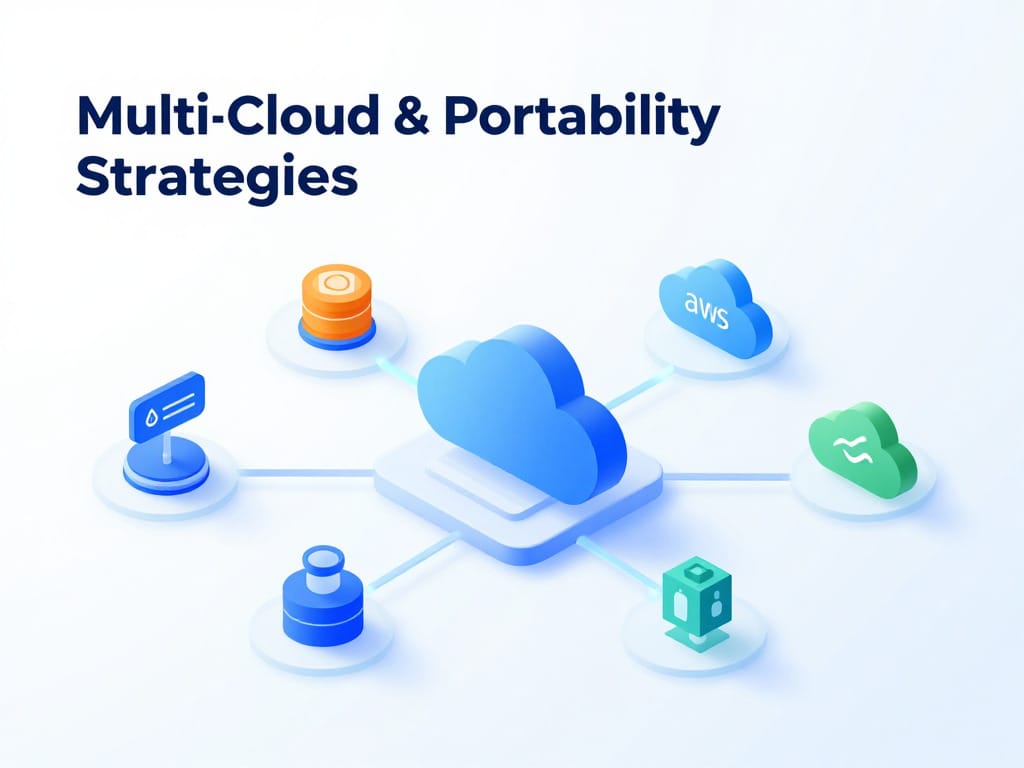
- Multi-cloud: You actively use two or more public clouds for the same or similar workloads. This can reduce dependence on one provider and improve negotiation leverage—but introduces complexity, duplicate tooling, and higher skills requirements.
- Hybrid cloud: You combine on-premise infrastructure (or private cloud) with public cloud services. Hybrid can be a way to manage regulatory, latency, or data residency needs while still gaining cloud benefits. It doesn’t automatically fix lock-in, but it can reduce the blast radius: critical data might remain on-premise under your control. For data-heavy SMEs, a cloud-first, not cloud-only approach can keep critical systems resilient.
The right strategy depends on your size, regulatory environment, team maturity, and risk appetite. For most SMEs, a well-designed single-cloud or hybrid approach with strong portability practices is more realistic than a full-blown multi-cloud posture. If you’re weighing options, here’s a short take on cloud‑first vs cloud‑smart for Singapore SMEs.
2. Multi-Cloud & Portability Strategies
Multi-cloud: pros and cons as a lock-in tactic
Benefits of multi-cloud for lock-in:
- Negotiation leverage: It’s easier to resist price increases—or poor terms—if the provider knows you can move workloads elsewhere, including during vendor software price hikes.
- Resilience to provider-level issues: If a major outage or regional compliance issue arises, you have another landing zone.
- Regulatory flexibility: You can host data or workloads in specific regions or platforms required by certain customers.
Costs and challenges:
- Operational complexity: Different portals, IAM models, APIs, monitoring, and billing systems.
- Skills fragmentation: Your engineers must learn multiple ecosystems instead of going deep on one.
- Feature lag: You may be forced to avoid advanced proprietary services to stay portable, slowing down development.
- Higher baseline costs: Duplicated networking, support contracts, and potentially lower discounts from each provider.
For most SMEs, “designing for portability” is more realistic than “running everything everywhere.”
Techniques to improve workload portability
You don’t need to be fully multi-cloud to benefit from multi-cloud thinking. Focus on portable building blocks and clean abstractions.
1. Containers and orchestration
Packaging applications into containers and running them on orchestrators like Kubernetes (or similar tools) makes it easier to:
- Move workloads between cloud providers.
- Run the same stack in the cloud and on-premise.
- Decouple your application deployment model from the provider’s specific PaaS offerings.
For example, imagine your main web application is deployed as a set of containerized microservices. Today they run on a managed Kubernetes service in one public cloud. In the future, you could move them to another provider’s Kubernetes offering or even to an on-prem cluster with much less refactoring than if you’d built directly on proprietary “functions” or app platforms.
2. Use open-source or standards-based services when feasible
Where it doesn’t hurt your velocity, favor:
- Databases that implement widely adopted standards (SQL, common wire protocols).
- Messaging systems with open protocols and multiple implementations.
- Identity and access standards such as SAML/OIDC instead of proprietary auth schemes.
This doesn’t mean you must self-host everything. You can use managed offerings that speak standard protocols, so that moving later to a self-hosted or alternative managed version is realistic.
3. Abstract cloud-specific services behind internal APIs or platform layers
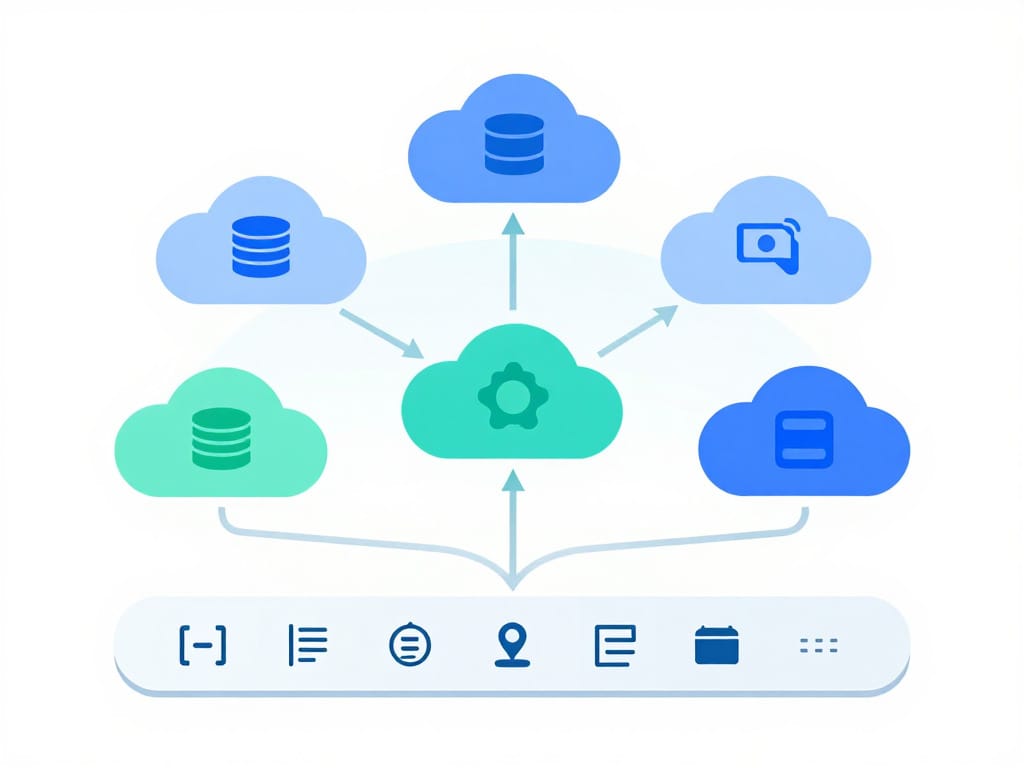
Instead of letting application teams call proprietary cloud APIs directly everywhere, introduce thin internal abstractions:
- A service that wraps your cloud storage API, exposing a generic “object store” interface.
- An internal library for message publishing that hides details of the underlying cloud queue.
- A platform layer that standardizes logging, metrics, and configuration across cloud services.
This “ports-and-adapters” mindset doesn’t have to be heavyweight. Even a small wrapper module can significantly reduce the surface area that needs changing if you later swap providers or move from a managed service to a self-hosted alternative.
When multi-cloud is justified vs. overkill
Multi-cloud is often justified when:
- You have strict regulatory or customer requirements.
For example, imagine a fintech SME serving clients in two regions where regulators or large enterprise customers require workloads to run on different approved cloud providers. Splitting workloads across providers may be unavoidable. In Singapore, PDPA obligations may also influence data location and provider choices. - You operate a high-availability, business-critical SaaS at scale.
If downtime of a few hours translates to massive financial or reputational damage, designing key services to run in more than one provider might be worth the added cost and complexity. - You’re at a size where provider negotiation is material.
Larger SMEs or mid-market companies with significant annual cloud spending may gain real benefits from being able to shift spend across providers during contract renewals.
Multi-cloud is usually overkill when:
- You’re still building product-market fit.
Early-stage SMEs should optimize for speed. Designing everything to be cloud-agnostic from day one can slow delivery significantly. - You have a small engineering team.
Spreading limited talent across multiple platforms increases risk. Deep expertise on one stack is typically safer than shallow expertise on two. - Your workloads are not mission-critical or heavily regulated.
If you can survive a few hours of downtime or a planned migration window, then heavy multi-cloud architecture may not be worth the investment.
A good compromise is often: single primary cloud, portable architecture, and clear data exit paths.

3. Data Portability & Export
Workloads can be rebuilt. Data is harder to move and more valuable. That makes data portability critical for keeping exit options open.
Best practices to keep data portable
- Use open, documented formats and schemas.
Prefer standard formats such as CSV, JSON, Parquet, or open database engines. Avoid designs where critical business data exists only in proprietary binary formats or opaque indexes. - Establish regular, tested export procedures.
Don’t wait until you’re unhappy with a provider to learn how to get your data out. Define and automate:- Scheduled full or incremental exports and backups.
- Verification steps to ensure exports are complete and consistent.
- Test restores into a secondary environment (possibly with a different technology) to ensure compatibility.
- Avoid embedding complex business logic into proprietary tools.
Reporting, workflows, and calculations often creep into SaaS dashboards, custom formula fields, and vendor-specific workflow builders. Some of this is fine, but be deliberate:- Keep core business logic in your own applications where possible.
- Treat vendor-specific rules as “views” or conveniences, not the only source of truth.
- Keep a parallel representation (e.g., code or config files) of critical rules that could be re-implemented elsewhere.
- Document your data model outside the vendor.
Maintain your own documentation of entities, relationships, and key business rules—ideally version-controlled. Do not rely solely on the provider’s internal schema documentation. For broader context, here’s a practical take on data governance for SMEs.
Evaluating a provider’s data export options
When assessing a cloud or SaaS provider, go beyond the marketing page and ask:
- How can we export all our data?
Is there a bulk export API, UI-driven export, or both? Are there documented limits (rate limits, max file sizes, throttling)? - What is the format of exported data?
Is it in common, machine-readable formats you can load into other tools, or highly proprietary and difficult to parse? - What will data egress cost us?
Data transfer (“egress”) from a cloud platform can incur significant charges. Estimate the total size of your critical datasets and what a full export would cost at today’s prices. - How quickly can we get our data out (RTO) and how much data would we lose (RPO) in a disaster?
If the platform fails or you need to exit quickly, how long would it take to:- Extract all data over the network (consider bandwidth and rate limits).
- Reconstruct a working system in another environment using that data.
- Is there support during migrations?
Does the provider offer tools, documentation, or services to help you move data out, not just in?
If the answers raise concerns, review the vendor red flags and questions to ask before you commit. A simple internal exercise: simulate a “we need to leave in six months” scenario on paper. Map out steps, timelines, and costs—and avoid common cloud migration mistakes. If it looks impossible, you’re likely too locked in.

4. Contract & Procurement Terms
Technology choices are only half the story. Contracts can either trap you or give you space to maneuver.
Key clauses to negotiate
- Data ownership and control
Ensure the contract clearly states:- You own your data at all times.
- The provider has limited rights to process it only to deliver services.
- You can retrieve your data at any point during the contract and for a defined period after termination.
- For a detailed checklist of what to look for, see Essential Vendor Contract Clauses for SMEs in IT Agreements (SG).
- Data return and deletion processes
Clarify:- How and in what format you can get a complete export of your data.
- The timeframe within which the provider will deliver it.
- How and when the provider will securely delete your data afterward, including backups and replicas where feasible.
- Guaranteed export capabilities and migration support
Where possible, include commitments that:- Bulk export mechanisms (APIs, tools) will be maintained and supported.
- You’ll receive reasonable assistance during an exit or migration (documentation, support hours, or professional services at defined rates).
- Cost transparency and limits
Ask for:- Clear disclosure of storage and egress pricing, including any thresholds where pricing changes.
- Advance notice periods for price changes or service deprecations.
- Where you have leverage, caps or negotiated discounts on egress fees during a migration window.
- Exit assistance / transition services
Large enterprises often negotiate this, but SMEs can too, at least in a lighter form:- A defined number of hours of migration support at standard or discounted rates.
- SLAs around response times during an agreed “exit window.”
- Continuity assurances if core services are deprecated (e.g., support for N months, migration guidance).
Aligning legal, procurement, security, and engineering
Exiting a cloud provider is not purely a technical exercise. It’s also legal, financial, and risk-related. Before signing a major cloud or SaaS contract:
- Legal should review data ownership, liability, jurisdiction, and exit terms.
- Procurement/finance should model long-term costs, including likely growth and egress scenarios, and insist on transparent, service-first partnerships (here’s why).
- Security should assess compliance, certifications, and data handling practices.
- Engineering/architecture should validate technical feasibility of export and migration.
Create a simple, shared review checklist and ensure all four perspectives are heard before making a decision. This reduces the chance of discovering contractual “gotchas” later when you want to leave.

5. Architecture & Design Choices
Your architecture is your most powerful tool for avoiding harmful lock-in.
Patterns that reduce lock-in risk
- Separate domain logic from cloud-provider integrations
Design your application so that core business rules and workflows live in provider-neutral code, not in:
- Cloud-native configuration UIs.
- Proprietary function templates.
- Managed workflow builders.
When provider-specific features are used, isolate them behind clear interfaces. Your domain logic should “ask” for capabilities (send email, store a file, schedule a task) without knowing which provider implements them.
- Use hexagonal / ports-and-adapters (or similar) architectures
In hexagonal architecture:
- The core domain is at the center.
- Ports define abstract interfaces for things like persistence, messaging, or external APIs.
- Adapters implement these ports using specific technologies (cloud services, databases, external systems).
If you later swap a managed database or messaging service, you only need to rewrite the adapter layer, not the domain.
You don’t need to adopt this pattern perfectly. Even modest adherence—such as defining interfaces and pushing cloud-specific code to the edges—can greatly ease future migrations.
- Keep configuration, IaC, and runbooks in your own repositories
Treat your operational knowledge as an asset you own:
- Use infrastructure as code (IaC) tools to define cloud resources in version-controlled repositories.
- Store operational runbooks, deployment pipelines, and configuration management scripts in your own systems, not only in provider-specific dashboards.
- Document dependencies on specific managed services and their alternatives (e.g., “If we move away from this queue service, here’s the equivalent technology and config.”)
This makes it far easier to rehydrate your environment in another provider, or even on-prem, because your desired state is described in your own artifacts.
Trade-offs: abstraction vs. speed
Every layer of abstraction introduces overhead: more code, more concepts, and more things to maintain.
You can’t (and shouldn’t) abstract everything. The art is deciding where abstraction is worth it.
A few practical guidelines:
- Abstract where change is likely.
If you’re experimenting with a new managed AI or analytics service that might be replaced in a year, wrap it in a simple internal service or module. If you’re using commodity compute or storage, heavy abstraction may be unnecessary. - Abstract where lock-in risk is high.
If a service has no open standard equivalent, or would be very expensive to replace, put a clear interface in front of it. - Don’t over-abstract stable, low-risk primitives.
For example, standard virtual machines or widely used SQL databases are less risky. A thin layer of IaC and common tooling might be enough. - Timebox abstraction work.
For each new system, allocate a fixed, small portion of effort (e.g., 10–15%) to building necessary abstraction and portability features. This keeps you from going down endless “platform engineering” rabbit holes.
Often the most effective approach for SMEs is: use managed services aggressively, but design your own code with clean boundaries and maintain strong data export paths.

6. A Balanced Perspective & Actionable Checklist
Accept that some lock-in is inevitable
Trying to avoid all lock-in will paralyze your teams and erase many of the cloud’s benefits. The goal is to make lock-in:
- Conscious: You know where and why you are taking dependencies.
- Measured: You’ve assessed the potential cost and time of exit.
- Reversible: There is a feasible, if painful, path to migrate in a defined timeframe.
Think of lock-in decisions as explicit bets: “We accept being tied to this managed database because it accelerates us today, and we estimate that exiting it would cost us X months and Y dollars, which is acceptable given our strategy.”
A practical checklist for new cloud projects
You can use the following checklist when starting any significant new cloud initiative. It’s designed for SME leaders and technical owners to review together.
1. Strategy & scope
- Which cloud strategy are we using for this project: single-cloud, hybrid, or multi-cloud?
- If single-cloud, have we explicitly accepted that and documented why multi-cloud is not justified right now?
2. Workload and data criticality
- How critical is this workload to revenue, compliance, or operations?
- If this provider became unavailable for a week, what would the impact be?
3. Data portability
- What are the primary datasets involved? Are they stored in open, documented formats?
- How will we export all data regularly (API, bulk export, backups)?
- Have we tested at least one end-to-end export and restore into an alternative environment?
4. Use of managed and proprietary services
- Which managed services are we using (databases, queues, functions, AI, analytics)?
- Which of these are strategic lock-in (acceptable) and which are risky?
- For risky ones, do we have simple internal abstractions (modules, services, interfaces) that would allow replacement?
5. Architecture and code design
- Is domain logic clearly separated from provider-specific integrations?
- Are we using patterns like ports-and-adapters where appropriate?
- Are infrastructure definitions, configs, and runbooks stored in our own repositories?
6. Contracts and commercial terms
- Does the contract clearly state that we own our data, with defined export and deletion processes?
- Do we understand egress costs for a full data export at current scale, and what it might look like at 2–3x scale?
- Are there notice periods for price changes and service deprecations?
- Is there any form of exit assistance or migration support defined?
7. Organizational alignment
- Have legal, procurement/finance, security, and engineering all reviewed and signed off on the provider choice and terms?
- Is there a named owner responsible for periodically reviewing lock-in risks (e.g., annually)?
8. Exit scenario planning
- If we decided to leave this provider in 12–18 months, what would the high-level plan look like?
- Roughly how long would it take, and what would be the estimated cost and risk?
You don’t need a perfect answer to each question before starting. But you should have conscious, documented answers and a sense of where you’re taking on deliberate risk.

Vendor lock-in in the cloud era is not a monster to be feared; it’s a constraint to be managed intelligently. By combining thoughtful architectural choices, solid data practices, and well-negotiated contracts, SMEs can enjoy the speed and power of modern cloud platforms without surrendering their long-term freedom to choose.
The key is to design each new project so that, if you ever need to say “we’re leaving,” you can do so with your eyes open, your data in hand, and your business still in control.