Wi-Fi for Business: Optimizing Your Network for Speed, Stability and Guest Access

A fast, secure, and reliable Wi-Fi network is the backbone of success for any modern business — whether you operate a small office, a retail store, or a growing SME. In this comprehensive guide, you’ll discover practical strategies to optimize your business Wi-Fi, ensuring seamless coverage, enhanced security, and worry-free guest access.
1. Achieve Complete Wi-Fi Coverage Throughout Your Business
Smart Access Point (AP) Placement
- Install Wi-Fi access points high up — on ceilings or upper walls — to maximize their range and reduce interference from furniture and equipment.
- In multi-room or multi-floor offices, deploy several APs evenly spaced to eliminate dead zones. Slightly overlap coverage areas for consistent signal strength.
- Regularly inspect coverage with a Wi-Fi analyzer app to identify and fix weak spots by adjusting access point locations.
Wi-Fi Extenders and Mesh Networks
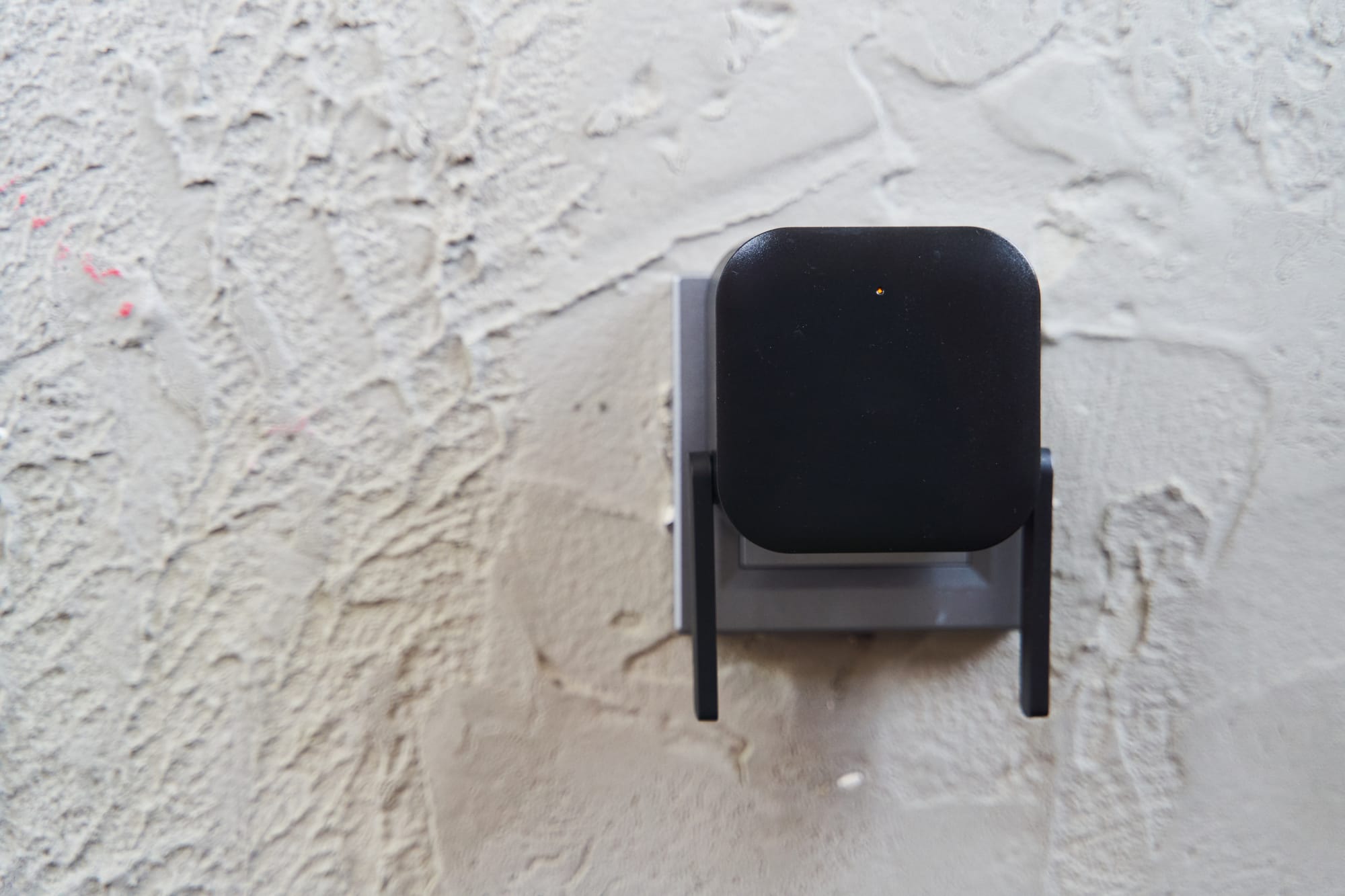
- Use Wi-Fi extenders to fill in coverage gaps in areas like storerooms or meeting rooms.
- For larger spaces, invest in a mesh Wi-Fi system. Mesh networks seamlessly combine multiple nodes, ensuring robust, unified coverage with no need to switch between networks as you move around.

2. Improve Network Security and Performance by Device Segregation
Separate Staff, Guest, and IoT Devices
- Set up unique SSIDs (network names) for different purposes — one for employees, one for guests, and a third for business IoT devices (smart TVs, printers, POS systems).
- Use VLANs (Virtual Local Area Networks) on your router or access points to keep traffic completely isolated between office staff, guests, and IoT. This adds a strong layer of cybersecurity and performance management.
- Prevent IoT devices, often targeted by cyber threats, from serving as a bridge into your critical business network — and complement this with Endpoint Detection and Response (EDR) on laptops and servers.

3. Strengthen Your Wi-Fi Security to Protect Data
Use Modern Encryption and Robust Passwords
- Turn on WPA3 encryption for your business Wi-Fi. If not available, WPA2 is the bare minimum — never use outdated WEP or WPA.
- Set strong, unique Wi-Fi passwords (12–16 characters, mixing upper/lower case, numbers, and symbols), and update them regularly, especially after any staff change. For company-wide practices, see our guide to better password hygiene.
- Always change default admin credentials on routers and access points to strong, unique passwords.
Deploy Firewalls for Maximum Protection
- Safeguard your business Wi-Fi network with a reputable firewall (either hardware or cloud-based) to block unauthorized traffic. A managed IT services partner can help select, configure, and maintain the right firewall for your environment.
- Ensure built-in router/mesh system firewalls are enabled and firmware is up-to-date for the latest threat protection.
4. Easy and Secure Guest Wi-Fi Management
Control and Monitor Guest Access
- Set up a dedicated guest network (SSID) with strict limits — guests should only access the internet, not your internal business systems.
- Enforce connection time limits (e.g., four hours) on guest Wi-Fi to minimize risks from unauthorized or lingering access.
- Present simple Terms of Use for guests — via a welcome webpage or an email — explaining responsible use and basic monitoring, and ensure alignment with Singapore’s PDPA requirements.
Simplicity and Security for Guests
- Choose a memorable, secure network name for your guest Wi-Fi, and share clear instructions in visible guest areas.
- Routinely review connected devices and promptly disconnect any unfamiliar users. This also helps reduce shadow IT risks.

5. Real-World SME Examples and Cost-Saving Wi-Fi Tips
Case Study 1: Office Wi-Fi Transformation
A local accounting firm struggled with slow, unreliable Wi-Fi in their meeting rooms. By moving access points to better locations, installing a mesh network, and isolating guest/staff devices, they immediately improved network speed, security, and productivity—without a costly IT renovation.
Case Study 2: Café with Secure Guest Internet
A small café wanted to offer free Wi-Fi while protecting its internal operations. They launched a guest-only Wi-Fi with time-limited access, restricted peer-to-peer and file-sharing traffic, and displayed a clear usage policy. Staff used a private, password-protected network that was fully separated from guest traffic.
Budget-Friendly Wi-Fi Tips for SMEs
- Choose business-grade Wi-Fi routers that support multiple SSIDs, VLANs, and built-in firewalls—no need for enterprise budgets. If you're due for an upgrade, here's why regular technology refresh cycles deliver value..
- Run regular Wi-Fi audits with free or low-cost network analyzer tools to find and fix issues before they impact business.
Conclusion: Future-Proof Your SME with Optimized Business Wi-Fi
Maximizing your business Wi-Fi isn’t just about speed. A well-planned network boosts productivity, keeps your data safe, and provides an outstanding experience for your employees and customers alike. With careful access point placement, proper device segregation, robust security, and thoughtful guest management, even small businesses can operate with big-business confidence and resilience.
Don’t wait for connectivity issues or security threats to disrupt your workflow. Start optimizing your business Wi-Fi today—a little effort now goes a long way toward protecting your company and enhancing your brand’s customer experience.
Ready to supercharge your business Wi-Fi? Implementing these best practices will help you avoid headaches, secure your operations, and keep your team connected and productive.