Understanding IT Compliance Audits: A Non-Technical Owner’s Checklist

You get an email from a major client:
“As part of our vendor due diligence, we’ll be conducting an IT compliance audit of your systems next quarter. Please confirm your readiness.”
If you’re a small or mid-sized business owner without a technical background, this can feel like a gut punch. What are they going to look at? Are you in trouble? Who do you even ask?
The good news: you do not need to be an IT expert to lead your business through an IT compliance audit. You just need to understand the basics, know what to ask for, and have a simple checklist to keep everyone on track.
This guide explains IT compliance audits in plain English and gives you a practical, owner‑friendly checklist you can start using today.
1. What Is an IT Compliance Audit? (In Plain English)
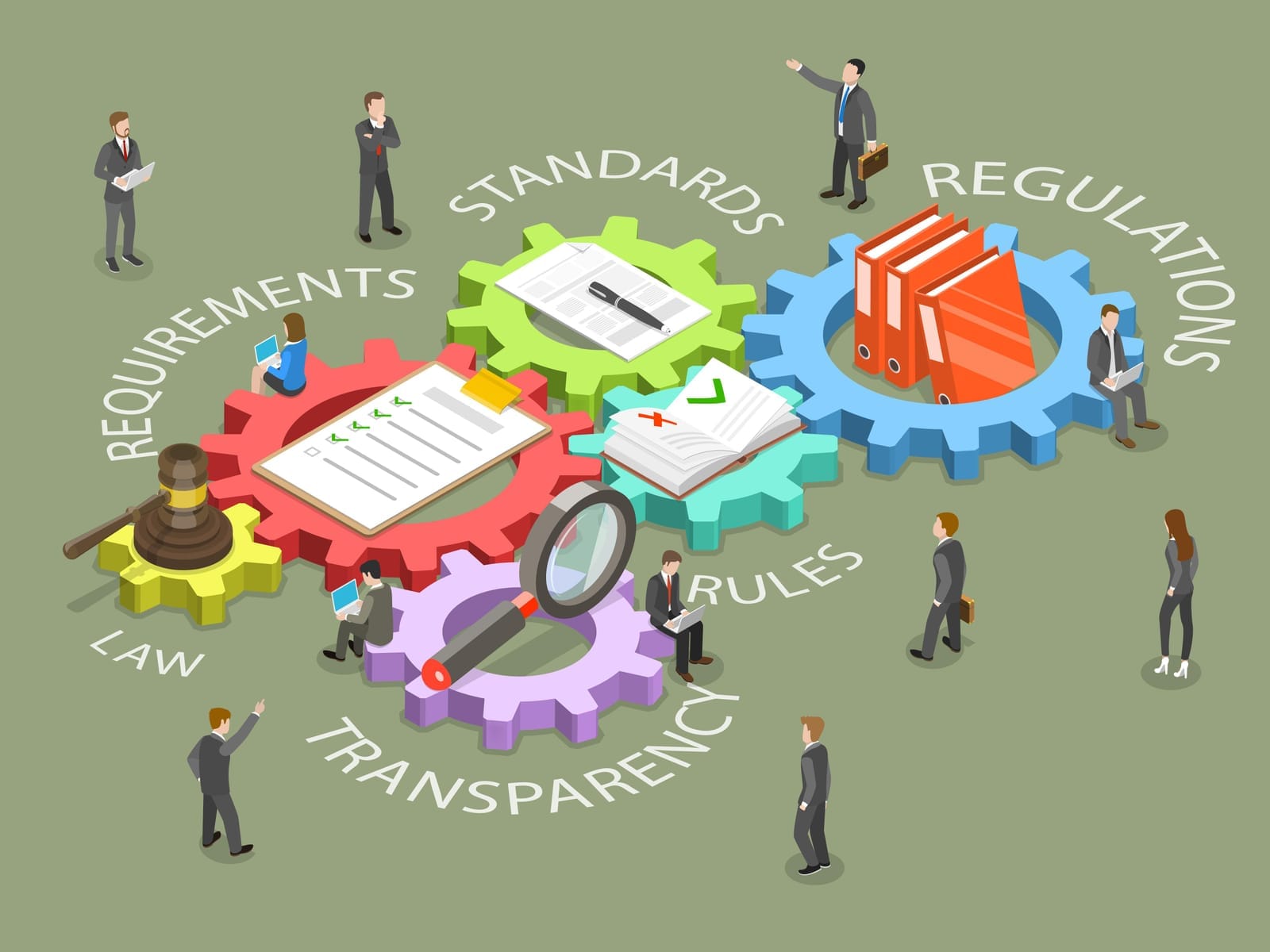
An IT compliance audit is a structured review of how your business uses technology and handles data, compared against a set of rules.
Those rules might come from:
- Laws and regulations (for example, data protection or privacy laws like PDPA in Singapore)
- Industry standards (for example, card payment standards)
- Contracts with big customers or partners
- Internal policies your company has created
An auditor (internal team, external consultant, or your customer’s audit team) will:
- Ask questions about how you manage IT and data
- Review policies, procedures, and contracts
- Check technical protections (usually through your IT team or managed service provider)
- Request evidence (documents, reports, screenshots, logs, training records)
The goal is not to catch you out—it’s to verify that you manage information in a safe, consistent, and legally compliant way, and to highlight gaps that need to be fixed.
2. Key Concepts in Simple Language
Before we get to the checklist, it helps to understand a few basic terms auditors like to use—without the jargon.
IT Compliance
IT compliance means your technology and data practices follow the rules that apply to your business.
Think of it as: “Are we doing what we said we’d do, and what the law/industry requires, when it comes to systems and data?”
Audit Scope
Scope is what’s in and what’s out of the audit.
- Systems: For example, email, file servers, cloud apps, point‑of‑sale systems.
- Data: Customer data, employee data, payment information, health data, etc.
- Locations: Specific offices, data centers, or cloud regions.
If you don’t understand the scope, you can’t prepare properly—so asking “What exactly is in scope for this audit?” is critical.
Controls
Controls are the safeguards and processes you use to manage risk.
They can be:
- Technical: Backups, antivirus/endpoint security, firewall rules, access permissions.
- Procedural: Policies, approval workflows, regular reviews, staff training.
An example control in simple terms:
“We require staff to use strong passwords and change them regularly, and we remove accounts immediately when someone leaves.”
Evidence
Evidence is proof that your controls actually exist and are being used.
This might include:
- Policies and procedure documents
- System reports (for example, backup success reports, antivirus status)
- Logs (for example, sign‑in records, access changes)
- Screenshots of settings
- Training attendance lists and certificates
- Contracts and vendor agreements
If you can’t show it, auditors will usually assume it isn’t happening.
Remediation
Remediation means fixing the issues the audit finds.
Typical remediation steps:
- Writing or updating missing policies
- Turning on or tightening security settings
- Rolling out staff training
- Changing how access is granted and removed
- Upgrading or replacing outdated systems
A good remediation plan says who will do what by when—and how progress will be tracked.
3. Security vs Compliance: What’s the Difference?
Many owners hear “security” and “compliance” used as if they’re the same thing. They are closely related, but not identical.
- Security is about protection:
- Keeping your systems and data safe from attacks, mistakes, and breakdowns.
- Focused on risk reduction and resilience.
- Compliance is about meeting rules:
- Proving that you follow laws, standards, and contractual requirements.
- Focused on documentation, consistency, and evidence.
You can:
- Be secure but not compliant
(for example, you have good protections but no written policies or records). - Be compliant but not secure
(for example, you have paperwork and tick the boxes, but your systems are outdated and easy to hack).
Your goal as an owner is to be both: reasonable security in practice, and evidence of that security on paper.
4. Common Frameworks and Regulations (High‑Level Only)
Different rules apply depending on your country, industry, and customers. Some common ones for small and mid‑sized businesses include:
- ISO 27001
An international standard for managing information security. It defines a framework for policies, processes, and controls to protect data. - SOC 2
A reporting standard often requested by larger customers. It assesses how a service provider manages security, availability, confidentiality, and related areas. - GDPR / PDPA and other data protection laws
- GDPR: General Data Protection Regulation in the European Union.
- PDPA: Personal Data Protection Act in Singapore.
These laws focus on how you collect, store, use, and share personal data, and how you protect individuals’ privacy rights.
- PCI DSS (Payment Card Industry Data Security Standard)
A standard for businesses that handle credit or debit card payments. It defines strict rules for how card data must be protected.
Many SMEs don’t fully “certify” against these frameworks, but they may still need to:
- Align with their principles,
- Answer security questionnaires about them, or
- Comply with specific sections due to a contract or law.
Important: This article is for general information only and is not legal advice. For specific regulatory questions, always consult legal counsel or a qualified compliance specialist in your jurisdiction.

5. Non‑Technical Owner’s Checklist for IT Compliance Audits
You don’t need to configure servers or read logs yourself. Your job is to:
- Ask the right questions,
- Ensure responsibilities are clear, and
- Confirm there is evidence to back up what you say.
Use this checklist as your starting point.
1. Identify Which Rules Apply to You
Sit down with your leadership team, IT provider, and (if relevant) legal counsel to answer:
- Which laws apply to us?
- Data protection/privacy law (for example, PDPA if you operate in or handle data from Singapore).
- Sector rules (for example, healthcare, finance, education).
- Which industry standards do our customers expect?
- ISO 27001, SOC 2, PCI DSS, or others.
- What do our contracts say?
- Security clauses, audit rights, breach notification requirements, data handling terms.
Document this in a simple one‑page summary: “Our business must comply with…” and use that as your guiding map.
2. Confirm Basic Security Hygiene
You don’t have to know how to configure these, but you should insist that they are in place and working:
- Backups
- Are all critical systems and data backed up regularly?
- Are backups stored safely (not just on the same device)?
- Can you restore from a backup, and has this been tested?
- Antivirus / Endpoint Detection and Response (EDR)
- Do all company computers and servers have managed antivirus or modern endpoint protection installed?
- Is it centrally monitored so issues are caught and fixed quickly?
- Patch Management (Keeping Systems Updated)
- Are operating systems and key applications updated regularly with security fixes?
- Is this process automated and monitored (for example, via device monitoring and patch management tools)?
- Access Controls
- Does every user have their own account (no shared passwords)?
- Are permissions set to “minimum needed” rather than “everyone has access to everything”?
- Are accounts disabled quickly when someone leaves the company?
Ask your IT team or managed service provider for simple, non‑technical confirmation (for example, a short report or dashboard screenshot).
3. Ensure Policies Exist and Are Documented
Auditors care a lot about written policies, even if your business is small. At a minimum, you should have:
- Password Policy
- Explains how long and complex passwords must be, whether multi‑factor authentication is required, and how often passwords change.
- Acceptable Use Policy
- Defines what staff can and cannot do with company devices, email, internet access, and cloud services.
- Incident Response Policy
- Outlines what happens if there is a suspected breach, malware infection, lost laptop, or similar event:
- Who to inform
- How to contain the issue
- When to notify customers or regulators (with legal advice)
- Outlines what happens if there is a suspected breach, malware infection, lost laptop, or similar event:
- Data Retention and Disposal Policy
- Explains how long you keep different types of data and how you securely delete or destroy data you no longer need.
Your IT provider or MSP can assist with drafting and maintaining these documents as part of their IT policy documentation and strategic reviews.
4. Train Your People
Technology alone is not enough. Many breaches start with human error: clicking a bad link, reusing passwords, or mishandling data.
You should:
- Provide basic security awareness training to all staff at least once a year:
- Recognizing phishing emails
- Using strong passwords and multi‑factor authentication
- Reporting suspicious activity
- Handling customer and employee data responsibly
- Keep training records:
- Who attended
- Dates
- Topics covered
MSPs often provide security awareness training programs and track completion for you.
5. Put Monitoring, Patching, and Backup on Autopilot
For most SMEs, it’s not realistic to manually check every computer or server. You need proactive, automated tools in place:
- Device Monitoring & Patch Management
- Automatically watches your computers and servers for issues.
- Deploys security updates, then reports on success or failures.
- Cloud Backup Administration
- Ensures critical cloud systems (for example, email, file storage, productivity tools) are backed up and recoverable.
- Managed Antivirus/Endpoint Protection
- Central dashboard showing the health of your devices and alerts when action is needed.
You can manage these in‑house if you have the expertise, or more commonly, outsource them to a managed service provider that offers proactive monitoring and maintenance.

6. Manage Your IT Vendors
Auditors increasingly look beyond your own systems to your vendors, especially cloud services and IT providers.
As an owner, you should:
- Keep a list of key IT‑related vendors, such as:
- Cloud providers (email, file storage, CRM, accounting)
- Payment processors
- Managed IT service providers
- Specialist software tools that handle sensitive data
- Confirm that:
- You have contracts in place with clear data protection and security terms.
- Vendors meet minimum security expectations (certifications, audit reports, or security statements).
- You know how to contact them in an incident.
Many MSPs help with IT vendor management, reviewing and organizing this information for you.
7. Prepare Evidence in Advance
Don’t wait for the auditor’s first email to scramble for documents. Ask your IT team or MSP to help you prepare:
- Policy documents
- The policies mentioned earlier, all in one place.
- Asset lists
- Up‑to‑date list of company devices, servers, and key cloud systems.
- Backup reports
- Proof that backups are running and recoverable.
- Security status reports
- Antivirus/endpoint protection status
- Patch status for major systems
- User and access lists
- Who has access to what systems.
- When accounts were created and disabled.
- Training records
- Evidence staff completed security and compliance training.
Having a simple, well‑organized evidence folder (even just a shared online folder) makes audits faster and less stressful.
8. Plan How You’ll Handle Findings and Remediation
Even mature organizations get findings—this is normal.
Before the audit:
- Decide who will:
- Receive and review the audit report.
- Prioritize findings based on risk and cost.
- Approve remediation actions and budget.
- Agree a simple remediation process:
- Classify findings: critical, high, medium, low.
- Set target timelines for each class.
- Have your IT team or MSP propose technical fixes and policy updates.
- Track progress and keep evidence of what was done.
Your leadership in responding calmly and constructively to findings is often more important than having a perfect audit.

6. Working with IT Partners / Managed Service Providers (MSPs)
You don’t need to build an internal IT department to handle all of this. For many SMEs, partnering with a managed service provider (MSP) is the most cost‑effective way to become both secure and audit‑ready.
A good MSP can help you with:
Security Assessments and Ongoing Risk Management
- Conducting IT health checks and basic security assessments.
- Identifying vulnerabilities and recommending practical fixes.
- Providing regular strategic reviews so your IT roadmap aligns with business risks and goals.
Managed Endpoint and Email Security
- Deploying and managing antivirus or endpoint detection and response across your devices.
- Managing firewall and network security to protect your office and remote workers.
- Adding basic email security protections and advising on safe usage.
Compliance Support, Checklists, and Reporting
- Helping you understand which compliance requirements are relevant to your size and sector.
- Providing policy templates, system diagrams, and evidence reports for audits.
- Assisting with data protection compliance (for example, aligning with PDPA requirements for Singapore SMEs), including advisory and documentation support.
Staff Security Awareness Training
- Running regular security awareness training sessions.
- Providing short online modules and phishing simulations.
- Maintaining training records you can show auditors.
Why Vendor‑Agnostic and Transparent Pricing Matters
Look for an MSP that:
- Is vendor‑agnostic:
- Recommends tools and platforms that fit your needs, not just those with the highest margins.
- Offers clear, fixed packages without hidden markups or surprise fees.
- Provides on‑site and remote support, with clear service levels and response times.
- Is willing to walk you through their own security and compliance practices.
This transparency makes it easier to trust their guidance—and it also reassures your customers and auditors.
7. Practical Tips and Red Flags for Non‑Technical Owners
Do’s
- Do start early.
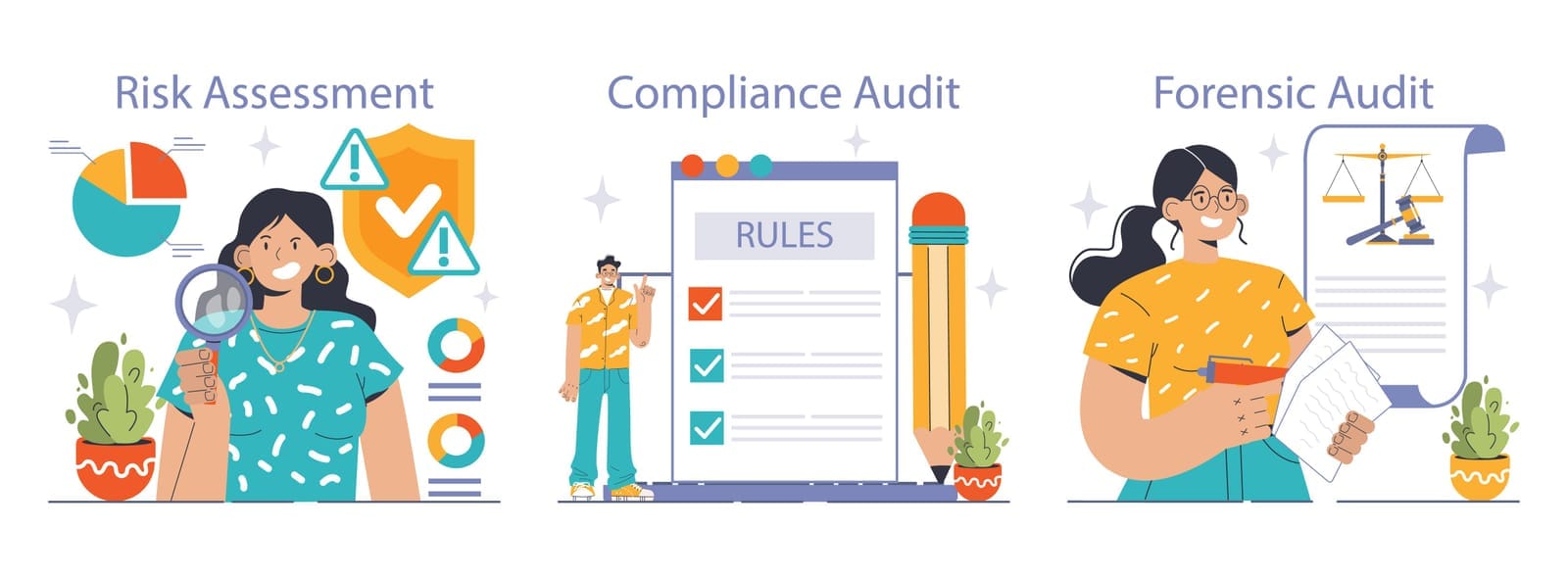
Treat compliance as an ongoing process, not a one‑time project. Schedule quarterly IT reviews with your provider to stay ahead. - Do rehearse a “mock audit.”
Ask your IT team or MSP to simulate an audit:- Review your policies and evidence.
- Ask the questions an auditor might ask.
- Identify gaps in advance.
- Do keep everything simple and organized.
A basic shared folder structure (Policies, Backups, Training, Vendors, Reports) can make a huge difference. - Do involve leadership.
Make sure your leadership team understands the business risks:- Financial penalties
- Contract loss
- Reputational damage
- Operational disruption after a breach
- Do communicate with staff.
Let employees know:- Why the audit is happening
- What’s expected of them
- Who to direct questions to
Don’ts
- Don’t wait until the month before an audit to get organized.
Rushed fixes often create more risk and confusion. - Don’t assume “IT has it covered” without asking.
As the owner, you’re responsible. Ask for summaries and evidence in plain English. - Don’t ignore “small” findings.
Today’s low‑priority issue can become tomorrow’s data breach headline. - Don’t rely on verbal processes.
“We always do it that way” doesn’t count in an audit. If it’s not written and evidenced, it may as well not exist. - Don’t treat compliance as just paperwork.
The real point is to reduce risk—to your cash flow, your customers’ trust, and the future of your business.

8. Conclusion: You Don’t Need to Be Technical to Lead a Successful Audit
IT compliance audits can feel intimidating, especially if you don’t have a technical background. But your role as a business owner is not to configure systems—it’s to:
- Understand the business risks,
- Ask clear questions,
- Ensure you have trustworthy partners,
- And make decisions based on clear, simple information.
With:
- Basic security hygiene,
- Clear policies and training,
- Proactive monitoring, backup, and support,
- Organized evidence,
- And a solid remediation plan,
you can turn an IT compliance audit from a stressful surprise into a routine health check on your business.
Next Steps for Owners
- Book a meeting with your current IT provider or MSP.
- Walk through the checklist in this article together.
- Identify any gaps and agree on a timeline and budget to address them.
- Schedule regular check‑ins (for example, quarterly executive IT reviews) to keep things on track.
If you don’t currently have an MSP—or you’re unsure whether your provider is giving you transparent, vendor‑agnostic advice—consider talking to a managed IT partner that offers:
- Remote and on‑site support,
- Proactive device monitoring and patch management,
- Managed antivirus/endpoint security and security awareness training,
- Cloud backup administration,
- Firewall, network, and vendor management,
- IT policy documentation and regular strategy reviews.
With the right guidance and a simple, owner‑friendly checklist, you can protect your data, satisfy your customers, and sleep better knowing your business is on solid ground for the next audit.