Simple ways to improve password hygiene company-wide
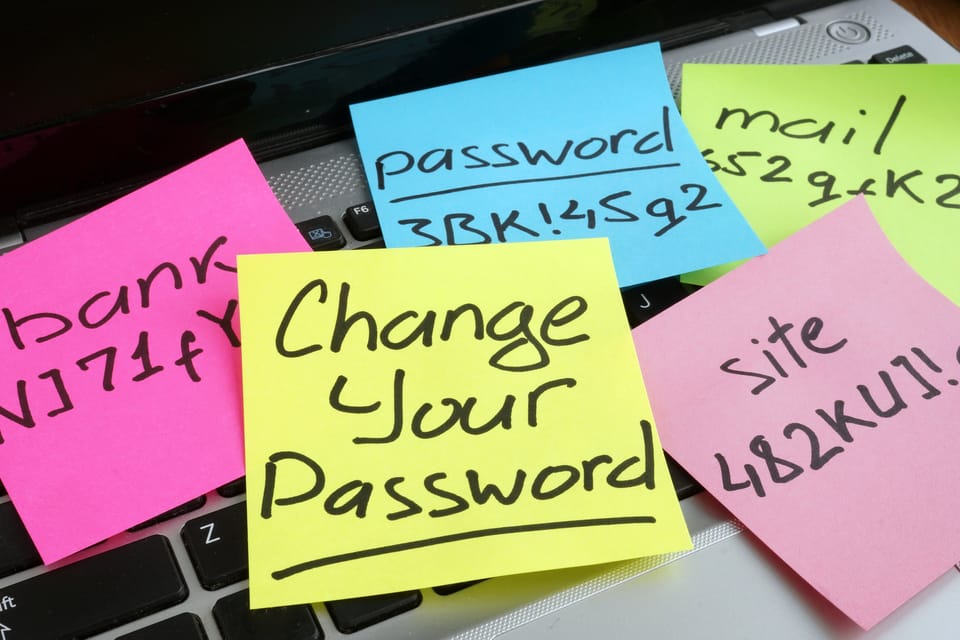
In today’s digital-first world, safeguarding your company’s sensitive data starts with one of the most basic—and often overlooked—aspects of cybersecurity: password hygiene. For small and medium-sized businesses (SMEs), a few simple adjustments to how passwords are created, managed, and protected can make all the difference in defending against cyber threats. If you’re building a broader security foundation, explore our SME cybersecurity guides.
Let’s cut through the jargon. Here’s a practical guide to improving password habits across your entire organization—no technical background required!
Why Password Hygiene Matters
Weak, reused, or compromised passwords are among the most common ways attackers infiltrate business systems. By adopting strong password practices, you’re actively reducing your company’s risk of data breaches, ransomware, and financial loss. Strong password practices also support Singapore's PDPA requirements.
NIST (National Institute of Standards and Technology) and global security authorities agree: Password security remains one of the most important lines of defense for all businesses.
1. Create Strong, Unique Passphrases
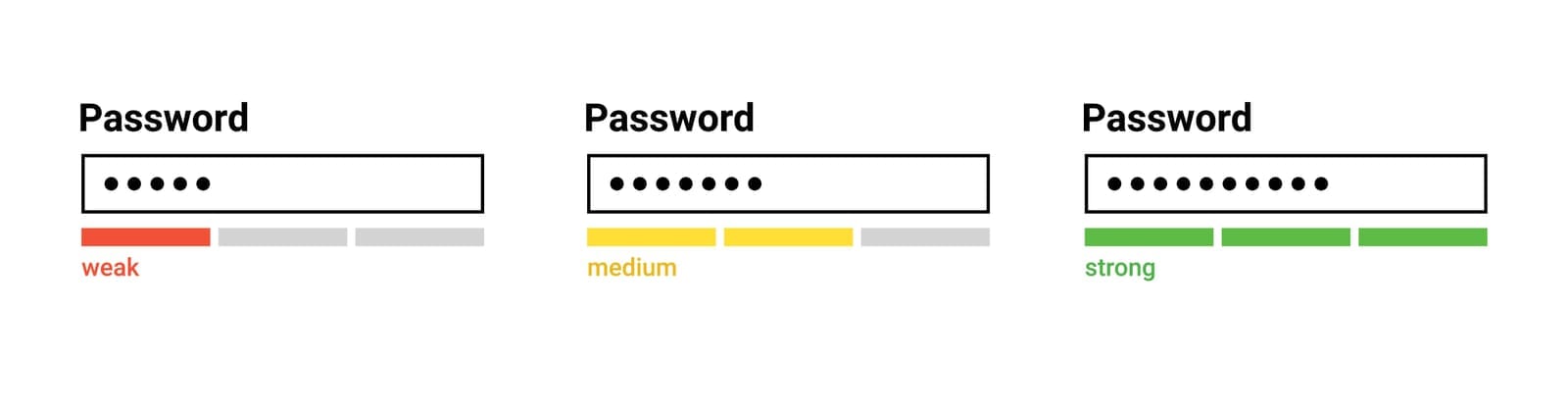
Forget “P@ssw0rd123.” Modern guidance, including from NIST, now recommends longer, memorable passphrases over complex but short passwords. A passphrase is a series of random (but personally memorable) words or a short sentence. For example:
- BlueDuck$WavesHop!
- RedCoffeePlaysJazz42
Tips:
- Use at least 12-16 characters.
- Mix unrelated words, numbers, and symbols.
- Avoid using common phrases, birthdays, company names, or sequential patterns.
- Never reuse passwords between accounts.
2. Use a Password Manager
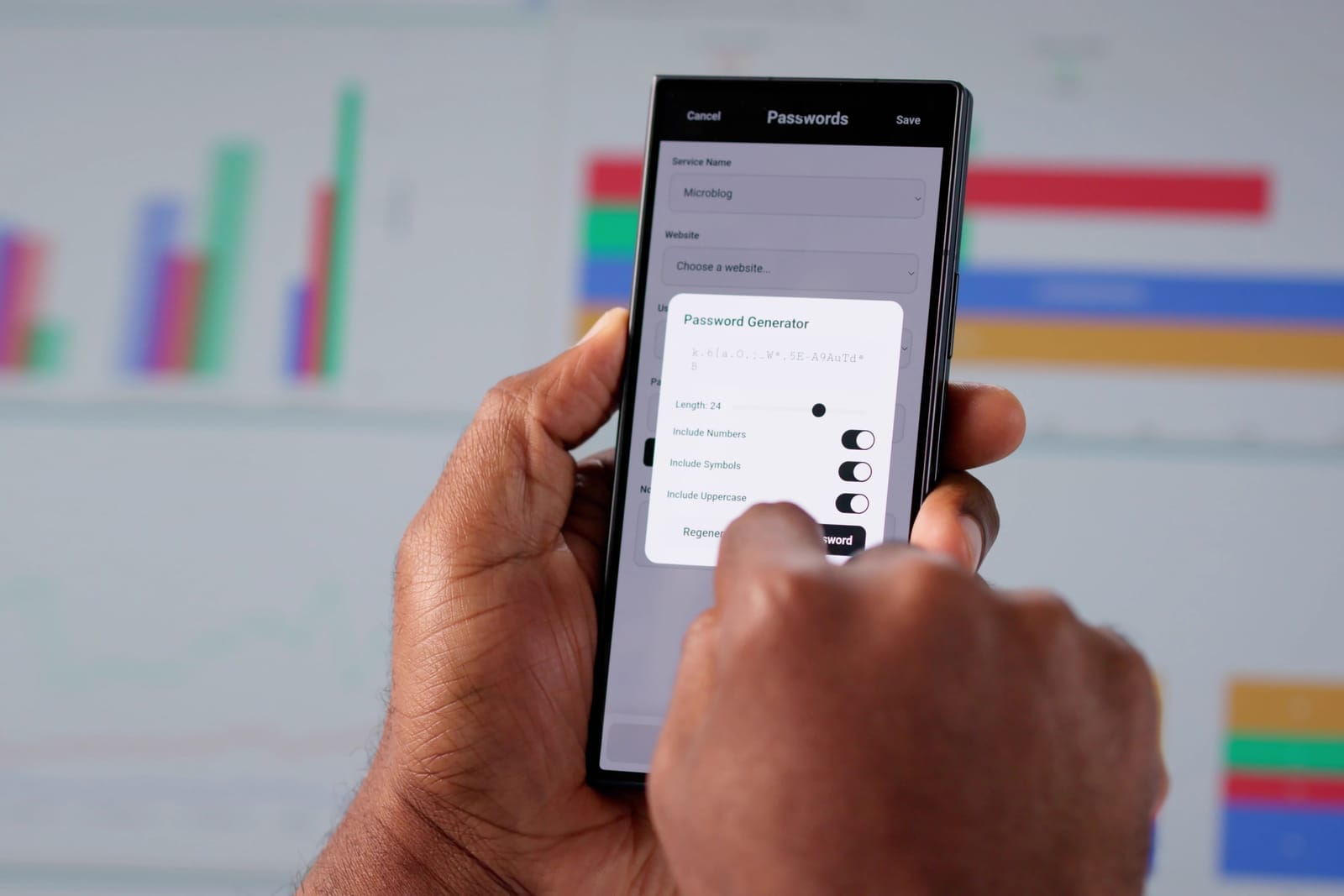
Remembering dozens of complex passwords is tough. Use a reputable password manager—these tools store your credentials in a secure, encrypted vault, helping minimize the risk of password reuse or written-down passwords.
Benefits:
- Automatically generates and fills strong, unique passwords for every account.
- Can be accessed across devices (check for business/enterprise options).
- Centralizes password management for onboarding/offboarding employees.
Popular password managers include LastPass, 1Password, Dashlane, and Bitwarden, to name a few.
3. Enable Multi-Factor Authentication (MFA)
MFA (sometimes called 2FA) requires users to verify their identity with something in addition to their password—such as a text message code, authenticator app prompt, or biometric check (fingerprint/face).
Even if a password is stolen, MFA helps prevent unauthorized logins. It’s also a core principle in a Zero Trust security approach.
How to get started:
- Enable MFA on all business-critical apps: email, cloud storage, payroll, and admin consoles.
- Use app-based authentication (like Google Authenticator or Microsoft Authenticator) rather than SMS where possible.
- Train employees on MFA prompts and recovery procedures.
4. Train Staff to Recognize Phishing
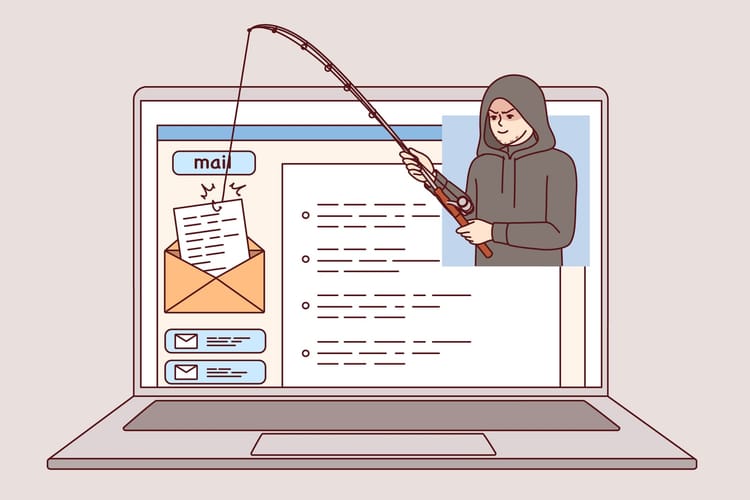
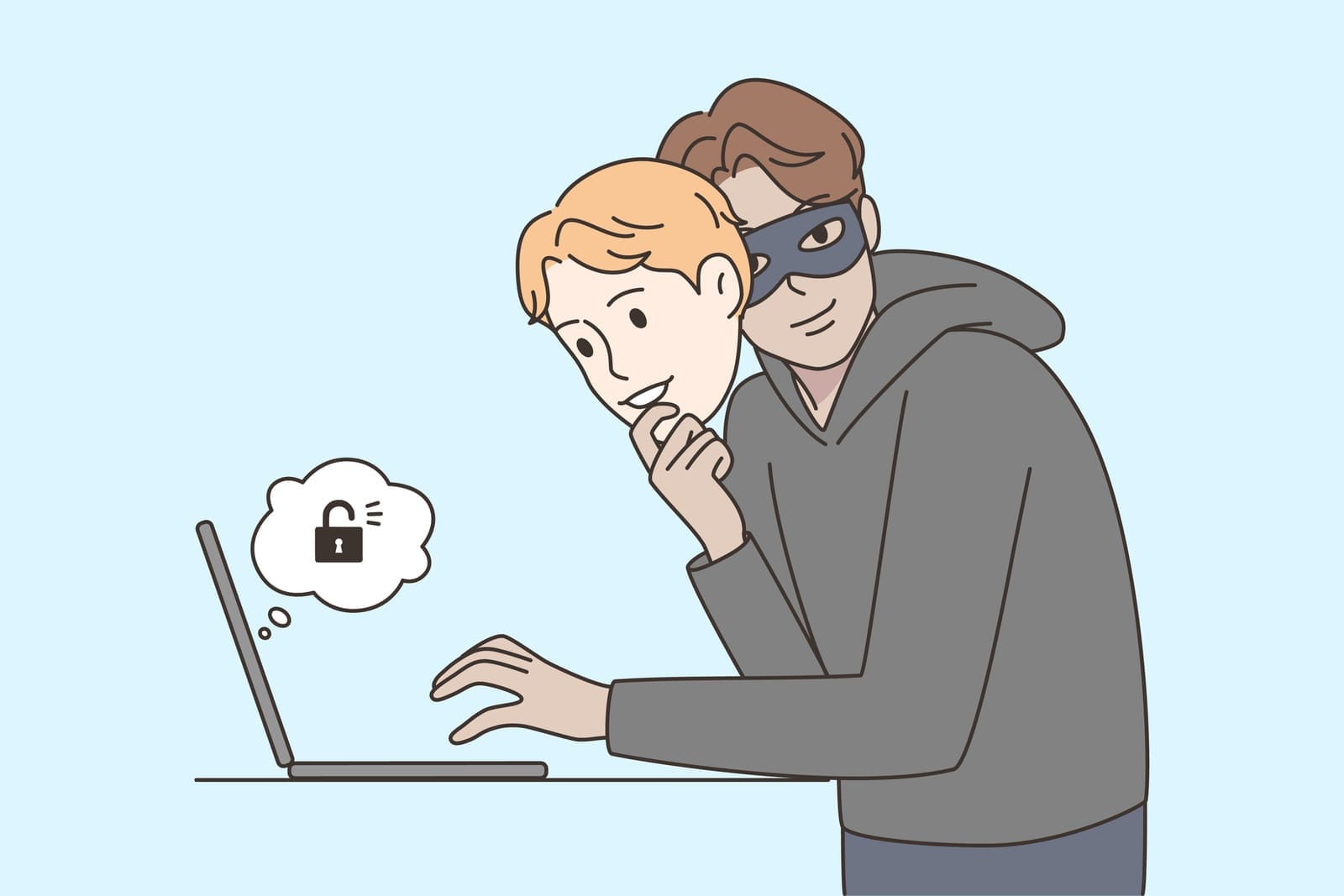
Many attacks begin with a convincing email, text, or call. All employees should know how to spot and handle suspicious communications.
Phishing awareness tips:
- Never click on unexpected links or download attachments from unknown sources.
- Check email addresses carefully—attackers often use addresses similar to legitimate ones.
- Verify requests for sensitive information by contacting the requester through an officially known channel.
- Report suspected phishing attempts to your IT or security team immediately.
Conduct regular security awareness training and simulated phishing exercises to keep your team sharp.

5. Update and Audit Passwords Regularly
- Periodically prompt staff to review and update passwords, especially for accounts with privileged access.
- Immediately change passwords after a suspected breach or when an employee leaves the company, and follow your incident response plan.
- Conduct periodic audits of user credentials and permissions.
Modern best practices advise against forced routine password changes unless there is evidence of compromise.
Quick Reference Checklist for Your SME
Improving Password Hygiene—At a Glance
☑ Use long, unique passphrases (12+ characters, not easily guessable)
☑ Never reuse passwords for different apps/accounts
☑ Adopt a business-grade password manager for all employees
☑ Enable Multi-Factor Authentication (MFA) wherever possible
☑ Educate your team regularly on phishing and social engineering tactics
☑ Audit user accounts and update passwords when staff join or leave
☑ Report suspicious activities promptly
Final Thoughts
Building a security-conscious culture doesn’t need to be complicated or expensive. Empowering your employees with these straightforward steps turns every team member into a line of defense, not a weak link.
Stay vigilant, keep learning, and don’t hesitate to consult cybersecurity professionals for guidance tailored to your business environment. Taking simple, consistent action is the best way to protect your SME from password-related threats—today and into the future.