How to Successfully Onboard New Employees With Seamless IT Provisioning

For small to mid-sized companies, nothing sets the tone of a new hire’s experience more than their first day. If they show up and:
- Their laptop isn’t ready
- Their email doesn’t work
- They can’t access key systems
you’ve sent a clear (and negative) message about how the company operates.
IT provisioning sits at the center of that experience. Done well, it enables new employees to be productive on day one, protects your data, and keeps you compliant. Done poorly, it creates frustration, security gaps, and hidden costs for IT and HR.
This guide is written for IT managers, HR leaders, and people-ops teams who want a practical, repeatable way to onboard employees with secure, streamlined IT provisioning.

1. Why IT Provisioning Is Critical to Onboarding Success
1.1 First impressions and employee experience
Onboarding isn’t just paperwork and welcome swag—it’s your new hire’s first real signal of how your company works. IT is usually the first touchpoint:
- Can they log in on day one without issues?
- Do they have access to the right tools?
- Is there clear guidance on how to use them?
A smooth IT setup:
- Reduces anxiety and “new job jitters”
- Builds confidence in the organization
- Signals that your company is organized, secure, and employee-centric
1.2 Day-one productivity and time-to-value
Every day a new hire can’t work properly is lost value:
- Sales rep without CRM access = delayed pipeline
- Engineer without code repo or VPN = zero commits
- HR coordinator without HRIS = delayed approvals
Efficient IT provisioning:
- Shortens time-to-productivity
- Reduces ad-hoc “can you grant this access?” interruptions
- Helps managers get value from new hires faster
1.3 Security, compliance, and risk management
Onboarding and offboarding are two of the highest-risk moments in the employee lifecycle:
- Over-provisioning creates unnecessary access and data exposure
- Under-provisioning leads to insecure workarounds and shadow IT
- Poor offboarding leaves abandoned accounts and dormant access
Strong IT provisioning supports:
- Security best practices (least privilege, MFA, secure endpoints)
- Compliance frameworks like SOC 2, ISO 27001, and regulations such as GDPR (and PDPA where applicable for data protection) by enforcing access controls, logging, and policy-based provisioning

2. Foundations: Build a Repeatable IT Onboarding Framework
Before diving into tools, create a process-first framework that IT, HR, and hiring managers can all follow.
2.1 Define your IT onboarding lifecycle
Break IT onboarding into clear phases:
- Pre-hire (T–7 to T–3 days)
- Receive offer acceptance and role details
- Provision accounts and access
- Prepare and configure devices
- Add to appropriate groups and distribution lists
- Day One
- New hire receives device and login details
- Guided login to key systems (SSO, email, chat)
- Basic security orientation (MFA, password manager, security policies)
- Week One
- Access to role-specific tools and systems
- Introductions to IT support processes and helpdesk
- Confirm access is correct (not too much, not too little)
- Ongoing (First 90 days)
- Periodic access review
- Additional permissions tied to milestones/training
- Feedback loop for improving the onboarding process
2.2 Standardize with role-based profiles
Create standard onboarding profiles per role or department, for example:
- Sales – Email, chat, CRM, VoIP, file shares, sales dashboards
- Engineering – Email, chat, code repos, CI/CD, ticketing, documentation
- Finance – Email, chat, ERP/accounting platform, bank portals, reporting tools
- HR/People – Email, chat, HRIS, payroll, recruiting platforms
Each profile should include:
- Default applications
- Security requirements (MFA, VPN, device restrictions)
- Compliance-sensitive data access (e.g., HR/Finance)
3. Best Practices for Rapid, Secure Account Setup
3.1 Automate user provisioning via Identity Provider / SSO
Manual account creation doesn’t scale and is error-prone. Use an Identity Provider (IdP) and SSO to:
- Create accounts automatically when a new user is added to a directory (e.g., Active Directory / cloud directory)
- Provision access based on:
- Department
- Role
- Location
- Employment type (FTE vs contractor)
Key practices:
- HR as source of truth: Integrate your HRIS with the IdP so a new hire in HRIS triggers pending user creation, with start dates driving activation.
- Group-based provisioning: Assign users to security groups (e.g., “Sales-US”, “Eng-APAC”) that map to application access.
- Lifecycle automation: Ensure user disabling and app deprovisioning are automatic on termination dates.
3.2 Use standardized onboarding workflows and checklists
Create standard, repeatable workflows so every new hire gets consistent treatment.
Examples:
- IT onboarding runbook (internal)
- IT onboarding checklist (new-hire-facing)
Your internal workflow might include:
- Create user in IdP / directory with correct attributes
- Assign to role-based security groups
- Provision mailbox and collaboration tools
- Provision line-of-business apps
- Order and configure device
- Create welcome email with instructions and links
- Verify access and test login before day one
3.3 Role-Based Access Control (RBAC) and least privilege
Avoid granting access “just in case.” Use RBAC and least-privilege principles:
- Base access on:
- Job function
- Seniority
- Geography or legal entity
- Use groups (not individual assignments) for:
- File shares / folders
- Applications
- Permissions within apps (e.g., viewer vs editor vs admin)
- Avoid giving local admin rights by default; only grant when absolutely needed and time-bound.
Access decisions should be:
- Documented (in an access matrix per role)
- Reviewable (part of quarterly access reviews)
- Approved (by manager and/or data owner)

4. Device Setup and Endpoint Security
4.1 Standardize hardware and images
For small to mid-sized businesses, device standardization simplifies provisioning:
- Limit the number of laptop models and OS builds
- Maintain standard images with:
- OS and drivers
- Core apps (browser, security tools, SSO agent, VPN client)
- Configuration baselines (disk encryption, firewall, policies)
Benefits:
- Faster setup
- Easier troubleshooting
- More reliable security compliance
4.2 Use MDM/EMM for automated configuration
Use Mobile Device Management (MDM) / Enterprise Mobility Management (EMM) to:
- Enroll devices automatically when first turned on
- Push:
- Wi-Fi profiles
- VPN configs
- Certificates
- Security policies
- Required apps
Key security policies:
- Full-disk encryption (e.g., BitLocker/FileVault)
- Strong password/PIN requirements
- Screen lock and inactivity timeout
- Remote wipe and device location (where legally permitted)
4.3 VPN and secure remote access
For remote/hybrid teams:
- Provision VPN or Zero Trust Network Access for systems not exposed to the internet
- Enforce MFA for VPN access
- Pre-configure VPN clients and test before shipping the device

5. Access Control and Security Essentials
5.1 Multi-Factor Authentication (MFA) everywhere it matters
Enable MFA for:
- IdP / SSO login (most important)
- VPN
- Admin consoles (HRIS, finance systems, cloud platforms, etc.)
Best practices:
- Prefer authenticator apps or security keys over SMS where possible
- Enforce MFA enrollment during first login
- Use conditional access policies:
- Block risky sign-ins
- Require MFA for high-risk transactions (e.g., banking, code deployment)
5.2 Structured offboarding and access revocation
Onboarding is only half the story. A strong offboarding process is critical for security and compliance.
Offboarding checklist:
- HR updates termination in HRIS (this should trigger IdP deactivation)
- Disable account in IdP / directory
- Revoke SSO and app tokens
- Disable VPN and remote access
- Transfer ownership of:
- Email inbox (forwarding or shared mailbox)
- Shared drives / project ownership
- Admin accounts
- Wipe or re-image company devices via MDM
- Document completion and approvals
Whenever possible, automate deprovisioning based on HRIS status changes, not manual IT tickets.
5.3 Compliance considerations (SOC 2, ISO 27001, GDPR, PDPA, etc.)
If you’re aiming for or maintaining compliance:
- SOC 2 / ISO 27001
- Access control policies and procedures are mandatory
- You’ll need evidence of:
- Role-based access
- Access approval workflows
- Regular access reviews and IT health checks
- Timely revocation of access
- GDPR / PDPA or similar data protection laws
- Limit access to personal data to those who need it (data minimization and least privilege)
- Maintain records of processing and data access
- Ensure secure handling of employee and customer data
Your IT onboarding/offboarding processes should be documented in IT policy documentation and revisited during periodic compliance or cybersecurity reviews.
6. Enabling Day-One Productivity
6.1 Pre-provision core tools
Every new hire, regardless of role, usually needs:
- Email and calendar
- Chat and video conferencing
- Document storage and collaboration
- HRIS and time-off systems
- Ticketing/helpdesk portal
Pre-provision these before day one:
- Add them to relevant email groups and channels (e.g., “All-Company”, “Team-Name”)
- Invite them to key shared calendars (e.g., company holidays, team standups)
- Grant access to starter documentation and onboarding resources
6.2 Provide a clear IT onboarding checklist to new hires
Don’t assume new hires know what to do with their accounts. Give them a simple, new-hire-facing checklist such as:
New Hire IT Checklist (Day One):
- Log in to your laptop with the credentials provided
- Connect to Wi-Fi and verify internet access
- Sign in to SSO portal and set up:
- Multi-factor authentication (MFA)
- Password manager (if used)
- Open your email, accept calendar invites, and set your signature
- Log into:
- Chat tool
- Project management / ticketing tool
- HRIS (confirm personal details, read policies)
- Review:
- Acceptable Use Policy
- Security awareness quick guide
- How to contact IT support (channels, hours, SLAs)
New Hire IT Checklist (Week One):
- Access and bookmark team documentation
- Confirm access to role-specific tools (CRM, code repo, ERP, etc.)
- Complete required security training modules
- Attend IT orientation or Q&A session
6.3 Coordinate between IT, HR, and hiring managers
Smooth IT onboarding is a cross-functional effort:
- HR / People Ops
- Owns the master onboarding timeline
- Captures correct role, location, and start date
- Triggers IT tasks as soon as the offer is accepted
- Hiring Manager
- Defines role-based access needs
- Approves exceptions (e.g., admin access, privileged systems)
- Welcomes the new hire and confirms everything works
- IT / MSP partner
- Executes provisioning and device setup
- Maintains onboarding templates and automation
- Runs periodic reviews and improves the process over time
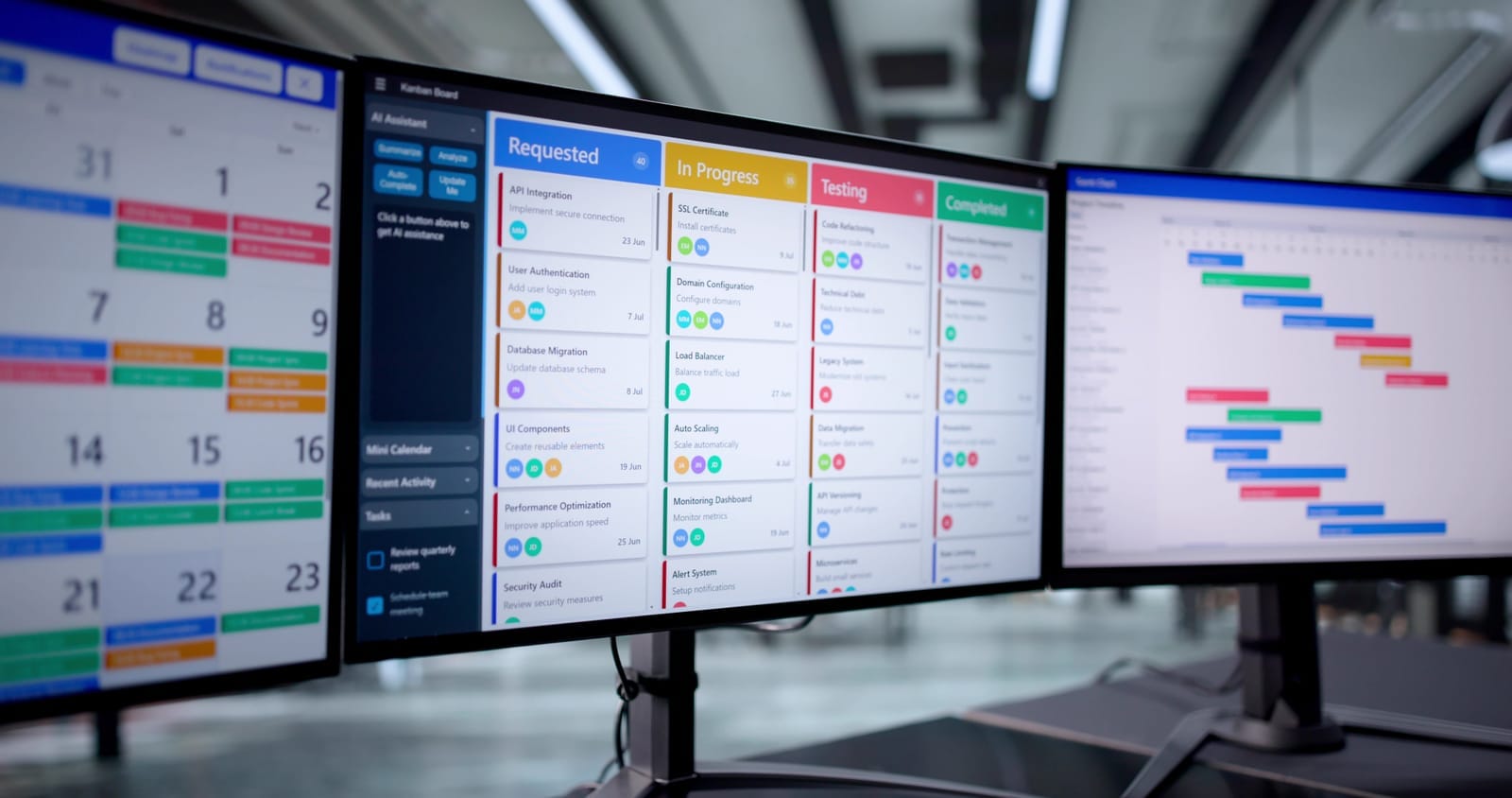
Use a shared tool (e.g., HRIS workflows, project board, ticketing system) to track each onboarding and avoid last-minute surprises.

7. Putting It All Together: A Sample IT Onboarding Workflow
Below is a practical, end-to-end template you can adapt.
T–7 to T–5 days (after offer acceptance)
HR:
- Creates new hire in HRIS with role, department, manager, location, start date
- Triggers IT onboarding request with role profile
IT:
- Creates user in IdP/directory (inactive until start date)
- Assigns to role-based groups and licenses
- Orders or allocates laptop and accessories
- Enrolls device in MDM and applies standard image
- Pre-installs core apps and any role-specific tools
- Tests login, VPN, and MFA flows
T–3 to T–1 days
IT:
- Final verification of:
- Email, chat, and SSO
- Group memberships and app access
- VPN and remote access (if applicable)
- Prepares IT welcome email with:
- Login instructions
- Support contact info
- Link to new-hire IT checklist
- Ships device to remote hires or prepares it for on-site pickup
Manager:
- Schedules day-one meetings and orientations
- Confirms list of role-specific systems with IT
Day One
New hire:
- Receives device and logs in
- Completes IT onboarding checklist (with support as needed)
- Sets up MFA and reads key policies
IT:
- Is available via chat/desk for first-day issues
- Monitors for failed login attempts or suspicious activity
Manager:
- Confirms the new hire can access all tools
- Escalates missing access to IT quickly
Week One
IT:
- Ensures completion of required security training
- Addresses any additional access requests
Manager:
- Confirms tools and access match role expectations
- Provides feedback to HR/IT on onboarding process quality

8. Continuous Improvement: Measure and Refine
To make IT onboarding truly seamless, track:
- Time from offer acceptance to “IT-ready”
- Number of access-related tickets in first 30 days
- Onboarding satisfaction scores from new hires and managers
- Security and compliance issues related to onboarding/offboarding
Use these insights to:
- Adjust role profiles
- Improve automation and workflows
- Update documentation and checklists
- Align with quarterly IT and security reviews

A well-designed IT provisioning process transforms onboarding from a chaotic scramble into a predictable, secure, and positive experience. By combining automation, clear roles and responsibilities, strong access controls, and employee-friendly checklists, you enable new hires to contribute from day one—without compromising your security or compliance posture.