How SMEs Can Automate Repetitive Office Tasks Without Hiring Developers

If you run or manage a small or medium-sized enterprise (SME) in Singapore, you already know you need to do more with less. Whether it's processing invoices, scheduling meetings, managing overflowing emails, or tedious data entry, repetitive office tasks can drain productivity and increase costs. The good news? You don’t need a team of developers or a huge IT budget to automate these processes.
Thanks to modern no-code and low-code automation tools, even non-technical staff can set up powerful automations in just a few clicks. In this post, we’ll explain how you can start automating common office processes quickly, safely, and affordably—with zero coding required.

Why Automate Office Tasks?
- Save Time & Boost Productivity: Automation handles repetitive tasks, freeing up your employees to focus on strategic, value-added work.
- Reduce Human Error: Automated workflows follow set rules—meaning fewer mistakes in your finance, HR, or customer service processes.
- Support Growth Without Increasing Headcount: As your business scales, automation ensures your team doesn’t get overwhelmed — see how we help SMEs remove hidden IT headaches to free up growth.
- Cost-Effective: Most automation platforms use a pay-as-you-go or low subscription model, perfect for OPEX-minded SMEs.
- Improve Compliance & Security: Modern tools follow strict security protocols, and centralization gives you better control of sensitive data, including Singapore’s PDPA requirements.
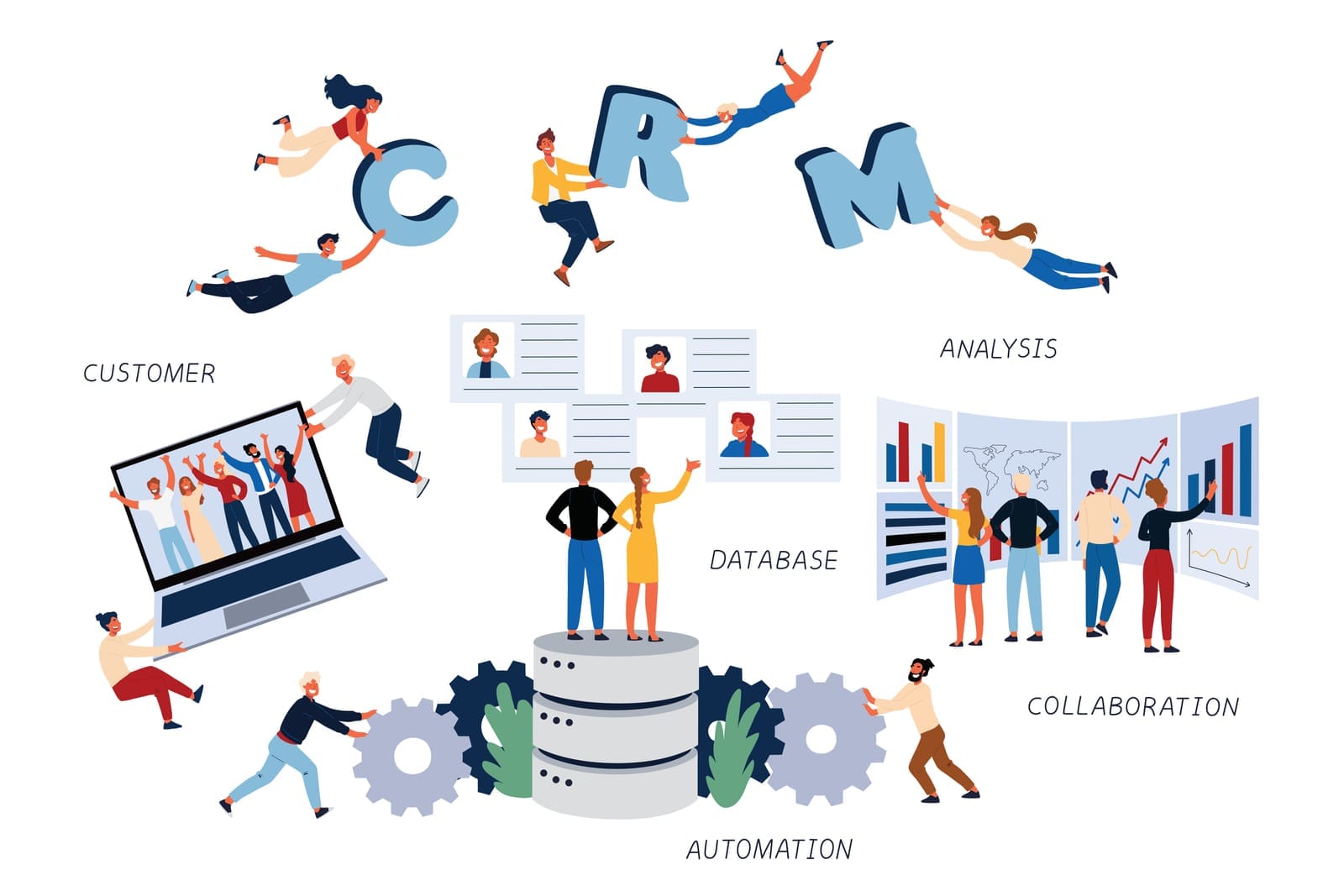
Practical Office Tasks SMEs Can Automate
Here are some common, non-technical business processes ripe for automation:
1. Invoice Processing
- Automatically receive PDFs, extract key data, and input it into your accounting software or Google Sheets.
- Send invoice reminders to clients without manual intervention.
2. Appointment Scheduling
- Eliminate back-and-forth emails with booking calendar links that synchronize with your team’s calendars.
- Auto-send meeting confirmations, reminders, and follow-up notes.
3. Email Management
- Auto-sort incoming emails into folders (e.g., “Sales”, “Support”, “Finance”).
- Trigger quick responses or follow-up reminders depending on the sender or keywords.
4. Data Entry & Reporting
- Collect form responses (e.g., surveys, registrations) and automatically update records in Excel, Google Sheets, or your CRM.
- Generate and email reports on a schedule — and start turning that data into business growth.
No-Code & Low-Code Tools: What Are They?
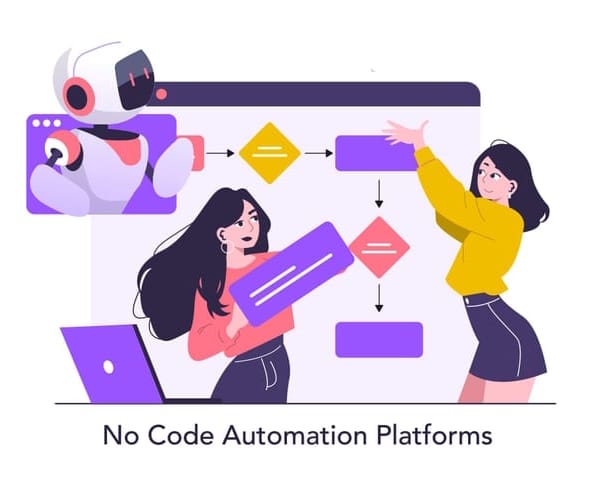
No-code and low-code platforms let anyone build automations using simple drag-and-drop interfaces—no programming required. Here are three user-friendly options perfect for Singapore SMEs:
1. Microsoft Power Automate
Part of Office 365, Power Automate connects apps like Outlook, SharePoint, Excel, Teams, and hundreds more. It offers pre-built “flows” for common business tasks.
Perfect for: Companies already using Microsoft Office tools.
2. Zapier
A cloud-based platform with thousands of integrations. Zapier lets you create “Zaps” that connect tools like Gmail, Xero, Slack, Trello, and more. Great for automating cross-platform workflows.
Perfect for: SMEs using a mix of cloud platforms (Google, Dropbox, etc.).
3. Google Workspace Automations (AppSheet, Google Apps Script, or built-in Workflow features)
Ideal for businesses using Google Workspace (Gmail, Drive, Sheets, Calendar). Google’s no-code and low-code tools can automate document workflows and email notifications.
Perfect for: SMEs who rely on Google’s productivity suite.
Step-by-Step Example: Automate Invoice Approval with Microsoft Power Automate
Let’s see how you can automate a typical process—like invoice approval—in a few easy steps:
- Choose a Pre-Built Template: In Power Automate, search for an “invoice approval” flow.
- Set Your Trigger: For example, when a new email with an invoice attachment arrives in your Outlook inbox.
- Extract Information: Use built-in connectors to grab invoice details from the attachment.
- Route for Approval: Create an approval request sent to your manager on Teams or email.
- Save and Notify: Once approved, the system records it in SharePoint or Excel and sends notifications to involved parties.
Bonus: Power Automate has mobile app and web interfaces, so you can track workflows anywhere.
Step-by-Step Example: Automated Meeting Scheduling with Google Workspace
- Set Up Google Calendar’s Appointment Scheduling: Enable appointment slots in Google Calendar.
- Share Booking Link: Share the link with clients or colleagues—no more back-and-forth emails.
- Automated Confirmations: Configure Google Calendar to send automatic email confirmations and reminders.
- Integrate with Google Meet: Meeting links are auto-generated. For more remote collaboration recommendations, see our guide to essential IT tools for managing remote teams.
Getting Started Tips for Singaporean SMEs
- Choose Tools That Integrate with What You Use: Select automation platforms compatible with your current email, calendar, or finance software, and consider your broader cloud approach with our take on Cloud‑First vs Cloud‑Smart.
- Start with Free Versions or Trials: Most solutions offer free trials or freemium models—perfect for evaluating fit.
- Prioritize Data Security: Choose reputable platforms with data residency and compliance options suitable for Singapore SMEs.
- Train Your Team: Quick workshops or training videos make adoption smooth; also apply basic IT change management practices. Most tasks can be set up by office managers in minutes.
- Work with a Specialist if Needed: Consider a Managed IT Services Provider with a client-first, vendor-agnostic fee-only model — like Techease Solutions —t o guide and support your automation journey. These partners offer unbiased recommendations and transparent pricing, ensuring that your SME’s needs, not vendor interests, come first.
The Bottom Line: Modernize Your Office, Save Time, and Cut Costs
Automation isn’t just for big corporations. With today’s tools, any SME—regardless of technical skill or budget—can streamline workflows, boost productivity, and support business growth. By starting small and building on early wins, your team can automate dozens of repetitive office tasks and free up time for more important work.
Are you ready to transform the way your team works? Get started with no-code automations today and join the next generation of innovative Singaporean SMEs.

Need tailored advice or help getting started? Contact a vendor-agnostic, fee-only IT partner for a customized automation assessment and make technology work for you, not against you!