
Cybersecurity for Law Firms in Singapore: Protecting Client Confidentiality in a Digital Era

For many small and mid-sized law firms in Singapore, IT and cybersecurity can feel like “back-office” issues—important, but often competing with billable work, client development, and court deadlines. Yet in 2025, cybersecurity is now inseparable from professional competence and client care.
Cyber threats targeting law firms have grown significantly in recent years. Common attacks include:
- Phishing – fraudulent emails or messages that trick staff into revealing passwords, opening malicious attachments, or sending money to the wrong party.
- Ransomware – malware that encrypts your files and demands payment (often in cryptocurrency) to restore access.
- Business email compromise (BEC) – attackers gain access to or impersonate a lawyer’s email account to redirect client funds, alter payment instructions, or harvest confidential information.

Law firms are particularly attractive targets because you hold:
- Highly confidential client data (commercially sensitive deals, disputes, investigations, family matters).
- Financial information and trust account details.
- Strategic information about transactions and litigation that could be valuable to competitors, counterparties, or bad actors.
A successful breach is not just an IT problem. It can trigger regulatory scrutiny, client complaints, potential claims, and long-term reputational damage. For smaller firms, a serious incident can be existential.
The good news: you do not need an enterprise budget or an in-house IT team to achieve a “good enough” cybersecurity baseline. With sensible choices, simple processes, and support from the right partners, even a solo or boutique practice can materially reduce its risk.
This article provides a practical overview tailored to Singapore law firms—grounded in your regulatory and ethical context, and focused on concrete measures you can implement within SME constraints.
1. Regulatory and Ethical Context in Singapore
1.1 PDPA and data protection obligations
Singapore’s Personal Data Protection Act (PDPA) requires organisations, including law firms, to make reasonable security arrangements to protect personal data in their possession or under their control. At a high level, this includes:
- Preventing unauthorised access, collection, use, disclosure, copying, modification, disposal, or similar risks.
- Taking into account the nature of the data, the potential harm from a breach, and the way the data is stored or transmitted.
For law firms, “personal data” will often include names, NRIC numbers (where collected), contact details, financial and employment information, and sensitive details in litigation, family, criminal, and corporate matters.
PDPA obligations are risk-based: what is “reasonable” for a listed multinational may differ from a boutique firm. However, regulators increasingly expect even smaller organisations to implement basic, well-known controls—such as access limitations, encryption, and regular security updates—especially where sensitive information is involved.
In the event of a data breach involving significant harm or large numbers of individuals, you may also have obligations to assess and notify affected individuals and the Personal Data Protection Commission (PDPC). This is not formal legal advice, and firms should consult PDPA specialists for specific situations.
1.2 Legal professional privilege and ethical duties
Separate from statutory duties, lawyers in Singapore owe ethical obligations to protect client confidentiality. While you will be familiar with privilege and confidentiality in the abstract, the digital dimension means:
- Client information stored in email, cloud services, messaging apps, and document systems must be protected with at least the same care as physical files.
- Weak cybersecurity may be argued to fall short of the standard of reasonable care in safeguarding client confidences.
The Law Society of Singapore and global bar associations have emphasised that basic cybersecurity competence is increasingly part of a lawyer’s duty to act competently and diligently. This article does not constitute legal advice, but the direction of travel is clear: cybersecurity is now an ethical as well as operational issue.
1.3 Consequences of a data breach for a law firm
For a Singapore practice, the impact of a significant breach can include:
- Regulatory action – PDPC investigations, possible directions and financial penalties.
- Professional consequences – complaints, disciplinary proceedings (in serious cases), or allegations of failure to protect client confidentiality.
- Civil exposure – potential claims from clients or third parties for loss arising from a breach.
- Reputational harm – loss of current and prospective clients, especially for smaller firms that rely on trust and personal relationships.
- Operational disruption – downtime from ransomware, loss of access to files, and the cost of incident response and remediation.
This may sound daunting, but many of the most serious incidents could have been prevented—or greatly limited—by affordable, well-understood controls. The rest of this article focuses on those.
2. Securing Email on a Small-Firm Budget
Email is often the single most critical system for a law firm—and the most common entry point for attackers.
2.1 Use reputable cloud email with built-in security
For most small firms, relying on a reputable cloud-based email provider is more secure and cost-effective than running your own email server on-premise. Modern cloud email services typically include:
- Spam and phishing filters that block many malicious messages before they reach users.
- Malware scanning of attachments.
- Built-in support for multi-factor authentication (MFA) and single sign-on (SSO).
- Options for data loss prevention (DLP) and encryption add-ons.
Look for business-grade plans (rather than free consumer accounts) that support custom domains (e.g., [email protected]) and provide administrative controls.
2.2 Enable multi-factor authentication (MFA) for all users
MFA (also called 2FA) requires users to provide a second proof of identity—such as a code from an app or a hardware token—in addition to their password.
For law firms, enabling MFA on:
- Email accounts
- Cloud document systems
- Any remote access tools (VPN, remote desktop, practice management software)
is one of the single most cost-effective steps you can take. It dramatically reduces the risk of attackers logging in with stolen or guessed passwords.
As a policy:
- Require MFA for all partners, associates, staff, and interns.
- Use app-based authenticators or hardware keys where possible (they are generally more secure than SMS codes).
2.3 Strong passwords and password managers
Weak or reused passwords are still a common cause of breaches. Practical steps:
- Require long passphrases (e.g., 14+ characters) rather than short, complex passwords that people cannot remember.
- Prohibit obvious passwords (e.g., “Password123”, firm name + “2024”).
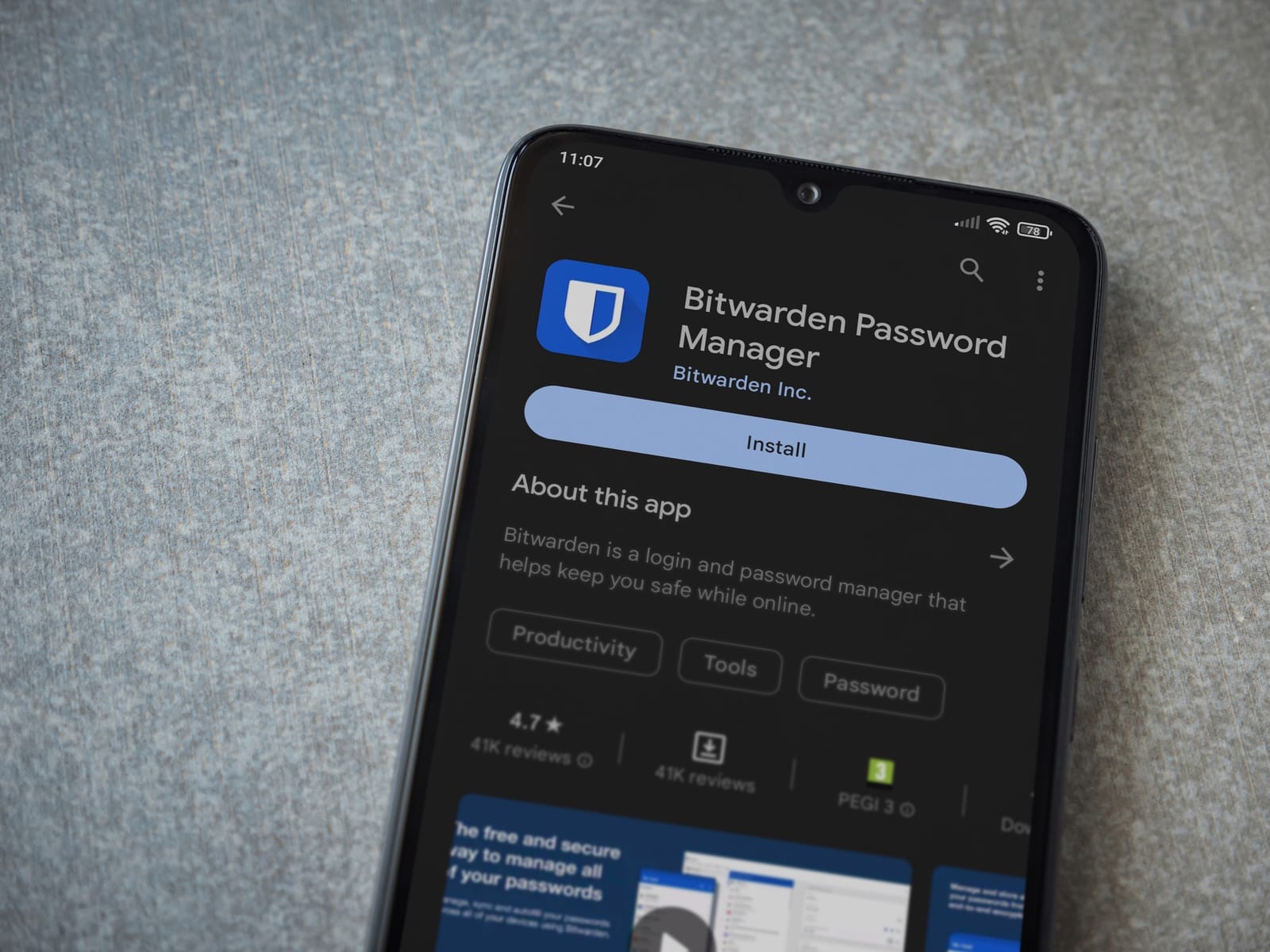
- Encourage staff to use a reputable password manager to generate and store unique passwords for each system.
Most password managers are inexpensive per user and can be centrally administered for small teams. They reduce the temptation to reuse passwords across multiple services.
2.4 Basic email encryption options
For highly sensitive matters—such as M&A transactions, regulatory investigations, or contentious disputes—you may wish to go beyond standard transport security.
Practical options include:
- Secure file-sharing links – Upload documents to a secure portal or cloud storage and share time-limited links with password protection.
- Encrypted attachments – Protect documents with a strong password and share the password via a separate channel (e.g., SMS or phone).
- Built-in email encryption – Some business email services allow you to send messages that require authentication to view and prevent forwarding.
These measures add a small amount of friction, so they can be reserved for high-risk scenarios rather than every email.
2.5 Common phishing scenarios targeting lawyers
Phishing emails aimed at law firms often exploit urgency, authority, or familiar workflows. Examples:
- Fake client instructions – An email appearing to be from a client instructing you to urgently change bank details for a completion or settlement.
- Compromised counterparty email – An actual counterparty’s email account is hacked, and the attacker sends a message from that account asking you to open a “revised SPA” or payment advice.
- Fake law society or regulator notices – Messages claiming you have a complaint or regulatory issue requiring you to click a link to respond.
- Invoice or payment scams – Emails claiming unpaid invoices or offering refunds, with links to fake login pages.
Train staff to check:
- Sender address carefully (small misspellings, unusual domains).
- Tone and style – Does the language feel off for that person?
- Unexpected attachments or links – especially for payments or sensitive data.
- Out-of-band verification – For any change in bank details or unusual request, confirm via a known phone number or messaging channel, not by replying to the same email.

3. Protecting Document Management and Case Files
Your documents are your practice’s lifeblood. A well-structured, secure document system is essential for both confidentiality and business continuity.
3.1 On-premise servers vs. secure cloud-based storage
Small firms traditionally relied on an in-office file server. Today, many are shifting to secure cloud-based document management for reasons such as:
- Built-in redundancy and backups.
- Access from multiple locations (office, home, court).
- Centralised security controls and logging.
On-premise servers can still be viable but require:
- Regular patching and maintenance.
- Reliable backups, preferably both onsite and offsite.
- Physical security and power protection.
- Someone responsible for monitoring and troubleshooting.
For firms without dedicated IT staff, a well-chosen cloud solution, configured properly, is typically more secure and manageable.
3.2 Role-based access controls and “need-to-know” permissions
The principle of least privilege means each user should only have access to the matters and folders they need for their role.
Practical structure for a small firm:
- Create top-level folders by practice area or department (e.g., Corporate, Litigation, Family, Real Estate).
- Within each area, create matter-specific folders with a consistent naming convention (e.g., “2025-001 ClientName – ProjectDescription”).
- Assign access based on:
- Matter team (partners, associates, paralegals handling the case).
- Role (e.g., admin staff access to billing-related documents but not privileged advice).
Avoid “everyone can see everything” setups, especially for highly sensitive matters (e.g., internal investigations, disciplinary matters, celebrity clients).
3.3 Versioning and backup
Accidental deletions and ransomware attacks are common causes of data loss. To mitigate:
- Use systems that support versioning – the ability to restore previous versions of a document.
- Implement regular backups:
- Daily (or more frequent) incremental backups.
- At least one backup copy stored offsite or in a separate cloud region.
- Periodic test restores to ensure backups actually work.
This does not have to be complex; many cloud document and backup tools offer these functions out-of-the-box for SMBs.
3.4 Encryption at rest and in transit (plain language)
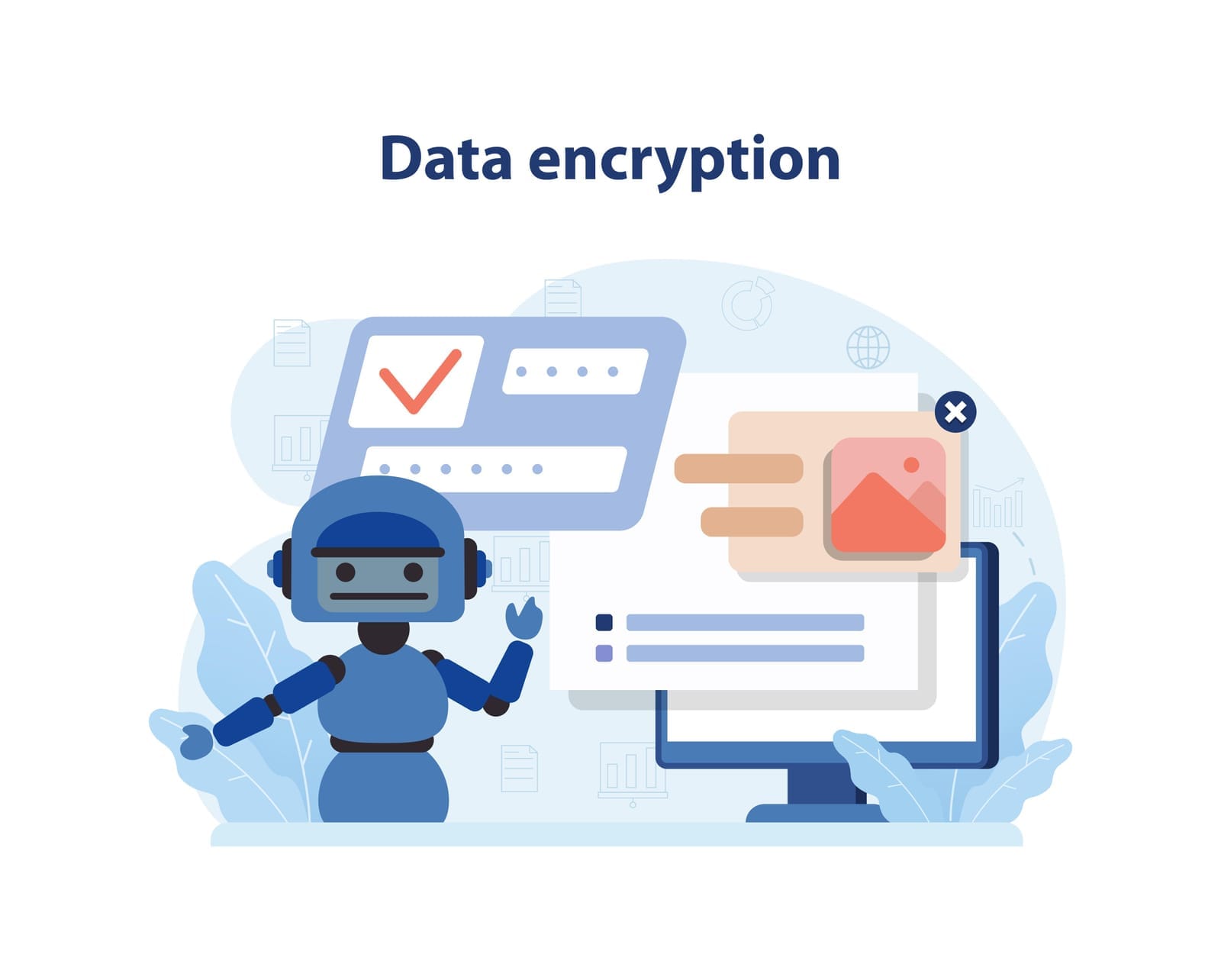
- Encryption in transit: Data is scrambled while it travels between your device and the server (e.g., via HTTPS). This protects against eavesdropping on networks, such as public Wi‑Fi.
- Encryption at rest: Data stored on disks (servers, cloud storage, laptops) is encrypted so that if the physical device is stolen, the data is much harder to access.
For small firms:
- Choose providers that enable both by default.
- Ensure laptop disk encryption is turned on (e.g., BitLocker for Windows, FileVault for macOS).
- For removable drives (USB, external hard disks), use encryption and keep track of where they are stored.
3.5 Audit logs and monitoring
Audit logs record who accessed or changed what and when. They are invaluable for:
- Investigating suspected internal misuse or external compromise.
- Demonstrating due diligence in the event of a regulator inquiry.
When evaluating a document system:
- Ensure you can see access logs (at least for administrators).
- Configure alerts for unusual behaviour, such as:
- Large downloads outside working hours.
- Access to restricted matters by unassigned users.
For a small firm, you do not need to monitor every log in real time, but having logs available is critical when something goes wrong.

4. Endpoint, Network, and Remote-Work Security
“Endpoints” are the devices your team uses: laptops, desktops, and mobile phones. Weaknesses here often negate strong controls elsewhere.
4.1 Keep systems patched and up-to-date
Many attacks exploit known vulnerabilities in operating systems and software. Simple practices:
- Enable automatic updates for Windows/macOS, browsers, and key applications.
- Retire unsupported systems (e.g., very old versions of Windows).
- Schedule a monthly check-in (by your IT provider or internal champion) to confirm updates are being applied.
4.2 Antivirus and Endpoint Detection & Response (EDR)
Traditional antivirus is now often supplemented or replaced by EDR solutions, which monitor behaviour (not just known malware signatures) to detect suspicious activity.
For SMEs, look for:
- Cloud-managed security tools that allow you (or your IT partner) to see the status of all firm devices in a dashboard.
- Features such as ransomware protection, web filtering, and automatic isolation of infected machines.
You do not need a complex enterprise setup; many vendors offer SME-friendly plans that can be centrally managed at modest cost.
4.3 Encrypted laptops and secure mobile devices
As lawyers, you are mobile: court, client meetings, travel. Devices are lost or stolen more often than most firms realise.
Set firm-wide requirements that:
- Full-disk encryption is enabled on all laptops.
- Devices auto-lock after a short period of inactivity.
- Strong passcodes or biometric authentication are required.
- “Find my device” and remote wipe features are enabled where available.
For mobile phones accessing firm email and documents:
- Use mobile device management (MDM) or at least email profiles that allow remote wipe of firm data.
- Avoid storing sensitive documents permanently on phones unless strictly necessary.
4.4 Secure Wi‑Fi and VPN for remote access
For office and home networks:
- Change default router passwords.
- Use WPA2 or WPA3 encryption (avoid outdated standards like WEP).
- Use strong, unique Wi‑Fi passwords and avoid sharing them widely.
For staff working from home or on the move:
- Provide a VPN (Virtual Private Network) to encrypt their connection when accessing firm systems from outside the office.
- Discourage use of public Wi‑Fi for sensitive work. If unavoidable, require use of the VPN and avoid logging into highly sensitive systems from public networks.
4.5 Practical policies for remote work and personal devices
Adopt simple written policies covering:
- Work-from-home security – e.g., no sharing of firm devices with family, secure storage of laptops, confidential calls in private spaces where possible.
- Bring-your-own-device (BYOD) – if staff use personal devices for work:
- Minimum security requirements (up-to-date OS, device encryption, passcode).
- Consent to install security controls (e.g., email profiles that allow remote wipe of firm data).
- Clear rules about what firm data may be stored on personal devices.
These do not have to be lengthy; a 2–4 page policy, explained in plain language, is often sufficient for a small firm.

5. Human Factor: Training, Policies, and Incident Response
Most breaches involve human error at some point. Investing a small amount of time regularly in people and process yields outsized returns.
5.1 Simple, realistic policies
Every firm—even a solo practice—should have a small set of written information security policies, for example:
- Acceptable use policy – what staff may and may not do with firm IT resources (e.g., no installing unauthorised software, no sharing passwords).
- Data handling policy – how to classify information (e.g., public, internal, confidential), where each type can be stored, and how it can be shared.
- BYOD policy – as discussed above.
- Incident reporting policy – clear instructions on what to do and who to contact if something suspicious occurs.
Keep these policies short, practical, and relevant to your actual workflows. Avoid dense, generic templates that no one reads.
5.2 Regular, short security awareness training
Instead of one long annual session, consider short, focused training every 6–12 months (even 30–45 minutes) that covers:
- Real examples of phishing emails and how to spot them.
- How to handle client documents securely.
- What to do if a device is lost, stolen, or compromised.
- Common scams targeting law practices (e.g., fraudulent change of bank details).
Use scenarios that resonate with lawyers and support staff:
- “You receive a call from someone claiming to be IT support asking for your password…”
- “A client WhatsApps you asking to send confidential documents to their personal email…”
- “An opposing counsel’s email account appears to have been compromised mid-deal…”
The goal is not to turn your team into cybersecurity experts, but to build a culture where people pause, question, and escalate anything suspicious.
5.3 A basic incident response checklist
When something goes wrong, having a simple, pre-agreed checklist reduces panic and mistakes. For a small firm, this might include:
If you suspect a phishing email or malicious link was clicked:
- Do not forward the email further.
- Take a screenshot or note key details (sender, time, subject).
- Immediately inform the designated contact (e.g., managing partner or IT provider).
- Change your password and ensure MFA is active.
- IT/IT partner to:
- Scan the device for malware.
- Check logins from unusual locations.
- Reset sessions or tokens as needed.
If a laptop or mobile device is lost or stolen:
- Inform the designated contact as soon as possible.
- IT/IT partner to:
- Trigger remote lock or wipe (if available).
- Remove the device from email and document access.
- Review logs for any suspicious access after loss.
- Assess whether any notification obligations may arise (e.g., PDPA breach notification). Seek legal/compliance advice where appropriate.
If you suspect a data leak or unauthorised access:
- Contain – disable affected accounts, change passwords, revoke access.
- Preserve evidence – do not wipe systems prematurely; retain logs.
- Engage your IT provider or incident response specialist to investigate.
- Assess impact and consider regulatory/professional obligations, with legal advice.
Print this checklist, keep it accessible (including offline), and ensure all staff know who the first point of contact is.

6. Working with External IT Partners
Many small law firms cannot justify a full-time IT security specialist—and do not need one. Instead, working with a well-chosen managed IT service provider (MSP) can give you “IT department” capability at an SME-friendly cost.
6.1 What an MSP can do for a law firm
A suitable MSP can help you with:
- Security hardening of email and file systems
- Properly configuring your cloud email (MFA, spam filters, login alerts).
- Setting up secure document storage with role-based access and audit logs.
- Regular backups and monitoring
- Scheduling and testing backups of key systems.
- Monitoring endpoints for malware and suspicious activity.
- Periodic security reviews and basic compliance advisory
- Reviewing your current setup against reasonable best practices.
- Advising on improvements appropriate to your size and risk profile.
- Supporting your PDPA compliance efforts from a technical perspective (while you or external counsel handle legal interpretation).
Some MSPs—such as vendor-agnostic, fee-only providers in Singapore—emphasise transparency and avoid commission-based hardware or software sales, allowing them to recommend solutions that best fit your firm’s needs and budget rather than pushing particular brands Services & Pricing.txt +1. This model can reduce conflicts of interest and support clearer cost visibility for SMEs.
6.2 What to look for in an IT partner
When selecting an IT partner, consider:
- Experience with professional services or law firms – Understanding confidentiality, privilege, and the criticality of uptime.
- Clear pricing – Fixed packages or retainers with transparent add-ons, rather than opaque time-and-materials only.
- Local presence and responsiveness – For Singapore firms, it can be valuable to work with a Singapore-based, service-focused provider that can offer face-to-face support when neededWhy work with us?.txt.
- Security posture – How do they protect their own systems? Who has access to your data? Do they have incident response capabilities?
Ask them to explain recommendations in plain language and to distinguish between “must-have” and “nice-to-have” controls for a firm of your size.
6.3 Extending your capabilities without an in-house team
The right IT partner effectively becomes your virtual IT department, assisting with:
- New joiner onboarding (accounts, devices, access rights).
- Leaver offboarding (revoking access, data handover).
- Routine maintenance and patching.
- Periodic security check-ups and policy refreshes.
This allows your partners and staff to focus on legal work while still meeting reasonable cybersecurity expectations and supporting ongoing digital transformation Services & Pricing.txt +1.

Conclusion: Taking the Next Practical Step
Cybersecurity for law firms in Singapore is no longer a purely technical concern—it is a critical aspect of client service, professional responsibility, and business resilience.
You do not need to implement every possible control at once. A pragmatic approach is to:
- Identify your most critical assets – typically email, document systems, and key devices.
- Implement foundational controls – MFA, strong passwords, regular updates, backups, and basic access control.
- Formalise simple policies and training – so everyone in the firm knows the rules and how to spot common threats.
- Prepare an incident response checklist – to act quickly if something goes wrong.
- Engage a trusted, vendor-agnostic IT partner where you lack internal expertise, to help you design and maintain a right-sized security posture Services & Pricing.txt +1.
By taking these steps, even a small or boutique firm can meaningfully reduce cyber risk, demonstrate PDPA and ethical diligence, and reassure clients that their confidential matters are handled with the care they deserve in the digital era.
Disclaimer: This article provides general information only and does not constitute legal advice. Law firms should seek specific advice on PDPA compliance, ethical obligations, and incident response from qualified legal or compliance professionals.