Business Email Compromise in Professional Services: Real‑World Scenarios and How to Stop Them
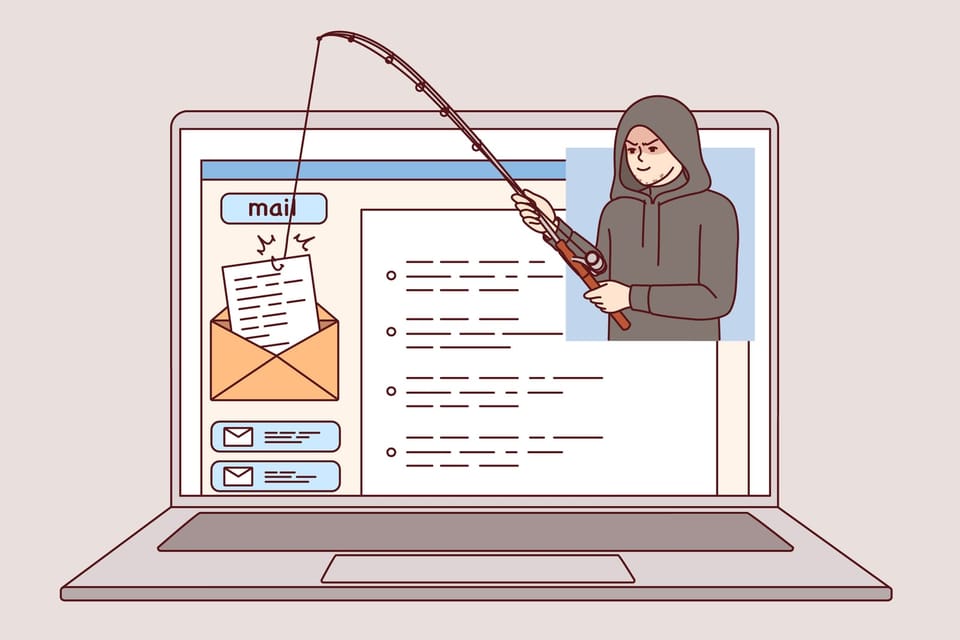
Professional services firms run on email: instructions, contracts, payment approvals, bank details, and sensitive client information all flow through a few inboxes. That makes business email compromise (BEC) one of the most dangerous and costly threats you face today.
This post is written for IT/security leaders, firm partners, and operations/finance managers who need practical, “what do we actually do?” guidance—especially in firms like law practices, accounting firms, and consultancies.
1. What Is Business Email Compromise (BEC)?
Business Email Compromise is a type of fraud where attackers use email to trick your staff or clients into:
- Sending money to the wrong bank account
- Sharing confidential information
- Granting access or approving actions they shouldn’t
BEC is not about mass spam. It’s targeted, researched and usually low‑volume but high‑value. The attacker’s goal is to quietly insert themselves into a legitimate business process (like an invoice payment or deal closing) and divert money or data.
Typical BEC methods include:
- Impersonation – pretending to be a partner, CFO, client, or supplier
- Account takeover – logging into a real mailbox and sending from it
- Email rule abuse – hiding or forwarding messages to avoid detection

2. Why Professional Services Firms Are Prime Targets
Professional services firms are particularly attractive to BEC actors because:
A) High‑value transactions
- Large retainers, M&A settlements, property completions, tax payments, and project fees.
- A “routine” payment can easily be six or seven figures.
B) Trusted advisor role
- Clients will often execute instructions from you without question.
- If an attacker speaks “in your voice”, clients and counterparties may comply.
C) Complex approval chains
- Multiple partners, managers, and finance staff involved.
- Busy periods (deal closing, tax season, audit season) create time pressure and confusion.
D) Heavy email reliance
- Instructions, approvals, and even bank detail changes are frequently done via email.
- Many firms still lack strong out‑of‑band verification for payments.
E) Varied security maturity
- Some firms run robust security; others still rely on basic passwords and legacy email setups.
- Attackers will always look for the weakest link in the chain (your firm or your clients).

3. Real‑World BEC Scenarios in Professional Services
Below are three common BEC patterns tailored to professional services, with step‑by‑step breakdowns, social engineering tactics, and impacts.
Scenario 1: Invoice Fraud – “Please Note Our New Bank Details”
Typical context:
You’ve completed work for a client. An invoice is due. Somewhere between “invoice sent” and “invoice paid”, an attacker inserts themselves to change the bank details.
How the attack unfolds
- Reconnaissance
- The attacker gathers information from LinkedIn, your website, and public filings: key partners, clients, deals, and billing contacts.
- They target either your firm or your client/supplier.
- Initial compromise or spoofing
- Option A: They compromise a real mailbox (yours, your client’s, or a supplier’s) via a phishing email, password reuse, or weak authentication.
- Option B: They spoof the email domain or use a lookalike domain (e.g.,
@techease-solutions.comvs@techeasesolutions.com).
- Thread hijacking
- If they’ve compromised a mailbox, they reply within an existing invoice thread:
“As discussed, please note our updated banking information in the attached revised invoice.” - If spoofing, they copy the format, signature, and tone from your or your client’s emails.
- If they’ve compromised a mailbox, they reply within an existing invoice thread:
- Bank detail change
- The “updated” invoice lists the attacker’s bank account, often at a different bank or country but with a plausible business name.
- The attacker may say the previous account is “under audit”, “frozen”, or “being migrated”.
- Follow‑up and pressure
- They politely chase the finance contact to “ensure timely payment” before a deadline.
- After the money is sent, they quickly move or launder the funds.
Social engineering tactics used
- Familiarity – Using existing threads or exact email signatures and footers.
- Authority and routine – “Standard process to update our bank details.”
- Timing – Invoices sent near month‑end, year‑end, or peak busy periods.
- Low friction – The change is framed as simple admin, not a major decision.
Business impact if successful
- Immediate financial loss
- The payment goes to the attacker; the real supplier or your firm is still owed.
- Relationship damage
- Client and firm may argue over who’s liable. Trust erodes on both sides.
- Regulatory and reporting issues
- Possible reporting obligations (e.g., to regulators, insurers, law enforcement).
- Operational disruption
- Time spent investigating, managing legal disputes, and repairing relationships.
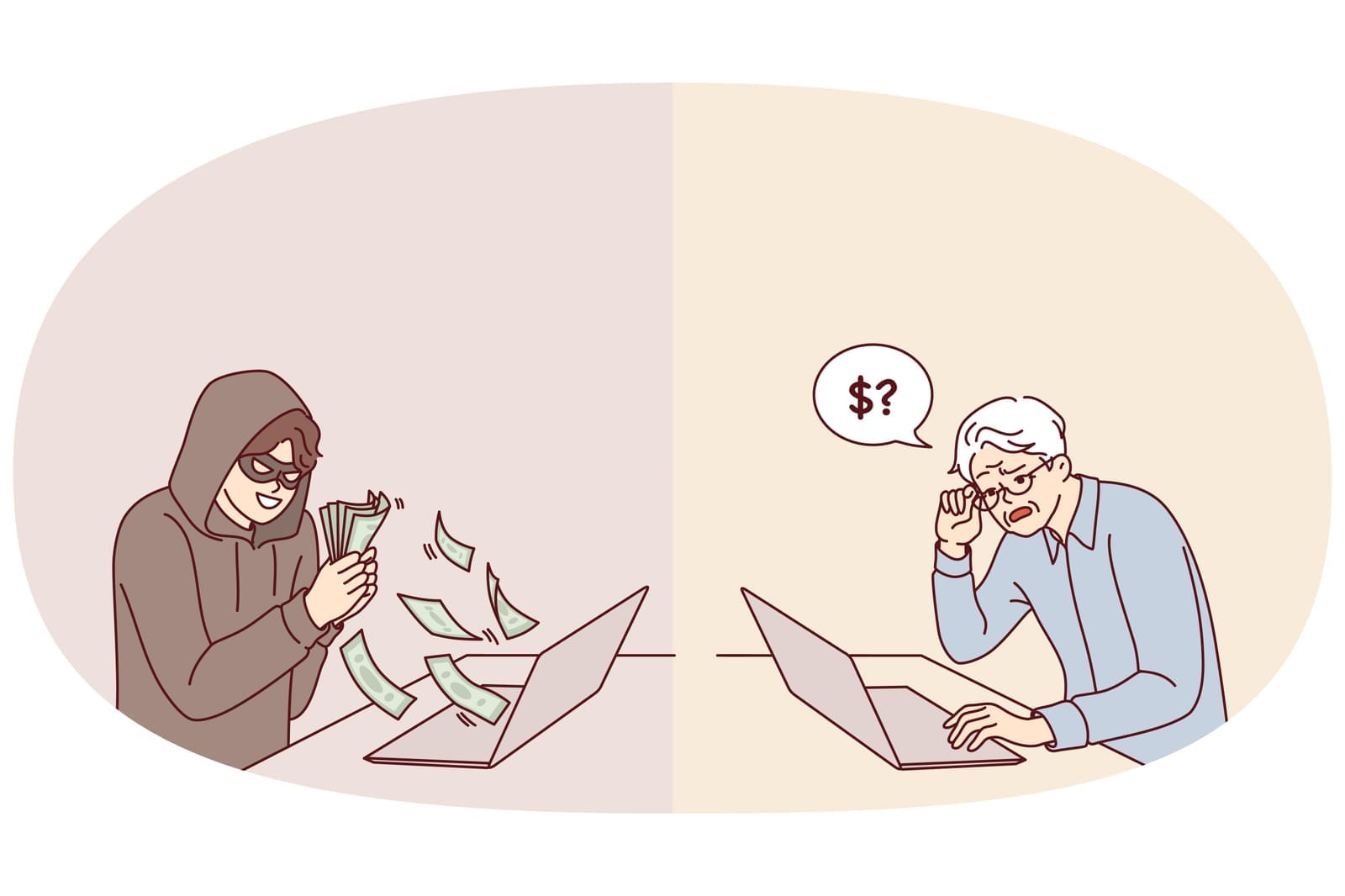
Scenario 2: Fake Payment / Wire Transfer Requests – “Can You Send This Now?”
Typical context:
An attacker impersonates a senior partner, CEO/CFO, or client requesting an urgent payment or fund transfer.
How the attack unfolds
- Reconnaissance
- The attacker identifies key decision‑makers (managing partner, CFO, practice lead) and finance staff.
- They note deal announcements, time zones, and typical transaction sizes.
- Domain impersonation
- They register a lookalike domain:
- Real:
@singaporelawfirm.com - Fake:
@singapore‑lawfirm.comor@singaporelawfrim.com
- Real:
- Or they simply spoof the display name (e.g., “Jane Tan, Managing Partner”).
- They register a lookalike domain:
- Initial email
- Sent to finance or operations:
“Hi, I’m in a meeting with the client. I need you to process a confidential payment of SGD 450,000 today. I’ll forward the account details shortly. I can’t take calls right now.”
- Sent to finance or operations:
- Follow‑up with details
- A second email provides beneficiary details, referencing a legitimate‑sounding reason (escrow, closing payment, tax settlement).
- They may CC or BCC another spoofed address to create an illusion of internal coordination.
- Exploiting weak processes
- If your process allows email‑only approvals from senior staff, finance may proceed.
- If dual control exists but is weak, attackers may also target the second approver.
Social engineering tactics used
- Authority – The message appears to come from a top partner, CEO, or important client.
- Urgency – “Needs to be done before close of business; client is waiting.”
- Confidentiality – “Do not discuss this widely; it’s sensitive.”
- Timing – Sent during travel, major deals, or late in the day when people are tired.
Business impact if successful
- Significant financial loss
- Often high‑value, single transactions.
- Reputational damage
- Internally (loss of confidence in finance/IT) and with clients if their matter is implicated.
- Staff morale and retention
- Individuals involved may feel personally responsible, leading to stress and attrition.
- Insurance and compliance implications
- Complex claims process; possible regulatory attention.

Scenario 3: Silent Mailbox Takeover – Rules, Forwarding, and Stealth
Typical context:
An attacker gains access to a mailbox (e.g., a partner, accounts receivable, client relationship manager) and quietly monitors and manipulates communications over weeks.
How the attack unfolds
- Account compromise
- Via stolen credentials (phishing, credential stuffing), weak passwords, or legacy protocols without MFA.
- Often targets shared mailboxes (e.g.,
[email protected],[email protected]).
- Establishing persistence
- The attacker creates mailbox rules to:
- Auto‑forward copies of certain emails to an external account.
- Move messages with words like “bank”, “invoice”, “payment” to a hidden folder.
- Auto‑delete alerts or security notifications.
- The attacker creates mailbox rules to:
- Observation phase
- They silently read email for days/weeks to learn:
- Which clients pay large invoices
- Who approves payments
- Which deals are closing soon
- How people write and sign emails
- They silently read email for days/weeks to learn:
- Exploitation
- From the compromised account, they:
- Change bank details on outgoing invoices.
- Approve fake payments.
- Intercept and alter client communications (e.g., send a “revised completion statement”).
- From the compromised account, they:
- Covering tracks
- Any suspicious replies from clients (“Are you sure this is your account?”) are intercepted and replied to by the attacker from the same compromised account.
- Logs or alerts may be auto‑deleted or filtered.
Social engineering tactics used
- High authenticity – Emails come from a real account, not a spoofed one.
- Patience – The attacker aligns their actions with real events and timelines.
- Minimal visible anomalies – No obvious mass spam or phishing from the account.
Business impact if successful
- Deep, extended compromise
- Multiple fraudulent payments or altered instructions over time.
- Serious client trust damage
- Clients may feel their entire confidential history is exposed.
- Regulatory/ethical implications
- Particularly serious for law and accounting firms handling sensitive or regulated information.
- Forensic and remediation cost
- Email, endpoint, and identity investigations; notifications; legal advice; infrastructure changes.
4. How Email Authentication (SPF, DKIM, DMARC) Helps—and Its Limits
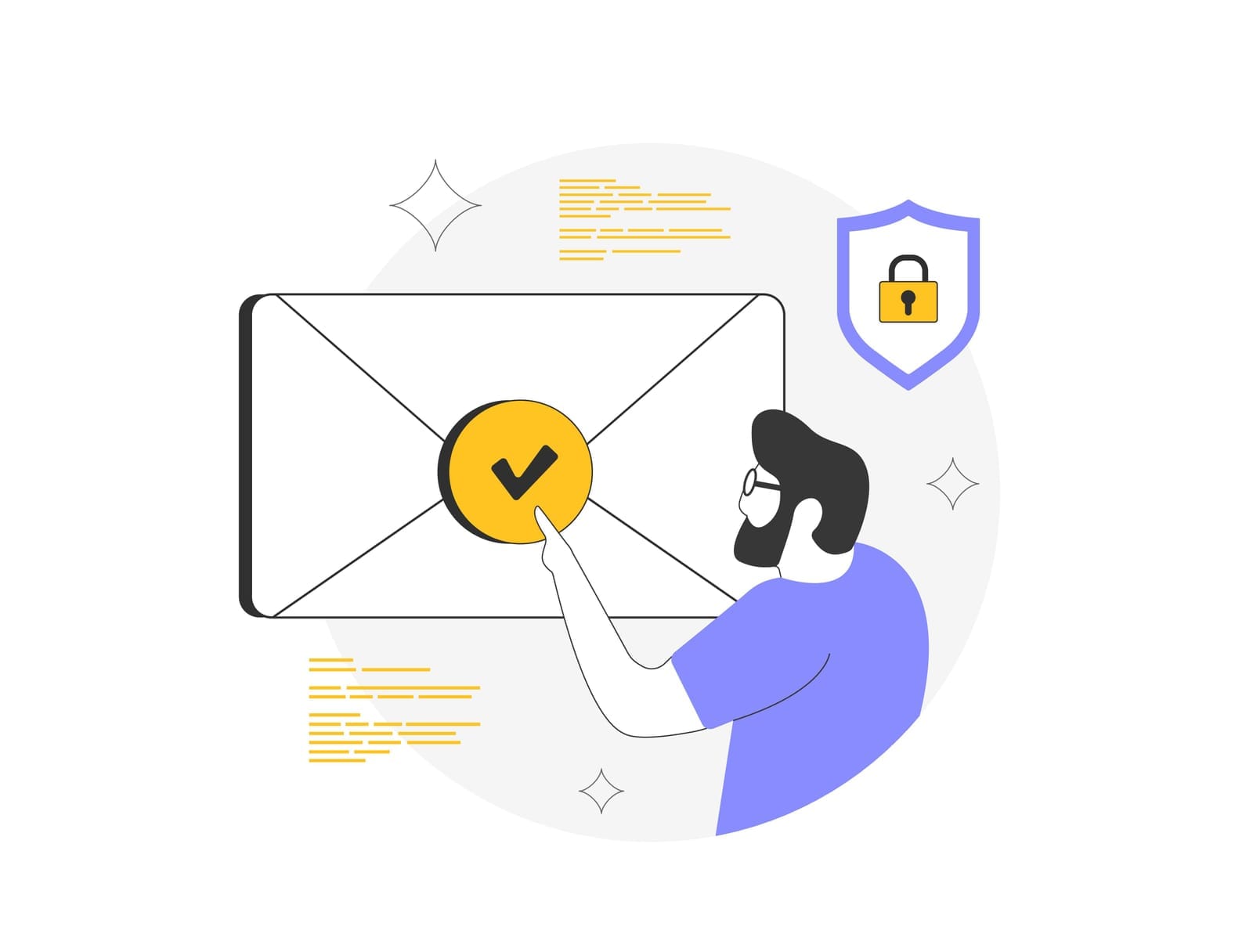
Technical email authentication standards are essential but often misunderstood. Here’s what they actually do—and don’t.
SPF (Sender Policy Framework)
- What it does (high‑level):
- SPF lets a domain owner specify which mail servers are allowed to send email for that domain.
- Receiving servers check: “Did this email really come from a server authorised by
example.com?”
- Helps against:
- Basic domain spoofing (an attacker sending mail that pretends to be
@yourfirm.comfrom an unauthorised server).
- Basic domain spoofing (an attacker sending mail that pretends to be
- Does not protect against:
- Compromised accounts (attacker sending from your real Microsoft 365/Google Workspace).
- Lookalike domains (
@your‑firm.com,@yourf1rm.com). - All forms of phishing or BEC.
DKIM (DomainKeys Identified Mail)
- What it does (high‑level):
- DKIM adds a cryptographic signature to outgoing emails, bound to your domain.
- The recipient verifies that the email was not altered in transit and is authorised by the sending domain.
- Helps against:
- Tampering with message content after sending.
- Some forms of spoofing when used with DMARC.
- Does not protect against:
- An attacker sending validly signed emails from a compromised account.
- Lookalike domains or social engineering on its own.
DMARC (Domain-based Message Authentication, Reporting & Conformance)
- What it does (high‑level):
- DMARC tells receivers what to do if SPF and/or DKIM fail or don’t align with the “From” address (none/quarantine/reject).
- It also provides reports so you can see who’s trying to send as your domain.
- Helps against:
- Direct spoofing of your exact domain in the “From” field.
- Gives visibility into abuse of your domain.
- Does not protect against:
- Account takeover (attackers sending from a legitimate mailbox).
- Lookalike domains and display‑name impersonation.
- Internal fraud or human error.
How proper configuration reduces BEC risk
- A correctly set up SPF/DKIM/DMARC policy at “quarantine” or “reject” makes it much harder for attackers to:
- Send fake invoices “from” your exact domain from arbitrary servers.
- Impersonate your partners or finance team via simple domain spoofing.
- When combined with monitoring DMARC reports, your IT/security team can:
- Detect unauthorised senders.
- Identify misconfigured third‑party services that send mail on your behalf.
- Adjust policies to reduce false positives before moving to “reject”.
Key message:
SPF, DKIM and DMARC are necessary building blocks. They reduce some BEC vectors (especially domain spoofing) but do not solve BEC by themselves. Account security, user training, and process controls are equally critical.

5. Human and Process Controls: Training, Policies, and Verification
Because BEC exploits people and processes, your defence must be more than just technology.
5.1 Role‑specific security awareness training
Generic “annual phishing training” is not enough. Focus on:
- Finance and accounts teams
- Common BEC patterns targeting invoices, bank detail changes, and urgent payments.
- How to verify bank details and handle suspicious instructions.
- Partners and senior leaders
- How their identities are exploited (CEO fraud, partner impersonation).
- Why they should expect additional verification hurdles—not fewer.
- Executive assistants and client service teams
- They often act as gatekeepers for approvals and client communication.
- Teach them to challenge unusual requests and validate via trusted channels.
- All staff
- Recognise lookalike domains, display‑name spoofing, and “urgent + confidential” red flags.
- How and where to report a suspicious email quickly.
5.2 Payment‑change and wire‑transfer verification processes
Create clear, written, enforced procedures:
- No bank detail changes by email alone
- Require out‑of‑band verification (e.g., phone call using a known number from your system, not from the email signature).
- For high‑value clients, consider additional checks (e.g., call two separate contacts).
- Dual control for significant payments
- Two independent approvers for transfers above a threshold, from different teams or levels.
- Approvers must see key details (beneficiary name, account number, purpose) and not just “approve via email”.
- Standard templates and language
- Make real finance communications predictable and consistent.
- Staff can more easily spot emails that “don’t look right”.
- Exception handling
- Define how to deal with urgent or “can’t follow normal process” requests (e.g., temporary exception but with extra verification, not less).
5.3 Strong authentication and account protection
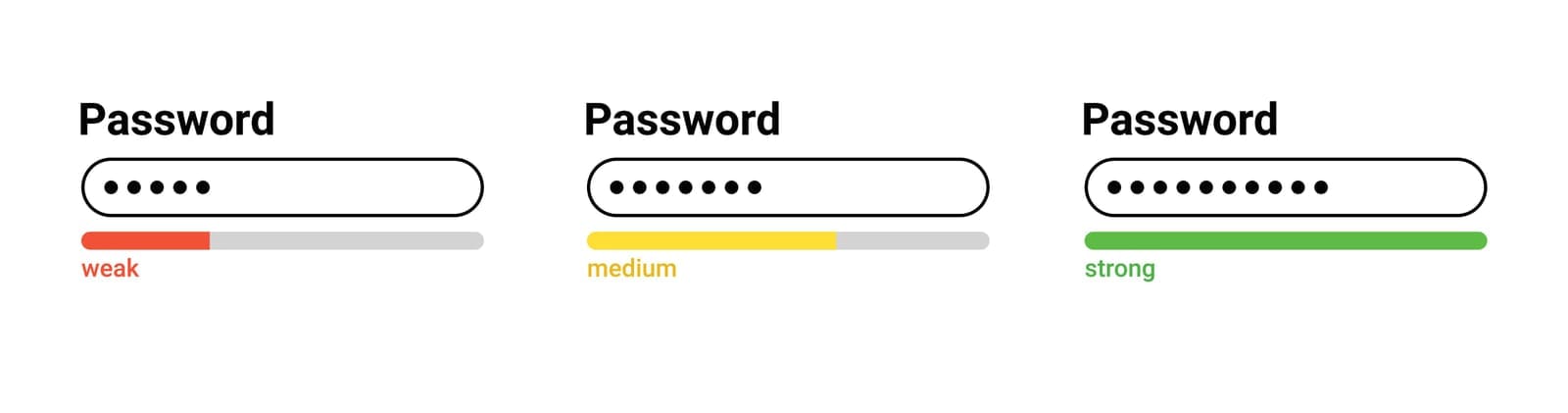
Reduce the risk of mailbox takeover, especially for high‑risk roles.
- Multi‑factor authentication (MFA) everywhere
- Enable MFA for all users, prioritising partners, finance, and shared mailboxes.
- Prefer phishing‑resistant methods where possible (e.g., FIDO2 security keys, modern app‑based prompts with number matching).
- Disable legacy protocols
- Turn off basic/legacy authentication (e.g., IMAP/POP/SMTP without modern auth) that often bypass MFA.
- Conditional access and geo‑controls
- Block logins from high‑risk countries if you don’t operate there.
- Flag impossible travel (logins from different continents within short periods).
- Monitor for abnormal mailbox behaviour
- Alert on creation of suspicious forwarding rules, large exports of mail, or sudden login pattern changes.
5.4 Email security tools and configurations
Complement core email platforms with:
- Anomaly detection
- Tools that flag unusual payment‑related language or behavioural anomalies in email usage.
- Security banners
- Warnings for emails from external senders, especially if the display name matches an internal user.
- Highlight potential lookalike domains in headers or banners.
- Logging and alerting
- Keep audit logs for mailbox logins, rule changes, and admin actions.
- Integrate with your SIEM or central logging where possible for faster investigation.

6. Building a Layered Defense Strategy
To reduce BEC risk meaningfully, you need layers that cover people, process, and technology:
- Prevent
- Harden email authentication (SPF/DKIM/DMARC).
- Implement MFA and disable legacy protocols.
- Use secure email gateways and anomaly detection.
- Detect
- Monitor DMARC reports, login anomalies, and suspicious mailbox rules.
- Enable staff to easily report phishing/BEC attempts (e.g., a “Report Phishing” button).
- Respond
- Have a documented incident response playbook for suspected BEC:
- Who to notify (IT, legal, management, insurer).
- How to contain (reset passwords, remove rules, revoke sessions).
- Client communication and notification steps.
- Have a documented incident response playbook for suspected BEC:
- Recover and improve
- Post‑incident review: what failed—technology, process, or training?
- Update policies, controls, and training based on lessons learned.
Firms that fare best against BEC treat it as a business risk, not just an “IT problem”. Partners, finance, operations, and IT must work together on realistic controls that fit how the firm actually operates.

7. What You Can Start in the Next 30 Days
Here are pragmatic actions a professional services firm can realistically begin within a month:
- Lock down email authentication
- Review and update SPF and DKIM records.
- Implement DMARC in “monitor” mode (
p=none) to collect reports; plan a path to “quarantine”/“reject”.
- Implement or tighten MFA and disable legacy auth
- Ensure MFA is enforced for all users, prioritising partners and finance first.
- Identify and turn off legacy protocols that bypass MFA.
- Create or update your payment verification policy
- Document a no‑exceptions process for bank detail changes and high‑value transfers.
- Communicate it to both internal teams and key clients so they know what to expect.
- Run targeted BEC awareness sessions
- 45–60 minute briefings for finance, partners, and executive assistants with your real‑world examples.
- Show them how to spot invoice fraud, urgent payment scams, and compromised mailbox red flags.
- Baseline mailbox security
- Audit high‑risk mailboxes for suspicious forwarding rules and sign‑in locations.
- Set up alerts for new rules and logins from unusual countries.
If you’d like support assessing your current exposure or implementing some of these controls as part of a managed service or digital transformation initiative, a vendor‑agnostic partner like Techease Solutions can help you design and operate a secure, cloud‑first environment that’s built to resist modern BEC threats.
Book an obligation free call with us today.