Building a Resilient Network: How Much Redundancy Does an SME Really Need
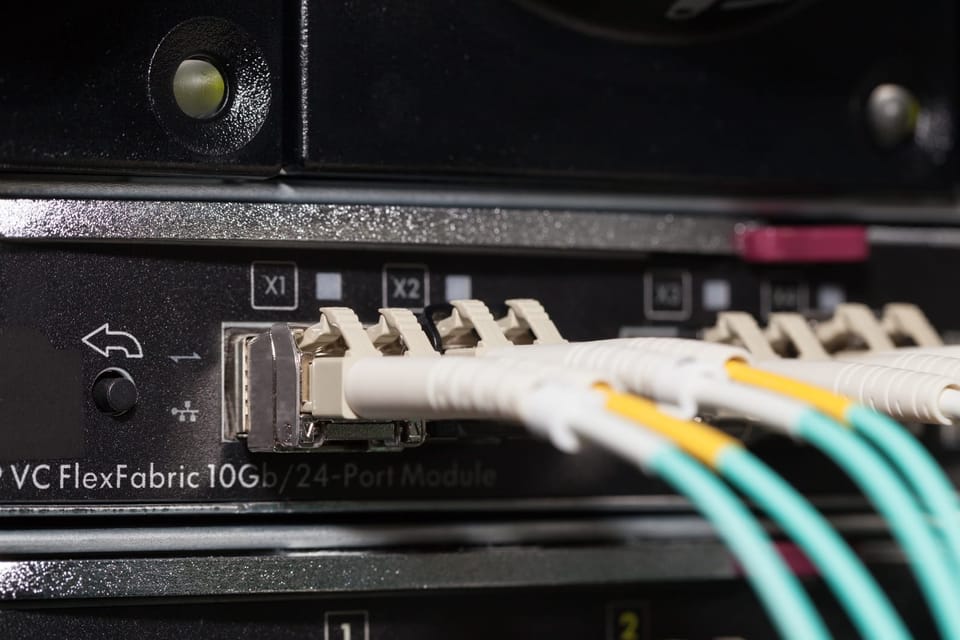
For many small and medium‑sized businesses, “the network” is a bit like electricity: you only notice it when it stops working.
Yet more and more of your operations now depend on reliable connectivity:
- Your EMR or practice management system
- Google Workspace or Microsoft 365
- VoIP phones and video meetings
- Customer portals and e‑commerce platforms
- Cloud backups and line‑of‑business apps
This post is written for owners and IT leaders who are not network engineers but are responsible for IT decisions. The goal is to help you understand, in plain language:
- What “network resilience” and “redundancy” actually mean
- How to decide how much redundancy your business really needs
- What options you have, and which are worth paying for
No hype—just realistic recommendations you can use in conversations with your team or your managed service provider (MSP).

1. Context and stakes: Why network downtime matters
Network downtime simply means your staff or systems can’t connect to what they need—whether that’s the internet, cloud apps, or remote sites.
Concrete examples of downtime pain
Consider these all‑too‑common scenarios:
- Healthcare clinic
- Staff cannot access the EMR or practice management system.
- Patients wait longer; clinicians may postpone visits or fall back to paper.
- Missed appointments, billing delays, and potential compliance headaches if data can’t be updated on time.
- Professional services firm or SME using cloud tools
- Staff cannot access Google Drive or Microsoft 365.
- Shared documents, spreadsheets, and email are unavailable.
- Work grinds to a halt; deadlines slip; staff sit idle or switch to low‑value tasks.
- Sales and customer‑facing teams
- VoIP phones stop working; video meetings drop.
- Customer support queues build up; prospects can’t reach you.
- Your brand looks unprofessional at exactly the wrong moment.
- E‑commerce or portal‑driven business
- Customer‑facing portals or online store stop responding.
- Orders are lost; customers click away to competitors.
- Refunds, reputational damage, and negative reviews follow.
In many SMEs, a “simple” internet outage can quickly cascade into lost revenue, frustrated staff, missed SLAs with your own customers, and potential regulatory risk—especially in sectors like healthcare, finance, or legal where data availability and integrity matter.
Network resilience and redundancy in business terms
- Network resilience: Your network’s ability to keep working (or quickly recover) when something goes wrong—an ISP outage, a failed router, a cut cable, a power issue, etc.
- Redundancy: Having spares or alternatives for the critical parts of your network—extra links, extra devices, extra paths—so a single failure doesn’t stop operations.
A simple analogy:
- A non‑resilient setup is like having one delivery van and one driver. If either breaks, nothing gets delivered.
- A resilient setup might have two vans or a backup driver—or both—so the business can still function if one fails.
Mapping redundancy to the cost of downtime
The central question is not “how much redundancy can we buy?” but:
“How much downtime can we afford before it becomes more expensive than redundancy?”
Think in terms of:
- Lost revenue: How much do you earn per hour/day? How much work stops when the network is down?
- Operational cost: How many staff are idle or ineffective during an outage?
- Regulatory/compliance risk: Could downtime impact record‑keeping, reporting, or legal obligations (for example, timely EMR access)?
- Reputation: What happens if clients can’t reach you, place orders, or access your portal?
Once you have a rough sense of these costs, you can judge whether extra links, better hardware, or more robust designs are genuinely worth it.

2. Key redundancy options (in plain language)
Let’s look at the main building blocks of a resilient SME network. These are often bundled inside managed IT services or digital transformation packages, alongside monitoring, cybersecurity, vendor management, and strategic reviews.
A. Dual ISPs: Two independent internet providers
What it is
You purchase internet service from two different providers (or at least two logically separate connections). If one provider has a problem, you can fail over to the other.
Pros
- Protection against provider‑specific outages
If ISP A has a network issue, you can switch to ISP B. - Potential performance and flexibility
You can use both connections at once, or prioritize certain traffic on one link. - Path diversity
You may mix technologies—for example, fiber from one provider and 5G or cable from another—to reduce the chance that a single physical problem takes down both.
Cons
- Higher cost
You’re paying for two connections and often better network hardware. - More complexity
Someone has to configure, monitor, and maintain failover logic, firewalls, and routing. - Diminishing returns for some businesses
If you can tolerate a few hours of downtime per year, the cost might not be justified.
Risks and limitations
Redundancy is not magic. Common pitfalls include:
- Shared last‑mile infrastructure
Two circuits that enter your building over the same cable bundle or through the same pit can both fail if that physical path is damaged (e.g., roadworks cut the conduit). - Shared upstream infrastructure
Even different ISPs might use the same backbone providers or the same data centre cross‑connects in your area. True independence is hard to guarantee. - Contract terms and SLAs
Some SME‑grade connections don’t come with strong uptime guarantees or fast repair times, even if you have two of them.
Dual ISPs reduce risk, but they cannot eliminate it.
B. Failover / high‑availability routers or firewalls
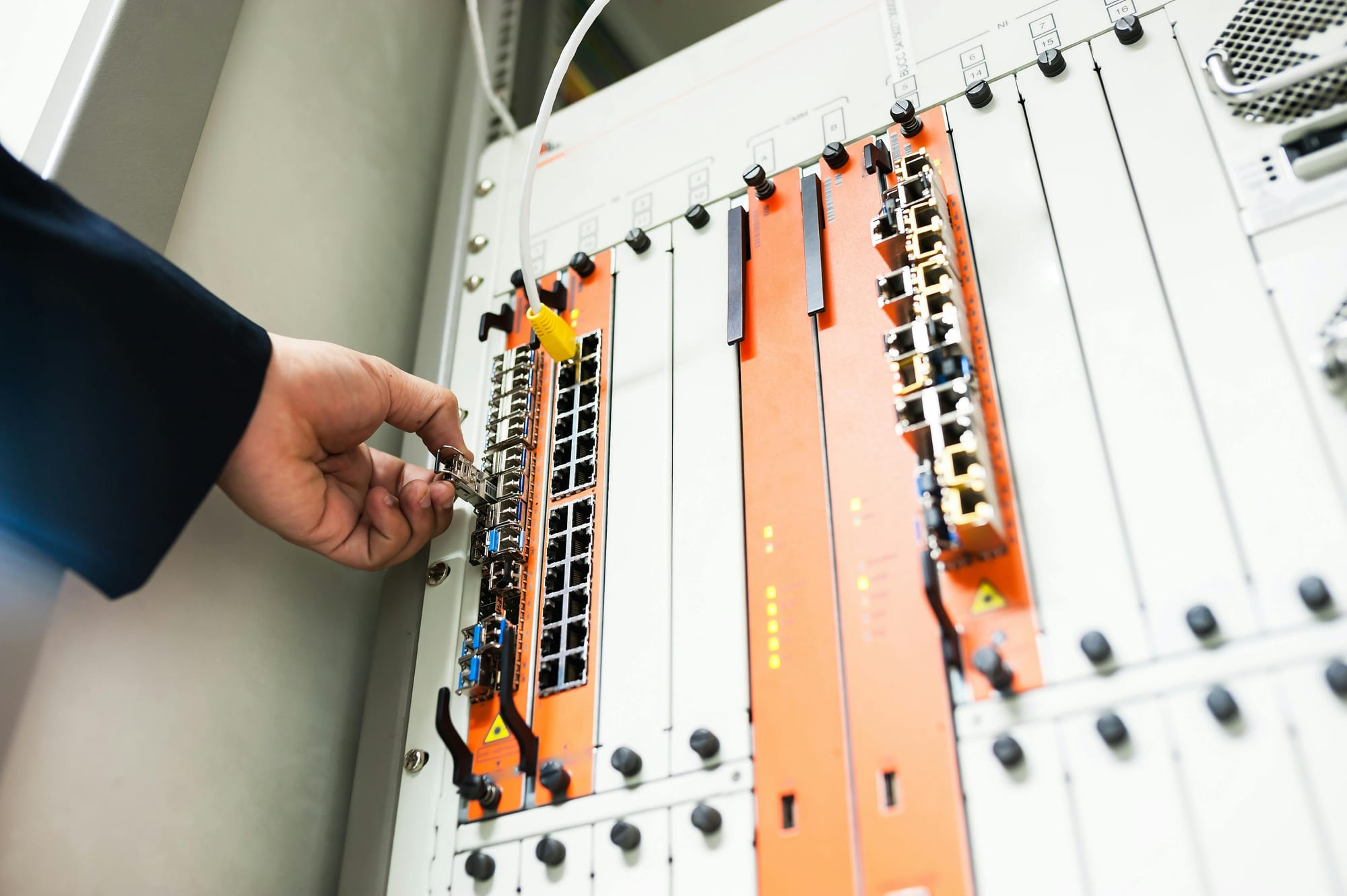
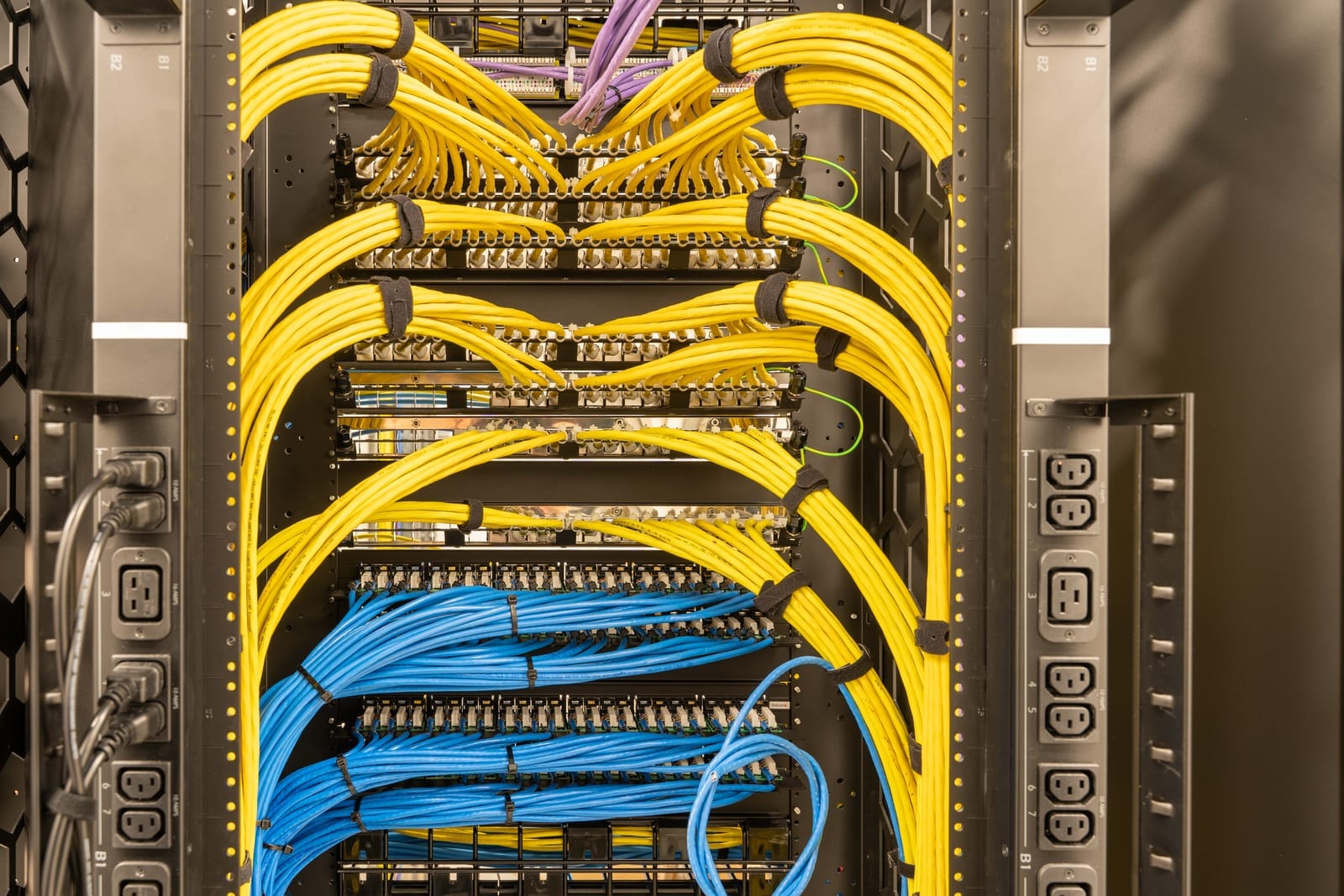
Your internet connections plug into a router or firewall—the box that directs traffic, enforces security, and often provides VPN access. If that box fails or isn’t configured for redundancy, your dual ISP setup may not help.
What they do
A higher‑availability setup can:
- Monitor the “health” of each internet link.
- Automatically direct traffic over the working link when one fails (this is failover).
- In some cases, use both links at the same time (load balancing).
- Provide dual hardware (two routers/firewalls) so a single device failure doesn’t take you offline.
Active/passive vs. active/active (simple view)
- Active/passive:
- One device or link is active.
- The other waits in the background (passive) and takes over if the active one fails.
- Simpler, easier to reason about, often enough for SMEs.
- Active/active:
- Both devices or links are in use simultaneously.
- If one fails, traffic shifts to the other.
- Offers better utilization but is more complex to design and manage.
Typical SME‑grade setups
For SMEs, common options include:
- A single firewall/router with two WAN ports, configured to:
- Use the main ISP for everyday traffic
- Automatically fail over to a secondary ISP (e.g., LTE/5G) if the main link fails
- Two firewalls configured as a pair (high availability), so:
- If one fails, the other takes over, keeping sessions and security policies intact
- This is usually found in larger or more critical environments (clinics, multi‑site offices, etc.)
The key business point: Hardware is also a single point of failure. If you invest in dual ISPs but your one router dies, you still go down.
C. Backup links: “Plan B” connectivity
A backup link is any secondary connection that can keep your business running if the primary link fails.
Types of backup links
- Secondary fiber or cable
- Similar performance to your main connection.
- Can be from the same or a different provider.
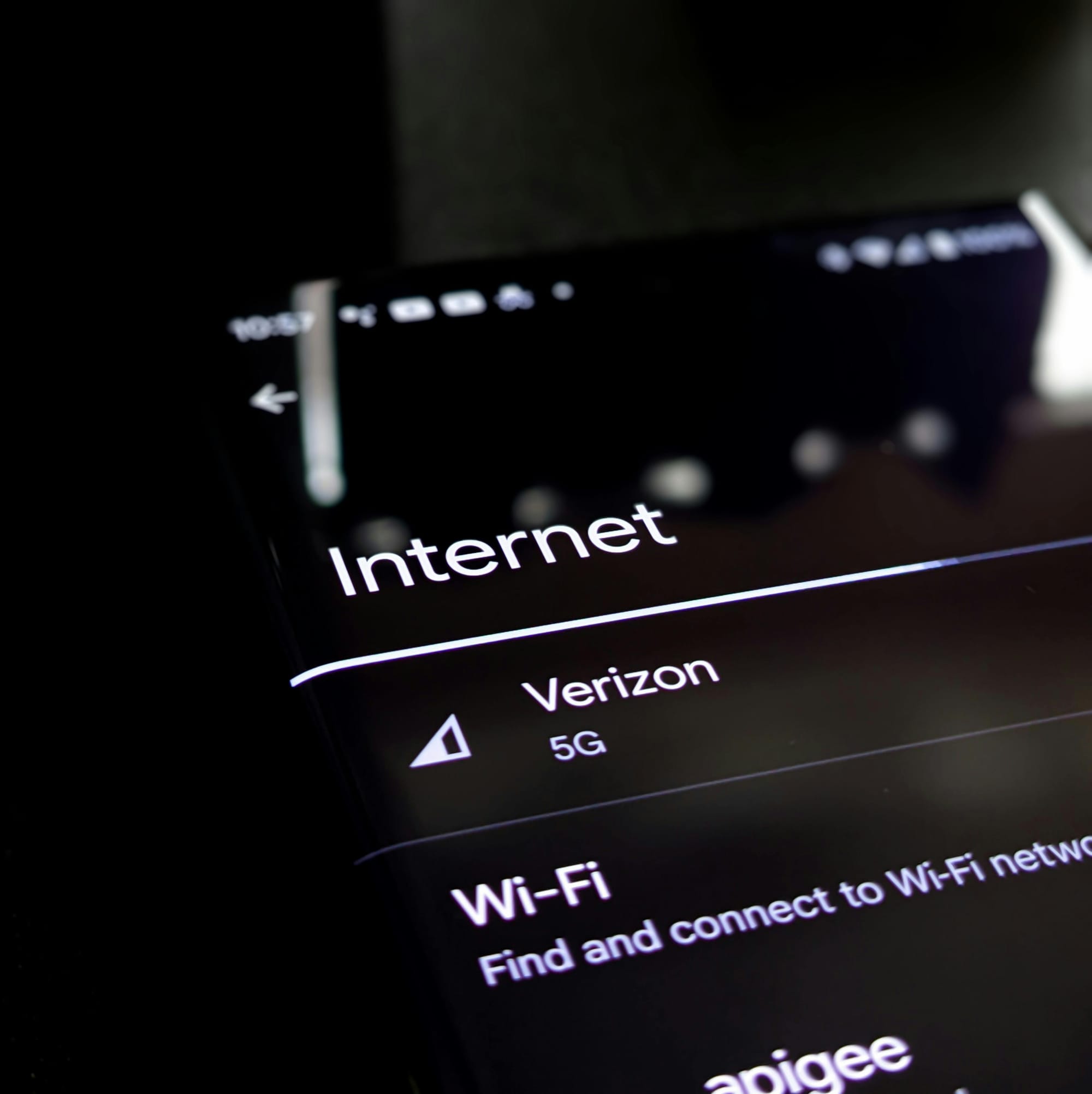
- LTE/5G cellular backup
- Uses a mobile network via a SIM card.
- Often supplied as a small cellular router or a module integrated into your main router.
- Fixed wireless links
- Point‑to‑point or point‑to‑multipoint wireless provided by an ISP.
- Requires line‑of‑sight or rooftop equipment in many cases.
Primary vs. “good enough” backup
You don’t always need your backup to be as fast as your main link. Think in tiers:
- High‑capacity primary link
- Example: 500 Mbps fiber used for daily operations, file sync, backups.
- “Good enough” backup link
- Example: 20–100 Mbps LTE/5G link that:
- Keeps EMR access, critical cloud apps, and VoIP alive.
- Does not support heavy file transfers or large software updates during an outage.
- Example: 20–100 Mbps LTE/5G link that:
Focus on business‑critical functions during failover, not everything you normally do. You can:
- Prioritize key apps (EMR, CRM, email, VoIP).
- Deprioritize or block non‑essential traffic (video streaming, large downloads, backups) while on backup.
Realistic expectations for cellular backup
Cellular backup is attractive because it’s easy to deploy and offers physical diversity from wired lines. However:
- Speed varies with signal quality, network congestion, and location.
- Data caps and fair‑use limits often apply.
- Latency (delay) is typically higher than fiber, which can affect real‑time apps if poorly configured.
It’s excellent for continuity, not necessarily for business as usual.
3. Mapping technical options to business impact
You don’t need to be a network engineer to choose a sensible strategy. Use a simple tiered framework based on how painful downtime is for you.
Tier 1: Minimal resilience
Profile: Small office, low‑criticality operations, can tolerate a few hours of downtime.
Typical characteristics:
- Most work is not time‑critical.
- Staff can genuinely work offline for a while (e.g., local documents, phone calls via mobile).
- No strong regulatory or contractual uptime commitments.
Recommended approach
- ISP setup
- Single wired ISP with a reasonably good uptime record.
- Ensure you have a clear support escalation path and understand their repair times.
- Router/firewall
- Single SME‑grade router/firewall, configured and monitored.
- Backup link
- Optional:
- Consider a modest LTE hotspot or phone tethering plan for key staff as a manual backup.
- Optional:
- Cost vs. risk
- You accept that a rare half‑day or day‑long outage is cheaper than paying for constant redundancy.
- You focus instead on good basic IT hygiene: monitoring, patching, security, backups, and clear communication procedures during outages.

Tier 2: Moderate resilience
Profile: Office that relies heavily on cloud apps but can work offline temporarily.
Typical characteristics:
- Your team lives in tools like Microsoft 365 or Google Workspace.
- Outage directly hurts productivity but may not immediately stop revenue.
- Perhaps some key meetings or customer calls, but you can reschedule in a pinch.
Recommended approach
- ISP setup
- Still possible to run a single primary ISP, but:
- Strongly consider an automatic cellular backup (LTE/5G) integrated into your router.
- Alternatively, a low‑cost secondary wired connection (even if slower).
- Still possible to run a single primary ISP, but:
- Router/firewall
- Single firewall/router with:
- At least two WAN ports (one for primary ISP, one for backup).
- Automated failover and health checks: if the main line dies, traffic automatically switches.
- Single firewall/router with:
- Backup link
- LTE/5G backup or a lower‑bandwidth second wired line.
- Size the backup so:
- Email, core SaaS apps, and VoIP can run reasonably.
- You may throttle big downloads and backups during failover.
- Cost vs. risk
- Extra monthly cost is moderate (a second SIM or cheaper line, plus slightly better hardware).
- You significantly reduce the chance of full office downtime, especially for routine ISP issues.

Tier 3: High resilience
Profile: Clinics, professional services, or operations where downtime directly stops revenue or impacts safety/compliance.
Examples:
- Healthcare clinics reliant on EMR and e‑prescribing.
- Law/accounting firms bound by strict delivery deadlines and data access requirements.
- Contact centres or customer support operations where voice and online services must be available.
Here, an outage is not just inconvenient—it may:
- Directly stop billable work.
- Affect patient safety or quality of care.
- Risk regulatory non‑compliance or SLA penalties.
Recommended approach
- ISP setup
- Dual ISPs are usually justified:
- Preferably different providers and, if possible, different access types (e.g., fiber + cable or fiber + LTE/fixed wireless).
- Confirm they use physically diverse paths into your premises if feasible.
- Dual ISPs are usually justified:
- Router/firewall
- At minimum:
- One business‑grade high‑availability router/firewall that supports dual WAN and advanced health checking.
- For higher availability:
- Dual firewalls in an HA pair (active/passive or active/active).
- Automatic failover if one device fails.
- At minimum:
- Backup link
- If both links are wired:
- Consider adding cellular as a tertiary backup, especially for critical systems like EMR access.
- Ensure bandwidth planning:
- One link can carry all critical traffic if the other fails.
- If both links are wired:
- Cost vs. risk
- Higher monthly and one‑time costs (extra circuits, better appliances, configuration, and ongoing management).
- But the risk reduction is substantial: a single failure—provider outage, router crash, cut cable—should not stop your business cold.

4. Practical design considerations (without jargon overload)
Let’s touch on some key ideas you’ll hear from providers, in plain terms.
A few useful terms
- SLA (Service Level Agreement)
A provider’s documented promises—uptime percentage, response times, penalties. An “enterprise” SLA usually has better guarantees than a basic SME plan. - MTTR (Mean Time To Repair)
How long it typically takes to fix issues. A 99.9% uptime SLA may be less useful if MTTR is still several hours. - Failover
The automatic switching from a failed component (link, device) to a backup. - Last‑mile
The final stretch of the network from the provider’s infrastructure to your premises. If that path is damaged, both of your links might be impacted—if they share the same last‑mile.
Importance of testing failover regularly
Redundancy that’s never tested is a guess, not a plan.
- Schedule regular failover tests (e.g., quarterly or at least twice a year):
- Simulate a primary link failure during a low‑risk window.
- Confirm that users can still access critical apps.
- Check VoIP call quality, EMR performance, remote access, etc.
- Document:
- Who triggers and supervises tests.
- How to roll back if something goes wrong.
- What was learned and what to adjust.
Managed IT providers who offer scheduled IT health checks and strategic reviews can fold these tests into their routine services.
Landline vs. cellular diversity
Diversity isn’t just having two connections; it’s having different kinds of connections so the same event is less likely to break both.
- Good diversity:
- Fiber from Provider A + LTE/5G from Provider B.
- Cable from Provider A + fixed wireless from Provider B.
- Weaker diversity:
- Two circuits from the same provider over the same cable.
- Two circuits entering the building at the same point, in the same duct.
Ask your providers:
- “Do these links share any physical cables or ducts in the last mile?”
- “What happens if there’s a local fiber cut near the building?”

On‑premise vs. cloud systems
Understanding where your systems “live” matters:
- On‑premise systems (e.g., a server in your office):
- Staff on site can often keep working even if the internet goes down—as long as internal network and power are fine.
- Remote staff or branch offices will lose access if the office’s internet fails.
- Cloud systems (SaaS apps like EMR, CRM, Microsoft 365, etc.):
- Everyone is dependent on internet connectivity.
- Your office link, users’ home links, and the provider’s own uptime all matter.
If your critical systems are cloud‑first (as many SMEs now are), internet redundancy becomes a core part of business continuity planning, not just an IT “nice to have.”
Regulatory and compliance considerations (high level)
Some sectors have expectations—formal or informal—about availability and data access:
- Healthcare (EMR, patient data)
- Financial services and insurance
- Legal and accounting
Downtime can:
- Interfere with timely record‑keeping or reporting.
- Affect patient care or client service obligations.
- Complicate audits if gaps in data entry appear.
While this post is not legal advice, these sectors tend to belong in the High resilience tier. They benefit from:
- Dual ISPs with robust failover.
- Strong backup and recovery processes.
- Security and compliance advisory as part of broader IT and digital transformation services.

Common pitfalls and misconceptions
- “Dual circuits from the same provider = true redundancy”Not necessarily. If both circuits: One physical incident (flooding, construction damage, local outage) can knock both out. This is better than a single link, but not full resilience.
- Use the same last‑mile cable or duct.
- Terminate in the same cabinet or in the same shared building distribution frame.
- “Cellular backup is unlimited and as fast as primary fiber”Reality check:
- Speeds depend on signal and congestion; they may be much lower at busy times.
- Data caps or fair‑use policies may kick in quickly if you send large amounts of data.
- It’s excellent as an emergency lane to keep critical services running—not as a permanent substitute for high‑capacity fiber.
- “We set this up once years ago; we’re covered”Networks evolve. New apps, more staff, heavier use of video and cloud tools can all change what you need:
- Revisit your design and capacity at least annually.
- Use scheduled IT health checks and strategic reviews to align network resilience with your current business needs.

5. Actionable checklist for SMEs
Use this checklist to frame your decisions and your discussions with an internal IT team or external MSP.
Step 1: Assess your critical systems and acceptable downtime
- List your top 5–10 critical systems, such as:
- EMR / practice management
- Accounting/ERP
- CRM
- Cloud suites (Google Workspace / Microsoft 365)
- VoIP / contact center
- E‑commerce site or customer portal
- For each system, answer:
- How long could we really be without this before:
- We lose significant revenue?
- We risk compliance issues?
- Our reputation suffers?
- Can staff work offline (even partially) if this system is down or the internet is unavailable?
- How long could we really be without this before:
- Classify yourself into a rough tier:
- Minimal resilience: Can tolerate several hours of outage a few times a year.
- Moderate resilience: Need most cloud apps available; can tolerate short outages; major disruptions are painful but not catastrophic.
- High resilience: Downtime directly affects revenue, safety, or regulatory obligations.

Step 2: Decide your redundancy level
Use this as a starting guide:
Option A: Single ISP + no backup
- Suitable for:
- Minimal resilience tier.
- Non‑critical offices or satellite locations.
- Requirements:
- Clear escalation and support from ISP.
- Basic firewall/router, reasonably maintained.
- Risk:
- Outage can shut you down until ISP fixes it.
Option B: Single ISP + cellular backup
- Suitable for:
- Moderate resilience tier.
- Small clinics/offices where full dual‑ISP setup isn’t yet affordable.
- Requirements:
- Router with integrated or add‑on LTE/5G.
- Configuration for automatic failover.
- Benefits:
- Protects against most common ISP issues.
- Keeps essential apps and VoIP running, with some speed trade‑offs.
Option C: Dual ISPs + failover router
- Suitable for:
- Upper end of Moderate resilience and all High resilience tiers.
- Requirements:
- Two ISPs (ideally with some physical/technology diversity).
- Business‑grade router/firewall with dual WAN and proper failover.
- Benefits:
- Resilience to both ISP and many network‑side issues.
- Option to use both links actively or have one as a hot standby.
Option D: Dual ISPs + dual routers (higher availability)
- Suitable for:
- High resilience tier where downtime is extremely costly.
- Requirements:
- Two ISPs.
- Two firewalls/routers in an HA pair.
- Ongoing management and testing.
- Benefits:
- Protects against ISP failure and hardware failure.
- Strong foundation for clinics, 24×7 operations, and regulated environments.

Step 3: Questions to ask your IT provider or MSP
When reviewing or planning your setup, consider asking:
- About current state
- What is our single point of failure today?
- Do we have more than one internet path? Are they truly independent?
- How long were our last outages, and what caused them?
- About redundancy design
- For our critical systems, what redundancy do you recommend, and why?
- How do our links enter the building? Do they share the same physical path?
- Are we using active/passive or active/active setups for internet and firewalls?
- About failover and testing
- Is our failover automatic? How long does it take to switch?
- When was the last failover test? What were the results?
- Can we schedule regular tests and include them in our health checks?
- About cost vs. risk
- How much more would each tier of resilience cost us monthly (roughly)?
- Based on our business, where do you think the best value is:
- Single ISP only
- Single ISP + cellular backup
- Dual ISPs + failover router
- Dual ISPs + dual routers
- About broader strategy
- How does our network design align with our cloud strategy and digital transformation roadmap?
- Are there cybersecurity or compliance implications we should consider along with redundancy?

Closing thoughts
Network resilience for SMEs is not about chasing “five nines” (99.999% uptime) at any cost. It’s about right‑sizing redundancy to your real‑world business impact, risk tolerance, and budget.
If a few hours of downtime per year is tolerable, a well‑managed single link plus basic backup options may be enough. If, on the other hand, losing EMR access, VoIP, or your customer portal for an hour costs more than a year of extra connectivity, investing in dual ISPs, failover hardware, and regular testing is not a luxury—it’s a sensible business decision.
By understanding the options, asking the right questions, and aligning your network design with your critical operations, you can build a network that quietly does its job—even when things go wrong.