Building a Cloud‑First but Not Cloud‑Only Strategy: Keeping Critical Systems Resilient for Traditional, Data‑Heavy SMEs

There is a famous saying:
There is no cloud, its just someone else's computer.
For many SMEs, “go to the cloud” has shifted from bold strategy to default assumption. Boards ask why you’re not in the cloud. Vendors push SaaS for everything. Regulators increasingly accept cloud as normal.
But if you run a factory, a hospital, a logistics network, or a regulated financial business, you know the reality: you have big databases, old but business‑critical systems, strict compliance requirements, and a small IT team already stretched thin. A naive “cloud‑only” push can increase risk, not reduce it.
A cloud‑first, not cloud‑only strategy is about using the cloud wherever it genuinely improves resilience, security, and cost, while deliberately keeping or duplicating certain capabilities on‑premises or at the edge when that’s the safer or cheaper choice. This is exactly the kind of pragmatic balance a cloud‑first consultancy would aim for—favoring cloud where it makes sense, but still designing, installing, and managing local hardware when required by your applications or regulations.
Below is a practical blueprint for designing that strategy.

1. Context and Problem Framing
Why cloud‑first became the default
Cloud‑first took off because it addresses real pain:
- CAPEX → OPEX: You avoid big hardware refreshes and align spend with usage via subscription / pay‑as‑you‑go models.
- Speed and agility: New environments and managed services can be provisioned in minutes.
- Resilience features baked in: Multi‑AZ, snapshots, managed backups, load balancers, etc.
- Managed operations: Cloud providers take care of physical infrastructure, power, cooling, and much of the undifferentiated heavy lifting.
For new, cloud‑native workloads, this is often a no‑brainer.
What goes wrong when cloud‑first becomes cloud‑only
For traditional, data‑heavy SMEs, forcing everything into the cloud can backfire:
- Performance and latency issues
- Shop‑floor systems, trading platforms, or clinical systems may require millisecond‑level latency that a distant cloud region can’t reliably provide.
- Data gravity and egress costs
- If your ERP, MES, and analytics now sit in the cloud, but your plant generates terabytes of sensor data daily, constant uploads and cross‑region transfers can be slow and expensive.
- Regulatory and data residency constraints
- Healthcare, finance, and public sector often face rules about where certain data can physically reside, retention periods, and who may access it.
- Legacy and highly integrated systems
- Old but critical line‑of‑business apps with hard‑coded IPs, bespoke integrations, or specialized hardware (e.g., lab machines, CNC controllers) can be risky and costly to re‑platform.
- Skills and operational capacity
- Cloud introduces new complexity (IAM, network segmentation, IaC, security models). With small teams, you may struggle to operate a complex cloud‑only estate.
In practice, interpreting “cloud‑first” as “cloud‑only” can create:
- Single points of failure (one cloud region, one provider, no on‑prem fallback).
- Higher total cost of ownership due to constant data movement.
- Compliance exposure if residency and retention rules are misunderstood.
- Operational fragility when the internet or provider has an outage.
2. Principles of a Cloud‑First (Not Cloud‑Only) Strategy
What “cloud‑first” should mean in practice
A pragmatic working definition:
For any new or significantly changed workload, the default option is to use managed cloud services, unless there is a clear, documented reason not to.
Concretely:
- When deploying a new internal app, default to:
- Cloud‑managed database instead of self‑hosted DB.
- Platform services (functions, containers, managed Kubernetes) instead of raw VMs where feasible.
- Cloud identity integration instead of isolated local accounts.
- Evaluate on clear criteria: security, resilience, latency, regulatory fit, TCO, and available skills.
This avoids “server‑hugging” for new systems while not forcing unsuitable migrations of legacy workloads.
What “not cloud‑only” should mean
“Not cloud‑only” means you explicitly define circumstances where on‑premises or secondary environments remain first‑class citizens:
You keep or duplicate workloads on‑prem or at the edge where:
- Regulation or contracts demand it
- Certain personal data, health data, or financial records must remain in‑country or on customer‑controlled infrastructure.
- Latency is critical
- Control systems, call‑center telephony, real‑time trading, or imaging systems that degrade with even modest internet jitter.
- Data egress / transfer costs are prohibitive
- Large telemetry or video data sets that are cheaper to process or store near the source.
- Business continuity / RTO–RPO targets require it
- The business cannot tolerate downtime if internet access or the cloud provider has an incident.
- Operational simplicity
- Some small but critical workloads may be simpler and safer to keep on a known on‑prem platform instead of re‑architecting.
The key is to codify this as decision criteria, not ad‑hoc exceptions.

3. Workload and Data Classification
Before designing architecture, you need a classification model. A simple but effective one looks at:
- Business criticality
- Tier 0: Mission‑critical (safety, revenue, or compliance impact if down for minutes/hours).
- Tier 1: Important (can tolerate some downtime but with clear business cost).
- Tier 2: Non‑critical (back‑office, batch, non‑time‑sensitive).
- Data sensitivity
- Public, internal, confidential, secret (e.g., patient records, financial transactions, trade secrets).
- Performance and latency profile
- Real‑time, interactive, batch. Typical and peak IO, latency tolerance.
- Integration dependencies / data gravity
- What other systems does it tightly couple to? Where does most of its data reside?
- Regulatory constraints
- Residency, encryption mandates, retention, auditability.
What typically stays on‑prem
Common examples:
- Plant‑floor and OT systems
- SCADA, PLC management, MES tightly coupled to physical machinery.
- Latency‑sensitive trading or risk systems
- Where microseconds or low‑millisecond latencies matter.
- Systems using specialized hardware
- Lab equipment drivers, dongle‑licensed apps, hardware security modules that are not cloud‑integrated.
- Heavily customized legacy ERP/LOB systems
- Especially when re‑platforming risk is high and vendor cloud support is immature.
What typically moves to cloud
- Collaboration and productivity
- Email, document storage, chat, video conferencing, and general productivity suites.
- Customer‑facing web and mobile apps
- Portals, e‑commerce, APIs exposed to partners/customers.
- Analytics, data warehousing, and ML
- Data lakes, BI, and machine learning platforms that benefit from elastic compute and storage.
- Standardized business apps
- CRM, HR, ticketing, ITSM, where mature SaaS/PaaS options exist.
What often runs in hybrid models (active‑active or active‑passive)
- Core transactional databases
- Primary in cloud, read replicas or backup copies on‑prem (or vice‑versa), for DR and analytics.
- Directory and identity services
- Cloud‑based identity as primary with on‑prem directory as integrated or fallback.
- File services
- Primary storage in the cloud with cached/replicated edge appliances in plants and offices.
- Backup and DR
- On‑prem primary workloads with cloud‑based replicas and backup; or cloud primary with on‑prem backup repositories for ransomware‑resilient recovery.
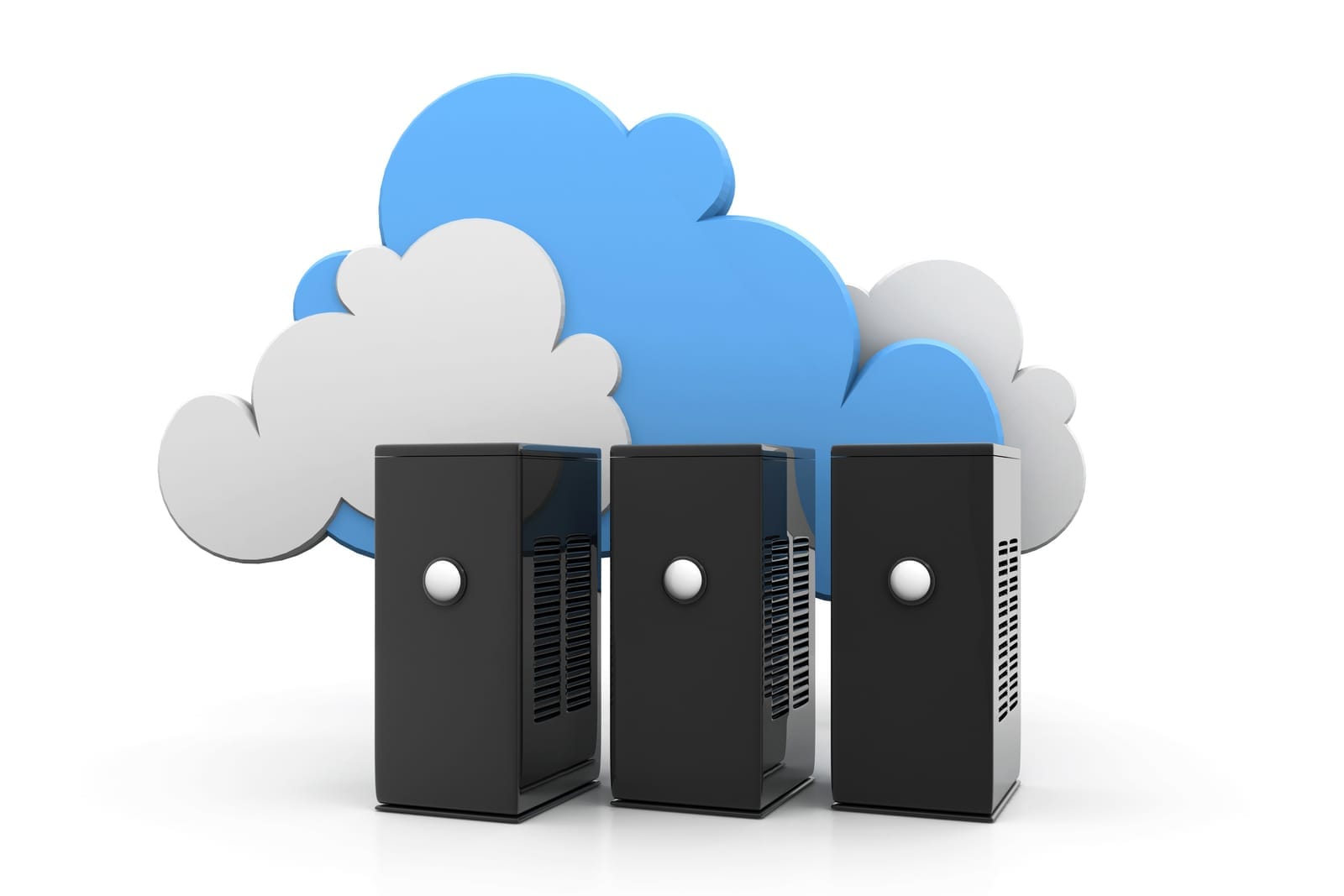
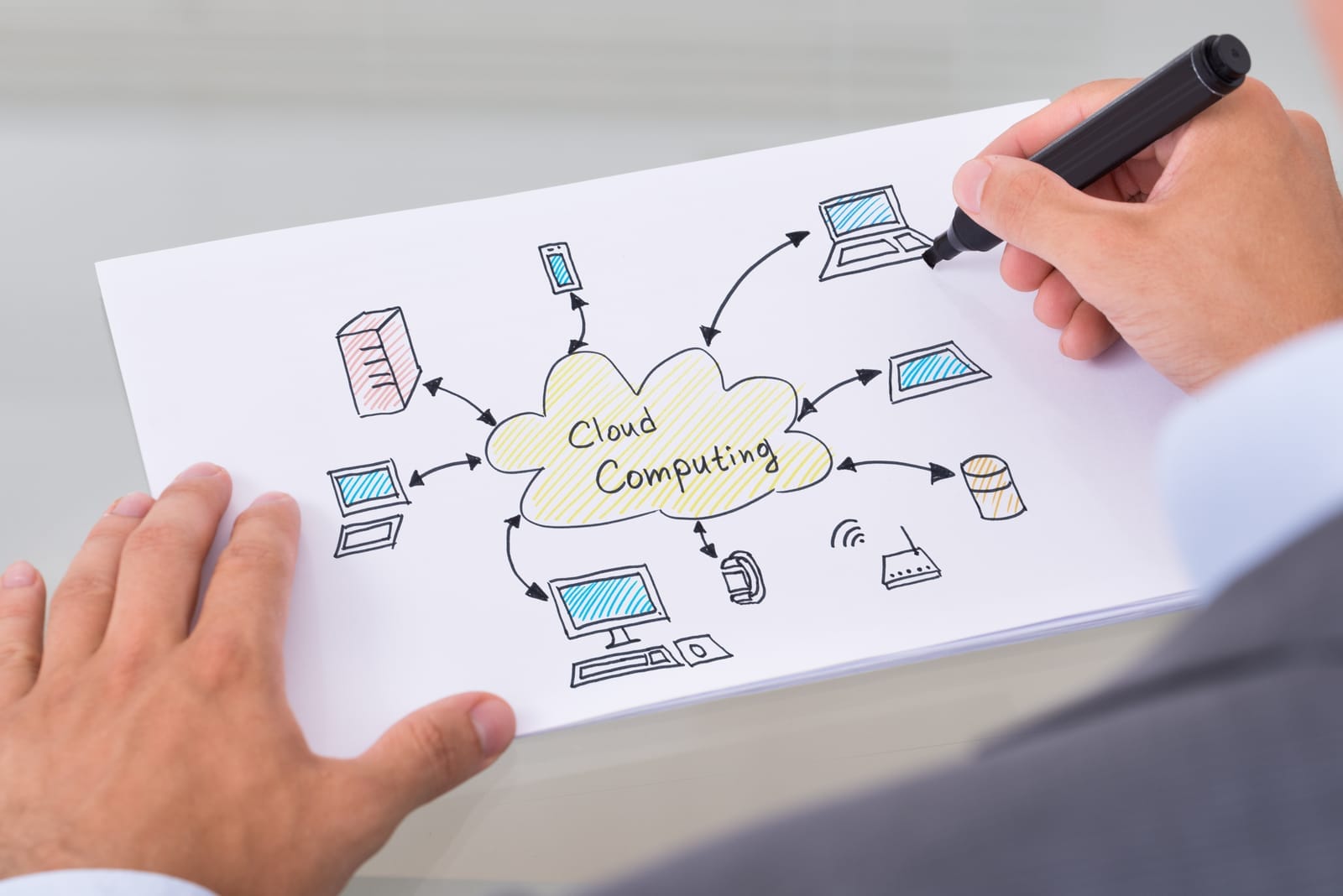
Picture a diagram where:
- On the left, you have factories/offices with local servers and edge gateways.
- On the right, your cloud environment with managed databases, app services, analytics.
- Arrows show data flowing in near‑real‑time between them—some workloads operating primarily in the cloud, some primarily on‑prem, plus a set of shared services across both.

4. Designing the Hybrid Architecture
Combining cloud‑managed services with on‑prem/private cloud
Think in layers:
- Identity and access layer
- Centralize identity in a cloud identity provider, integrate with on‑prem AD or LDAP. Enable single sign‑on for both cloud apps and on‑prem apps via federation.
- Application layer
- New customer‑facing and internal apps: host in cloud (containers, PaaS, or serverless).
- Legacy and latency‑critical apps: keep on VMware/Hyper‑V or on‑prem Kubernetes clusters.
- Data layer
- Use cloud‑managed databases, data warehouses, and message queues for new workloads.
- Keep large OT/plant data near the edge for ingestion and pre‑processing; send aggregated or time‑shifted data to cloud for further analysis.
- Management and observability layer
- Choose monitoring, logging, configuration, and patching tools that can handle both on‑prem and cloud workloads from a single pane of glass.
Example: Manufacturing SME
- On‑prem:
- VMware cluster running MES and SCADA; local historian DB for high‑frequency sensor data; edge appliance caching files.
- Cloud:
- Managed relational DB for ERP; analytics platform for aggregated sensor data; central identity; ticketing and collaboration tools.
- Integration:
- Message bus (cloud‑managed) that ingests cleaned data from edge gateways; VPN or direct connectivity between sites and cloud.
Edge locations and branch offices
Edge/branch environments should:
- Run local services required for continuity if WAN is down (e.g., local AD, print, file cache, key OT systems).
- Use lightweight orchestration (hypervisor or small K8s cluster) for any local microservices.
- Connect to the cloud over secure, resilient links; optionally with SD‑WAN to optimize routing.
Network design and connectivity options
At a high level:
- Site‑to‑site VPN
- Fastest, cheapest to start; suitable for pilots and smaller workloads. Uses the public internet with encryption.
- Dedicated connectivity (Direct Connect / ExpressRoute / Interconnect equivalents)
- Dedicated or partner‑managed circuits to clouds; better latency, more predictable performance; important for steady, high‑bandwidth or latency‑sensitive workloads.
- SD‑WAN
- Abstracts multiple connectivity options (MPLS, broadband, 4G/5G) and applies policies for routing, segmentation, and failover.
Design principles:
- Redundant tunnels/links from each major site.
- Clear network segmentation (prod vs non‑prod; OT vs IT).
- Encrypted traffic end‑to‑end.
- Avoid hairpinning all site traffic via a single data center if most services live in the cloud; use cloud‑native network hubs where appropriate.
Common hybrid patterns
- Cloud primary, on‑prem DR
- New ERP in cloud; asynchronous replication to on‑prem database for DR and reporting.
- Use if cloud is your main platform but you want a fallback if provider or connectivity fails.
- On‑prem primary, cloud DR
- Legacy ERP on‑prem; VMs replicated to cloud; warm standby DB in cloud.
- Use when re‑platforming is risky but you still want robust DR and testing capabilities.
- Split workloads
- Web and API tier in cloud; back‑end transactional DB on‑prem (or vice‑versa).
- Requires careful network and latency design; use when data gravity or regulations anchor one tier.
- Cloud bursting
- Normal compute on‑prem; during peaks, clone workloads into cloud to handle extra load.
- More complex; use sparingly and only where licenses, state management, and data synchronization are well thought through.
5. Resilience and Business Continuity
Using the cloud to improve resilience
Cloud gives you building blocks:
- Multi‑AZ deployments
- Run workloads across multiple availability zones to withstand data‑center‑level failures.
- Multi‑region or cross‑region replication
- Replicate databases and object storage across regions for DR and geo‑resilience.
- Managed backups and snapshots
- Automated, policy‑driven backups with lifecycle management.
However, resilience isn’t just “run in cloud”; you need:
- Documented RPO (Recovery Point Objective)
- How much data loss (in time) is acceptable? 0 seconds, 5 minutes, 1 hour, 24 hours?
- Documented RTO (Recovery Time Objective)
- How quickly must the service be back online? Seconds, minutes, hours?
Map each workload’s RPO/RTO to:
- Backup frequency and retention.
- Replication mode (synchronous vs asynchronous).
- DR architecture (cold, warm, hot standby).
When and how to maintain on‑prem or secondary copies
Maintain on‑prem or alternate copies where:
- Disaster and ransomware recovery
- Keep backups in multiple isolated locations, including:
- Cloud provider’s backup service in a separate account or subscription.
- On‑premises backup appliance or tape for offline/air‑gapped copies.
- Use immutable backups where possible (write‑once, can’t be modified).
- Keep backups in multiple isolated locations, including:
- Connectivity loss scenarios
- For sites that must operate if internet is down (factory, hospital):
- Local copies of critical apps or “degraded mode” capabilities on‑prem.
- Local caching of key data (patient summaries, work orders, production schedules).
- For sites that must operate if internet is down (factory, hospital):
- Regulatory or contractual requirements
- Some regulations require local copies, long‑term archives, or specific storage media; design cloud‑to‑on‑prem archive workflows accordingly.
Backup vs replication vs archive
- Backup
- Point‑in‑time copies used to restore data to a previous state. Typically versioned and kept for defined retention periods.
- Replication
- Real‑time or near‑real‑time copying of data to another system (for HA or DR). Good for fast failover, but can replicate corruption/ransomware if not carefully designed.
- Archive
- Long‑term, low‑cost storage of infrequently accessed data (e.g., for compliance or historical analysis). Often stored on slower, cheaper media and in different formats.
Your strategy for critical systems usually combines all three.

6. Compliance, Security, and Governance
Data residency and sector regulations
While the details differ by jurisdiction, common themes:
- Data residency
- Certain personal or sensitive data must remain within specific geographic boundaries or within infrastructure controlled by your organization.
- Sector‑specific rules
- Healthcare (e.g., HIPAA‑like frameworks) focus on confidentiality and auditability.
- Financial regulations emphasize data retention, transaction traceability, and operational resilience.
- Privacy regulations (e.g., GDPR‑like) introduce strict consent, data minimization, and data subject rights.
In a hybrid model:
- Tag and classify data with residency and sensitivity labels.
- Use cloud regions vetted for your regulatory scope, or keep affected data on‑prem if no compliant region exists.
- Ensure cross‑border data transfers are controlled and auditable.
Shared responsibility in cloud vs on‑prem
- On‑prem:
- You own everything—physical security, infrastructure, OS, middleware, apps, data, and user access.
- Cloud:
- Provider secures physical facilities and most of the underlying infrastructure.
- You remain responsible for:
- Identity and access management.
- Network configuration (e.g., security groups, firewalls).
- OS and application hardening (for IaaS).
- Data protection (encryption, key management, backups).
- Compliance with laws and standards.
Hybrid doesn’t reduce your responsibility; it changes where you implement controls and how you audit them.
Unified IAM, logging, and configuration management
A key success factor is consistency:
- Identity and access management (IAM)
- Single identity plane: one primary directory with federation to cloud and on‑prem apps.
- Role‑based access control and least‑privilege policies enforced across both environments.
- Use MFA, conditional access, and just‑in‑time elevation.
- Logging and monitoring
- Forward logs (cloud and on‑prem) to a central SIEM or log analytics platform.
- Normalize formats and tags (e.g., application name, environment, location).
- Monitor security events, performance, and capacity centrally.
- Configuration and change management
- Infrastructure‑as‑Code for cloud (and increasingly on‑prem) where feasible.
- Policy‑as‑code to enforce standards (e.g., encryption on, public exposure off).
- CMDB or service catalog reflecting both cloud and on‑prem assets.

7. Cost and Operational Considerations
Avoiding common cost traps
- Data egress and transfer charges
- Minimize constant back‑and‑forth between cloud and on‑prem; process data near where it’s generated, send aggregates rather than raw streams.
- Architect analytics to run close to the data set that’s largest or most central.
- Over‑provisioning cloud resources
- Right‑size instances, use autoscaling and scheduled scaling.
- Use reserved/committed capacity where workloads are predictable.
- Duplicating expensive licenses
- Many enterprise DBs, middleware, or security tools are costly. Avoid running full‑fat licenses both on‑prem and cloud if you can:
- Consider cloud‑managed equivalents instead of “bring‑your‑own‑license” everywhere.
- Rationalize vendors and standardize where possible.
- Many enterprise DBs, middleware, or security tools are costly. Avoid running full‑fat licenses both on‑prem and cloud if you can:
- “Lift‑and‑shift forever”
- Simply copying on‑prem VMs to cloud without right‑sizing or modernization may reduce control without reducing cost; treat lift‑and‑shift as a temporary step.
Operational trade‑offs in hybrid environments
Hybrid increases:
- Surface area: More platforms, more tools, more failure modes.
- Skill requirements: Teams must understand both cloud and on‑prem, plus how they integrate.
To make it manageable:
- Tool consolidation
- Use tools that span both worlds: unified monitoring, patching, and security enforcement across on‑prem endpoints and cloud resources.
- Automation first
- Automate provisioning (IaC), patching, backups, and DR tests.
- Use standard images/templates for both cloud and on‑prem workloads.
- Clear operating model
- Define who owns what: network vs platform vs application vs security.
- Standardize incident response processes across environments.
- Training and partners
- Upskill your team on core cloud concepts, and selectively use partners or managed services where it’s more efficient than building in‑house capability.

8. Implementation Roadmap for an SME
A realistic approach for a traditional, data‑heavy SME could look like this.
Phase 1: Assess and categorize
- Inventory your current estate
- Applications, databases, integrations, data flows, hardware, licenses.
- Classify workloads
- Business criticality, data sensitivity, latency needs, regulatory constraints, integration dependencies.
- Baseline costs and pain points
- Current infra cost, refresh cycles, frequent incidents, performance bottlenecks.
Outcome: A workload catalog with clear classification and initial cloud suitability assessment.
Phase 2: Quick wins in managed cloud services
Target areas where value is high and risk is low:
- Collaboration and productivity platforms.
- Non‑critical web apps and marketing sites.
- Development and test environments.
- Centralized backups of on‑prem workloads to cloud (as an additional layer).
- Central identity and SSO integration.
Use this phase to establish:
- Network connectivity (VPN, initial dedicated connections).
- Cloud governance basics: accounts/subscriptions, IAM structure, tagging standards, cost monitoring.
- Operational runbooks and monitoring setups.
Phase 3: Decide what remains on‑prem or becomes hybrid
Using your classification:
- Stay on‑prem
- Highly latency‑sensitive OT/plant systems.
- Legacy systems where migration risk is unjustifiable in the near term.
- Move to cloud
- Standard, low‑risk workloads with clear managed/cloud alternatives.
- Hybrid / duplicated
- Mission‑critical systems with strict RTO/RPO where on‑prem + cloud DR (or vice‑versa) is justified.
- Systems under regulatory strain, where you keep a compliant on‑prem copy but shift supporting analytics or front‑ends to cloud.
Design high‑level architectures for each category, including DR and backup strategies.

Phase 4: Pilot projects and iterative rollout
Pick 1–3 pilot workloads that:
- Represent different patterns (simple SaaS, lift‑and‑shift, partial re‑platform, hybrid).
- Are important but not existential if issues occur.
For each pilot:
- Define success criteria (RPO/RTO, performance, cost targets, user experience).
- Implement and test: connectivity, IAM, backup/restore, DR failover.
- Capture lessons learned and adjust your standards and patterns.
Then expand to broader rollout, reusing patterns and templates.
Phase 5: Rationalize providers and evaluate multi‑cloud
For most SMEs:
- One primary cloud provider is usually enough.
- A second provider might be justified if:
- You need specific PaaS/SaaS only available on that platform.
- Regulatory or customer requirements mandate multi‑cloud or specific providers.
- You have clear, tested patterns for portability and DR across providers.
Avoid multi‑cloud just for theoretical resilience if you don’t have the skills or budget to operate it. Hybrid (cloud + on‑prem/edge) already adds complexity; multi‑cloud multiplies it.
Focus on:
- A strong primary cloud environment with well‑defined patterns.
- Solid on‑prem and edge capabilities for workloads that need them.
- Clear, tested DR plans between cloud and on‑prem environments.

Bringing It All Together
A cloud‑first but not cloud‑only strategy is not about ideology—cloud good, on‑prem bad. It’s about disciplined decision‑making:
- Default new workloads to cloud‑managed services where they increase resilience, security, and agility.
- Explicitly keep or duplicate workloads on‑prem or at the edge when latency, data gravity, regulation, or RTO/RPO make that the safer or cheaper option.
- Design hybrid architectures with clear patterns, robust connectivity, and unified security and operations.
- Invest in classification, automation, and governance so your hybrid environment is manageable, auditable, and cost‑effective.
Done well, this approach doesn’t just modernize your IT; it makes your business more resilient to outages, ransomware, regulatory change, and growth—without forcing your critical, data‑heavy systems into ill‑fitting cloud‑only shapes.