
Passkeys and Passwordless Login: Is Your Business Ready?
For many small and midsize businesses (SMEs), passwords remain one of the most persistent sources of security risk and user frustration. Employees forget them, reuse them, enter them into convincing phishing sites, and request resets when they lose access. While you plan a move toward passkeys, you can immediately reduce risk by tightening day-to-day practices—see our guide to simple ways to improve password hygiene company-wide.
Passkeys offer a different approach. Instead of asking users to prove their identity with a shared secret, such as a password or one-time code, a service verifies possession of a cryptographic credential held on an approved device or credential manager.
Passkeys are not a universal solution, and adopting them requires more than enabling a setting in an identity platform. SMEs must consider recovery, device management, legacy applications, contractors, shared devices, and user education.
The practical question is not simply, “Are passkeys more secure?” It is:
Can your business deploy and support passkeys without creating unacceptable recovery, compatibility, or operational risks?
For many SMEs, the answer is to begin with a controlled pilot while retaining secure fallback methods.
What does “passwordless” mean?
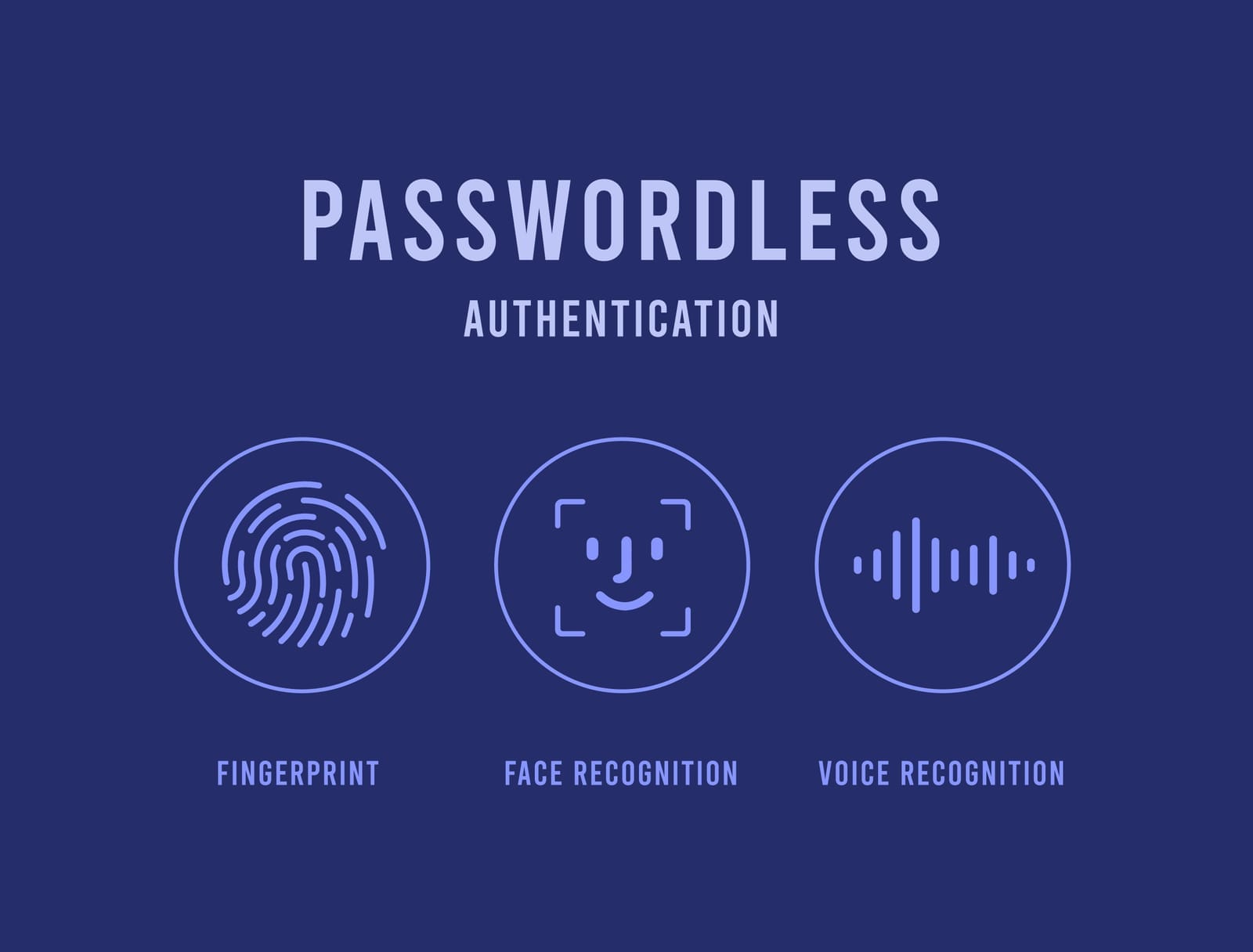
Passwordless authentication means a user signs in without entering a password. The term describes an outcome, not one specific technology.
Passwordless methods may include:
- Passkeys
- Hardware security keys
- Smart cards
- Device certificates
- Biometrics used with a device credential
- Push approvals
- One-time codes sent through an application, email, or SMS
These methods do not provide identical protection. A passwordless process can still be vulnerable to phishing if it relies on a code or approval that an attacker can persuade the user to disclose or accept.
For example, an SMS code may allow a user to log in without a password, but an attacker can still trick the user into revealing the code. A push-notification system may also be abused through repeated fraudulent approval requests.
Passkeys and hardware security keys generally provide stronger phishing resistance because the credential is cryptographically bound to the legitimate website or service. The user does not type a reusable secret into a page that an attacker can capture.
Passwordless authentication is not the same as MFA
Multifactor authentication (MFA) requires two or more different types of evidence, commonly:
- Something you know — a password or PIN
- Something you have — a phone, security key, or managed device
- Something you are — a fingerprint or facial-recognition factor
Passwordless authentication and MFA answer different questions:
- Passwordless asks: Is a password required?
- MFA asks: Are multiple authentication factors required?
A passkey can support MFA-like assurance because it typically combines possession of a device with a local unlock action, such as a PIN or biometric gesture. However, organizations should evaluate how their identity provider classifies and enforces the method.
Conversely, MFA can still involve passwords. A user might enter a password and then approve a notification or provide a security key.
Passwordless authentication is not the same as SSO
Single sign-on (SSO) allows a user to authenticate once with a central identity provider and then access multiple applications without logging in separately to each one.
SSO is about application access and session management. Passwordless authentication is about how the user authenticates.
They can be used together:
- A user signs in to the company identity provider with a passkey.
- The identity provider uses SSO to grant access to approved cloud applications.
SSO does not automatically mean passwordless, and passwordless authentication does not automatically provide SSO. If your app landscape has grown rapidly, navigating SaaS sprawl—licenses, costs and security will make SSO planning far smoother.
How passkeys work
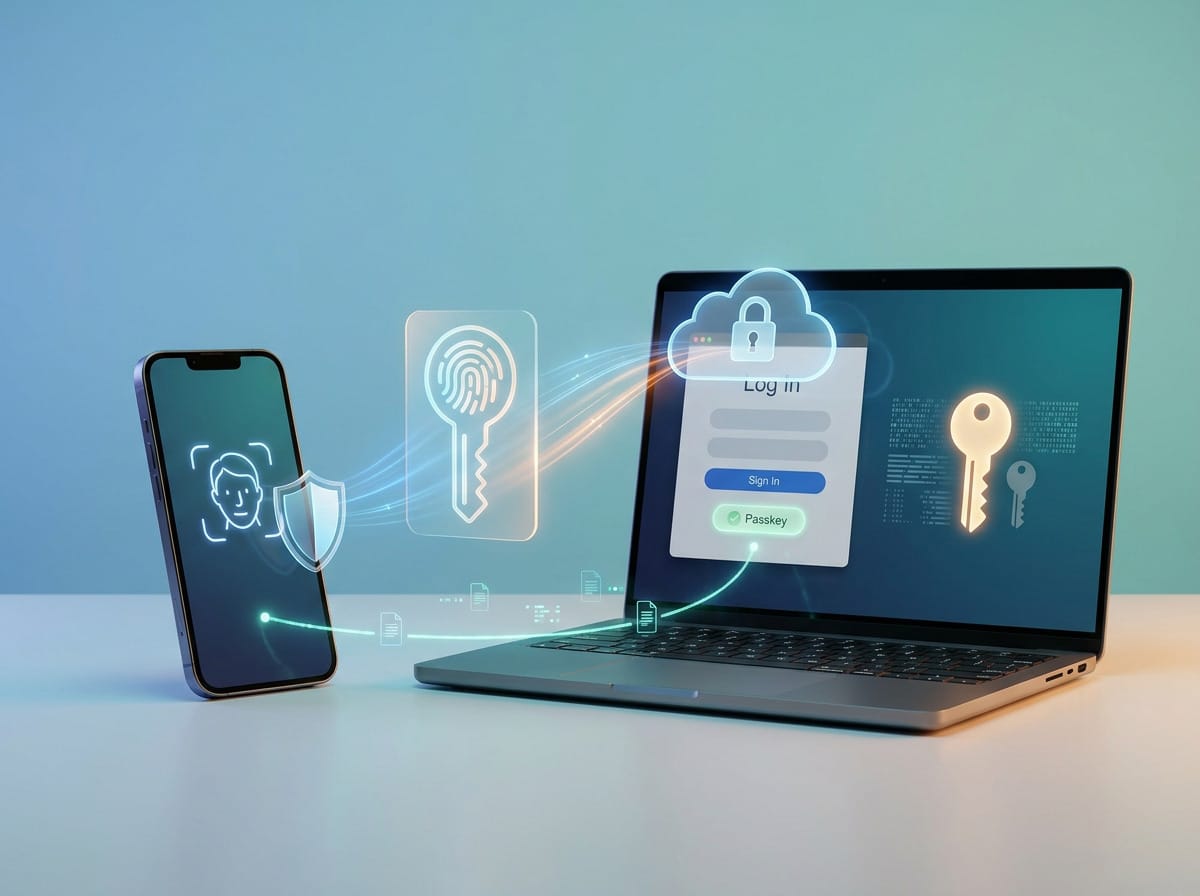
A passkey is a credential based on public-key cryptography. Instead of storing a password that both the user and service must know, the system creates a mathematically related key pair:
- A private key is stored on the user’s device or in a credential manager.
- A public key is registered with the online service.
The private key is used to prove possession of the credential, but it is not normally sent to the service. The service uses the corresponding public key to verify the proof.
In a typical sign-in:
- The user selects the passkey option.
- The service sends a sign-in challenge.
- The user unlocks the passkey locally, perhaps with a device PIN, fingerprint, or facial recognition.
- The device uses the private key to respond to the challenge.
- The service verifies the response using the registered public key.
- Access is granted if the response is valid.
The private key is not a password that the user is expected to remember or type.
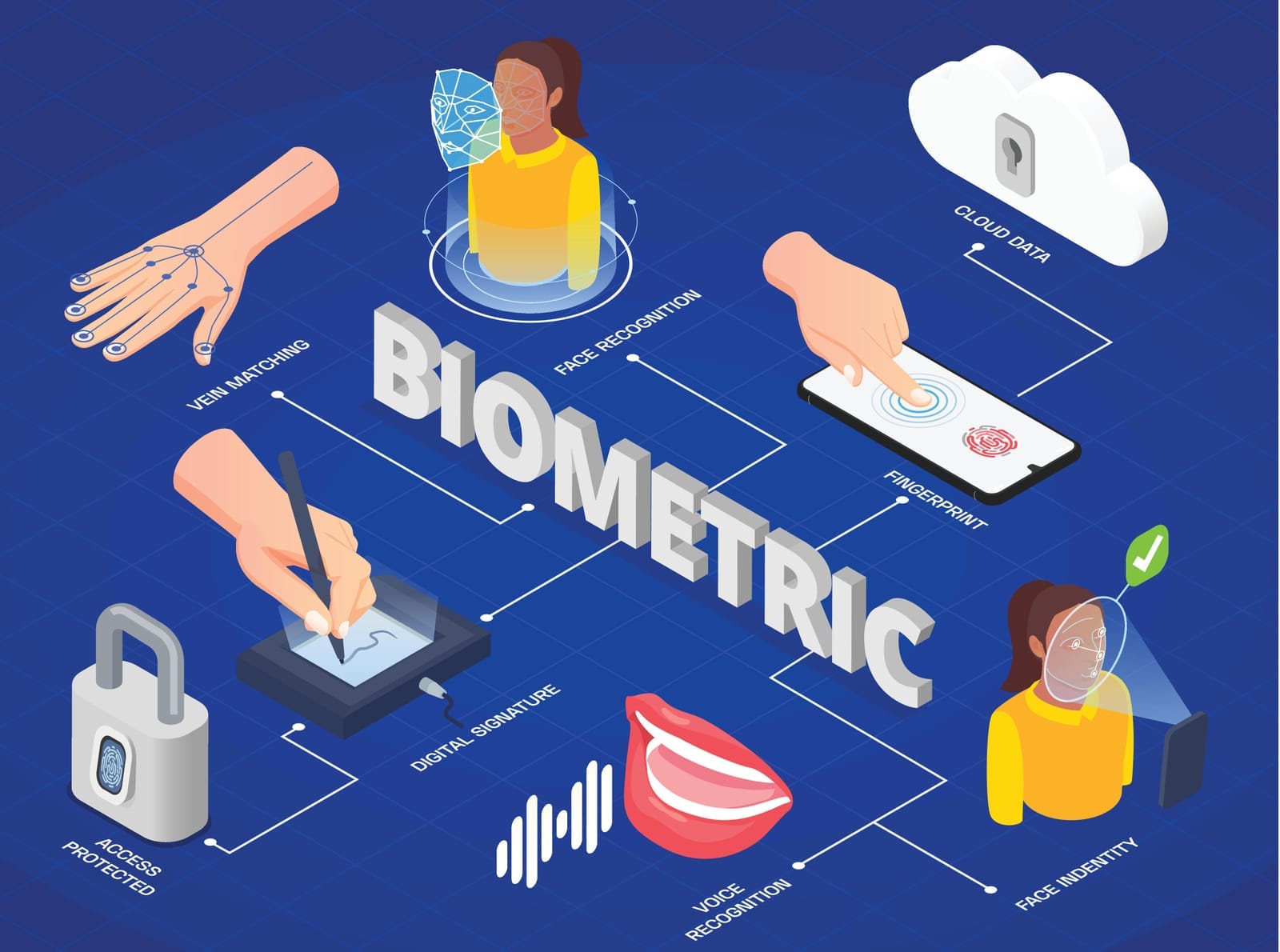
What happens to biometric data?
When a biometric is used, it generally unlocks the credential locally on the device. The fingerprint or facial template is normally processed by the device’s security hardware or operating system rather than sent to the website.
The service typically receives cryptographic proof that the credential was successfully used—not the user’s raw biometric data.
This distinction matters, but organizations should still verify the behavior and administrative controls of the specific platform, device, and credential manager being deployed.

WebAuthn and FIDO2: the standards behind passkeys
Two terms frequently appear in discussions about passkeys.
WebAuthn
Web Authentication, commonly called WebAuthn, is a web standard that enables browsers and websites to use public-key credentials for authentication. It is maintained through the World Wide Web Consortium (W3C) and developed with contributions from the FIDO community.
WebAuthn helps a website communicate with an authenticator—such as a device security module or hardware key—without handling the private key itself. It also incorporates the website’s origin, which helps prevent a credential created for one legitimate site from being used successfully on an impersonating site. [W3C WebAuthn]
FIDO2
FIDO2 is an authentication framework that includes WebAuthn and the related Client to Authenticator Protocol (CTAP). CTAP supports communication between devices, browsers, and external authenticators such as hardware security keys.
In simple terms:
- WebAuthn is the browser-and-website interface.
- CTAP helps devices and external authenticators communicate.
- FIDO2 refers to the broader ecosystem of these technologies.
Passkeys are commonly implemented through these standards, although the exact user experience and administrative capabilities depend on the operating system, browser, identity provider, and application.
Device-based and synced passkeys
Passkeys can be managed in two broad ways.
Device-based passkeys
A device-based passkey is tied closely to a particular device or hardware authenticator. It may be stored in a phone, laptop security module, smart card, or hardware security key.
Advantages can include:
- Strong control over where the credential exists
- Suitability for high-assurance or privileged accounts
- Clearer device inventory and revocation processes
- Reduced reliance on a consumer or platform credential-synchronization service
The trade-off is recovery. If the device or key is lost, the user may need a backup authenticator or a carefully controlled account-recovery process.
Synced passkeys
A synced passkey is copied or made available across a user’s trusted devices through a credential manager or platform account. This can make passkeys easier to use when an employee replaces a phone or signs in from another approved device.
Advantages can include:
- Easier device replacement
- More convenient access across phones and computers
- Less dependence on a single physical device
The trade-off is additional dependence on the credential manager and its account-protection model. The organization should understand how synchronization works, what recovery options exist, which devices are trusted, and how access is revoked when an employee leaves.
Neither model is automatically right for every business. A practical SME policy may use synced passkeys for ordinary users while requiring device-bound credentials or hardware security keys for administrators and other high-risk accounts.
Why passkeys can improve security
Passkeys address several weaknesses inherent in passwords.
Reduced phishing exposure
A passkey is designed to work with the legitimate service origin rather than with a visually similar phishing site. The user does not need to type a reusable password into a web form.
This can substantially reduce the effectiveness of traditional credential-harvesting pages. It does not eliminate all phishing risk: attackers may still target users through fake support calls, malicious applications, device compromise, or fraudulent recovery processes.
Less credential stuffing
Credential stuffing is the automated use of usernames and passwords stolen from one service against other services.
Passkeys are not reusable passwords. A private key created for one service is not normally useful for logging in to another service. This reduces the value of password databases and makes password reuse much less relevant.
Reduced password reuse and reset activity
Employees no longer need to create and remember a different password for every application that supports passkeys. That can reduce:
- Reused or predictable passwords
- Password-expiration complaints
- Routine reset requests
- Help-desk effort associated with forgotten passwords
The improvement depends on coverage. If only one application supports passkeys and the rest still require passwords, the organization will continue to manage password-related risk elsewhere.
Better resistance to intercepted codes
Passkeys do not depend on users reading a code aloud, copying it into a website, or approving an unexpected prompt. This can reduce attacks involving stolen SMS codes, intercepted email codes, or manipulated push approvals.
However, an attacker who gains control of an endpoint, identity-provider account, recovery channel, or administrator account may still be able to take over access. Passkeys reduce important attack paths; they do not guarantee that account takeover is impossible.

Practical limitations and risks
Passkeys are a security improvement in many environments, but they introduce operational responsibilities.
Device loss or replacement
A lost phone or laptop can leave a user without a convenient authentication method. If the credential is device-bound, the organization needs a replacement and recovery procedure. Pair these steps with IT asset lifecycle management so devices are tracked from procurement to secure disposal.
Useful controls include:
- Registering more than one authenticator where appropriate
- Keeping a controlled spare hardware key for selected users
- Defining how lost devices are reported and revoked
- Ensuring offboarding removes access promptly
- Testing recovery before a real emergency occurs
Account recovery can become the weak link
A strong passkey can be undermined by a weak recovery process. If a help-desk worker can reset an account based only on easily discovered information, an attacker may bypass the main authentication control.
Recovery should use documented verification procedures, separation of duties for sensitive accounts, logging, and additional approval for privileged users. Recovery channels—such as personal email addresses or phone numbers—should be treated as security-sensitive. For related planning beyond identity, see our SME guide to IT disaster recovery and business continuity.
Shared accounts
Passkeys are designed primarily for individual identities. Shared accounts create problems:
- Who owns the passkey?
- How is access removed when someone leaves?
- How can the business determine which person performed an action?
- How are multiple users enrolled and recovered?
Where possible, replace shared accounts with individual accounts and role-based access. If a legacy system requires a shared account, document the exception and consider a managed access method rather than distributing one person’s passkey among several employees.
Legacy applications
Some older applications, local software, VPNs, file servers, or line-of-business systems may not support modern authentication standards. SMEs may need a transition architecture involving:
- SSO through an identity provider
- Application proxies
- Password managers
- Hardware security keys
- Certificate-based authentication
- A limited, separately protected password process
Do not remove the existing login method until the application, integration, and recovery paths have been tested.

Platform and browser compatibility
Passkey support varies by operating system, browser, application, account type, and policy configuration. The same employee may have a smooth experience in one application and no passkey option in another.
Before rollout, test the actual combinations used by the business:
- Company-managed laptops
- Mobile devices
- Different browsers
- Remote-desktop environments
- Virtual machines
- Shared workstations
- Contractor-owned devices
- Key business applications
If the business operates across countries, device fleets, or regulated environments, document any platform-specific limitations rather than assuming that a feature available in one environment is available everywhere.
Migration challenges
A passkey does not automatically replace every password. Migration may require:
- Enabling support in each application
- Mapping identities correctly
- Registering users
- Updating onboarding and offboarding
- Revising help-desk scripts
- Communicating changes clearly
- Retaining fallback access during transition
Poorly planned migration can create lockouts, duplicate accounts, inconsistent policies, and employee resistance.
Administrative overhead
Passkeys reduce some password work but create new management tasks. Administrators must understand enrollment, revocation, device changes, recovery, audit logs, policy enforcement, and exception handling.
The work is manageable, but it should be assigned to a named owner. Identity security cannot be treated as a one-time project.
Dependence on identity providers and credential managers
Organizations may become dependent on:
- A cloud identity provider
- A device operating system
- A credential manager
- A browser ecosystem
- A vendor’s synchronization and recovery model
Before committing, review export, recovery, revocation, support, and exit options. The business should know what happens if a provider changes its product, suffers an outage, or becomes unsuitable. When assessing third parties, use these red flags and questions to ask your IT vendor to avoid hidden risks.

Is your SME ready?
Passkeys are a good candidate for adoption when the business already has basic identity and device-management discipline.
1. Reliable identity and access management
You should know:
- Which identity provider is authoritative
- Which applications are connected to it
- Who has administrative privileges
- How joiners, movers, and leavers are managed
- How dormant accounts are detected
- How access reviews are performed
If employee identities are fragmented across many unmanaged systems, begin with identity consolidation. Shifting from break-fix to proactive IT management also strengthens the governance needed for dependable identity controls.
2. Mature MFA and recovery processes
Passkeys are easier to introduce when MFA is already deployed and users understand authentication changes.
Confirm that you have:
- MFA for administrators and remote access
- Documented recovery procedures
- A process for lost devices and lost security keys
- Emergency access accounts where appropriate
- Logging and review of authentication events
- Strong help-desk identity-verification procedures
A business with no reliable recovery process should fix that before making passkeys the primary login method.
3. Supported systems
Create an application inventory and classify systems as:
- Passkey-ready
- Compatible through an identity provider or SSO
- Compatible with another phishing-resistant method
- Dependent on passwords
- Unsupported or scheduled for replacement
Start with applications that hold sensitive information and already support modern authentication.
4. Device-management capabilities
A managed device fleet makes deployment and support easier. Relevant capabilities may include:
- Centralized device enrollment
- Screen-lock and encryption policies
- Operating-system updates
- Remote lock or wipe
- Application management
- Inventory of security keys and devices
- Ability to revoke access when a device is lost
Unmanaged personal devices require additional policy and privacy consideration.
5. A plan for contractors and shared devices
Contractors may use different operating systems, browsers, and identity providers. Shared devices may not be suitable for a passkey tied to one employee.
Define:
- Which users may use personal devices
- Whether contractors receive hardware security keys
- How temporary access expires
- How shared workstations are secured
- How individual accountability is preserved
- Who supports nonstandard environments
To build this awareness across your workforce, see our guide on empowering non-IT staff to spot security risks before they escalate.
6. Executive sponsorship and user training
Passkeys affect how people work. Executive support is useful when exceptions, application upgrades, or hardware purchases require budget and policy decisions.
Training should explain:
- What a passkey is
- How to enroll one
- What a legitimate sign-in prompt looks like
- What to do after losing a device
- Why users must not approve unexpected authentication requests
- How to contact support safely
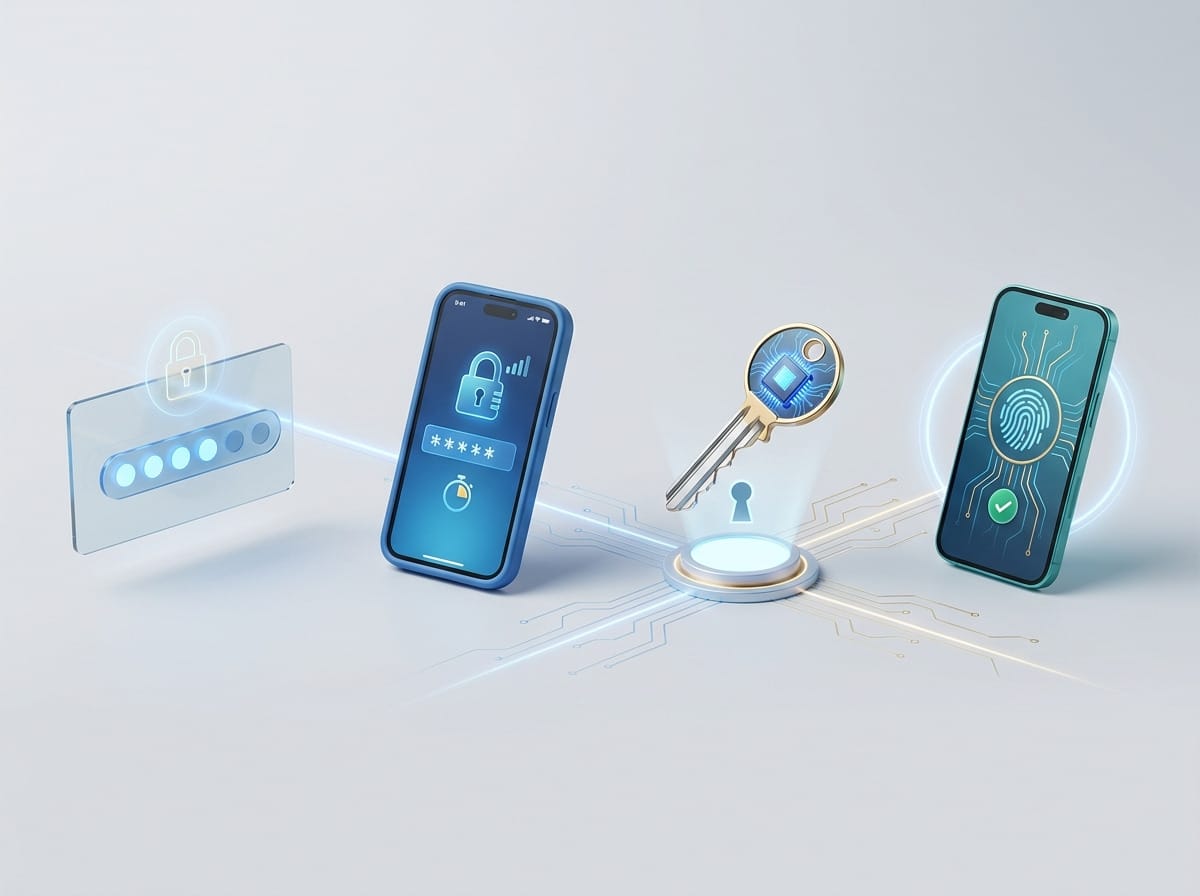
Passwords, codes, keys, and passkeys compared
Method | Main user action | Phishing resistance | Main strengths | Main limitations |
|---|---|---|---|---|
Password | Enter a shared secret | Low | Universal legacy compatibility; familiar | Phishing, reuse, stuffing, resets, and weak-password risk |
SMS code | Enter a code sent to a phone | Low to limited | Easy to deploy; works on many phones | SIM-swap, interception, phishing, and delivery problems |
Authenticator app | Enter a time-based code or approve a prompt | Varies; generally better than passwords but not always phishing-resistant | Widely supported; useful MFA step | Codes can be phished; push approvals can be socially engineered |
Hardware security key | Touch or activate a physical key | High when correctly implemented | Strong phishing resistance; useful for privileged users | Cost, loss, replacement, and compatibility considerations |
Passkey | Unlock a device or credential manager | Generally high when implemented through WebAuthn/FIDO2 | Convenient; resistant to many credential attacks; no password to remember | Recovery, platform support, migration, and management complexity |
The table describes general characteristics. Exact security depends on implementation, policy, user behavior, device security, and the application.
Productivity benefits—and the trade-offs
Passkeys can improve productivity by reducing the need to:
- Remember complex passwords
- Re-enter passwords across applications
- Wait for routine password resets
- Respond to repeated password-expiration prompts
- Handle some help-desk authentication requests
The sign-in experience can also be faster, particularly when users already unlock their phone or laptop with a PIN or biometric.
But “passwordless” does not mean “frictionless.” Users may encounter:
- A new enrollment process
- Confusion about which device holds a credential
- Cross-device sign-in steps
- Additional prompts on unmanaged devices
- Recovery procedures after device loss
- Incompatibility with older applications
- Different experiences across browsers and operating systems
The goal should be less risky and more manageable authentication, not a promise of zero friction.
Measure the outcome rather than assuming success. If passkeys reduce password resets but increase account-recovery incidents, the program needs adjustment.

A phased rollout plan for SMEs
Phase 1: Assess
Begin with an inventory and risk assessment.
Document:
- Users, administrators, contractors, and external parties
- Applications and authentication methods
- Device and browser types
- Existing MFA coverage
- Password-reset and recovery volumes
- High-value accounts and systems
- Shared accounts and technical exceptions
Select a small number of applications where passkeys are supported and the business benefit is clear.
Phase 2: Design policy and recovery
Define:
- Which users may enroll passkeys
- Whether synced, device-based, or hardware-key credentials are permitted
- Minimum device and screen-lock requirements
- Backup authenticator expectations
- Lost-device and lost-key procedures
- Help-desk verification requirements
- Administrative and break-glass access
- Offboarding and revocation steps
Do not make recovery an afterthought. Test it with an ordinary employee and a privileged administrator.
Phase 3: Pilot with a representative group
Choose users who reflect actual operating conditions, such as:
- Office and remote employees
- Different departments
- Managers and individual contributors
- Users of different devices and browsers
- Contractors, if they are in scope
- At least a small number of support staff
Avoid a pilot consisting only of technically enthusiastic employees using identical company laptops. That can hide real-world problems.
During the pilot, retain secure fallback methods. A fallback should be protected and monitored, not simply a permanent return to weak passwords.
Phase 4: Measure results
Track both security and productivity.
Useful metrics include:
- Passkey enrollment rate
- Successful-login rate
- Failed-login and abandonment rate
- Help-desk tickets by category
- Password-reset volume
- Account-recovery volume
- Time required to recover access
- Phishing-resistant MFA coverage
- Number of applications using passwordless authentication
- User adoption and satisfaction
- Authentication-related security incidents
- Exceptions and fallback-method usage
Compare results with the organization’s pre-pilot baseline where possible. Avoid relying only on enrollment numbers; a passkey that is enrolled but rarely used has limited operational value.
Phase 5: Expand gradually
Expand by application or user group rather than switching everything at once.
Prioritize:
- Administrators and other high-value accounts
- Cloud identity and productivity platforms
- Remote access and sensitive business applications
- Users with frequent password-reset activity
- Remaining compatible systems
Review results after each stage. Update training, support documentation, and recovery controls before proceeding.
Phase 6: Reduce legacy dependence carefully
Once usage is stable, consider reducing password access for selected applications or groups. Do not remove fallback methods until:
- Recovery has been tested
- User coverage is sufficient
- Application compatibility is confirmed
- Support staff are prepared
- Exceptions are documented
- Emergency access is available and monitored

Common mistakes to avoid
Treating all passwordless methods as equally secure
A code sent by SMS and a phishing-resistant passkey are not equivalent. Evaluate the underlying protocol and attack resistance.
Focusing only on enrollment
Enrollment is not adoption. Measure actual use, failed sign-ins, recovery, and user experience.
Ignoring privileged accounts
Administrators should generally receive stronger controls and more carefully managed recovery than ordinary users.
Leaving shared accounts unchanged
Passkeys cannot solve the accountability problems created by shared identities. Fix the identity model where possible.
Making recovery too easy
A weak support process can negate the protection of a strong authenticator.
Removing fallback access prematurely
Transition failures are inevitable in a mixed application environment. Retain a controlled fallback until the organization has demonstrated reliable access and recovery.
Assuming vendor documentation applies universally
Capabilities can vary by subscription, operating system, browser, region, application, and administrative policy. Confirm the exact configuration used by your business.
Readiness checklist
Before adopting passkeys broadly, confirm that you have:
- A clearly managed identity provider
- An inventory of users, devices, and applications
- MFA enabled for important accounts
- Tested account-recovery procedures
- Lost-device and offboarding processes
- Supported operating systems, browsers, and applications
- Device-management controls where needed
- A policy for synced versus device-based passkeys
- A plan for contractors and shared devices
- Individual accounts wherever possible
- Executive sponsorship and an assigned program owner
- User training and help-desk documentation
- Secure fallback methods during migration
- Metrics for adoption, reliability, recovery, and support impact
Recommendation framework
Adopt now
Consider adopting passkeys now if:
- Your identity provider and key applications support them
- MFA and account recovery are already reliable
- Devices are reasonably well managed
- You can provide individual identities
- Your support team can handle enrollment and recovery
- Leadership supports a phased rollout
Begin with administrators, high-value applications, and a representative pilot group.
Pilot first
Pilot passkeys if:
- Support exists but varies across applications or devices
- You have a mixed workforce or contractor population
- You are uncertain about synced credentials
- Recovery procedures exist but have not been tested at scale
- Users rely on shared devices or legacy systems
- You need evidence about productivity and support impact
A pilot should produce operational evidence, not merely positive opinions.
Prepare before adopting
Prepare first if:
- Identity management is fragmented
- MFA is absent or inconsistently enforced
- Recovery depends on informal help-desk checks
- Important systems do not support modern authentication
- Devices are unmanaged and difficult to secure
- Shared accounts are widespread
- There is no owner, budget, or executive sponsorship
In this situation, improve identity, MFA, device management, application inventory, and recovery before making passkeys a central authentication strategy.

Conclusion
Passkeys are a significant development in authentication because they replace many reusable secrets with cryptographic credentials that can be difficult for phishing sites to exploit. They can reduce password reuse, credential stuffing, and routine reset work while offering a simpler sign-in experience.
They are not risk-free, universally compatible, or automatically successful. Device loss, recovery, legacy applications, shared accounts, platform differences, and credential-manager dependence require deliberate planning.
For most SMEs, the sensible approach is neither to ignore passkeys nor to mandate them everywhere immediately. Assess the environment, pilot with representative users, retain controlled fallback methods, measure the results, and expand only when the organization can support the change reliably.
The best time to adopt passkeys is when the business has enough identity and device-management maturity to make them a dependable part of its broader security program. If you need expert support to plan, pilot and manage passwordless authentication, learn how managed IT services for cybersecurity protect SMEs from modern threats.
References
- W3C, Web Authentication: An API for Accessing Public Key Credentials — WebAuthn specification: https://www.w3.org/TR/webauthn/
- FIDO Alliance, Passkeys: https://fidoalliance.org/passkeys/
- FIDO Alliance, FIDO2: https://fidoalliance.org/fido2/
- NIST, Digital Identity Guidelines, Special Publication 800-63B: https://pages.nist.gov/800-63-3/
- Apple, Passkeys: https://support.apple.com/
- Google, Passkeys: https://support.google.com/
- Microsoft, Passkeys and passwordless authentication: https://learn.microsoft.com/en-gb/entra/identity/authentication/concept-authentication-passkeys-fido2 [W3C WebAuthn] [FIDO Alliance] [NIST SP 800-63B]